The 12 Best Database Client Tools for Developers in 2026
Discover the best database client for your workflow. We review 12 top tools with actionable insights, use cases, and honest pros and cons for 2026.
Finding the best database client for your workflow can dramatically improve your productivity. Whether you're an indie developer prototyping with PlanetScale, a data analyst running ad-hoc queries, or a DevOps engineer managing production databases, the right tool makes all the difference. A powerful graphical user interface (GUI) replaces cumbersome command-line operations with intuitive controls for everything from inline data editing to complex schema migrations.
This guide moves beyond generic feature lists to provide a practical, in-depth comparison of the top database GUIs available today. We've evaluated each client based on real-world use cases relevant to developers, analysts, and small engineering teams. You'll discover which tools excel with specific databases like PostgreSQL, MySQL, and SQLite, and which offer the best cross-platform experience.
Instead of wading through marketing copy, you'll get a clear, honest assessment of each option's strengths and limitations. For every client, we provide:
- A quick snapshot of its core functionality.
- Actionable pros and cons based on daily use.
- Specific "Best For" scenarios to match the tool to your role.
- Screenshots and direct links to get you started quickly.
Our goal is to give you the actionable insights needed to confidently select a database client that fits your exact needs, budget, and technical environment. Let's dive into the top contenders.
1. TableOne
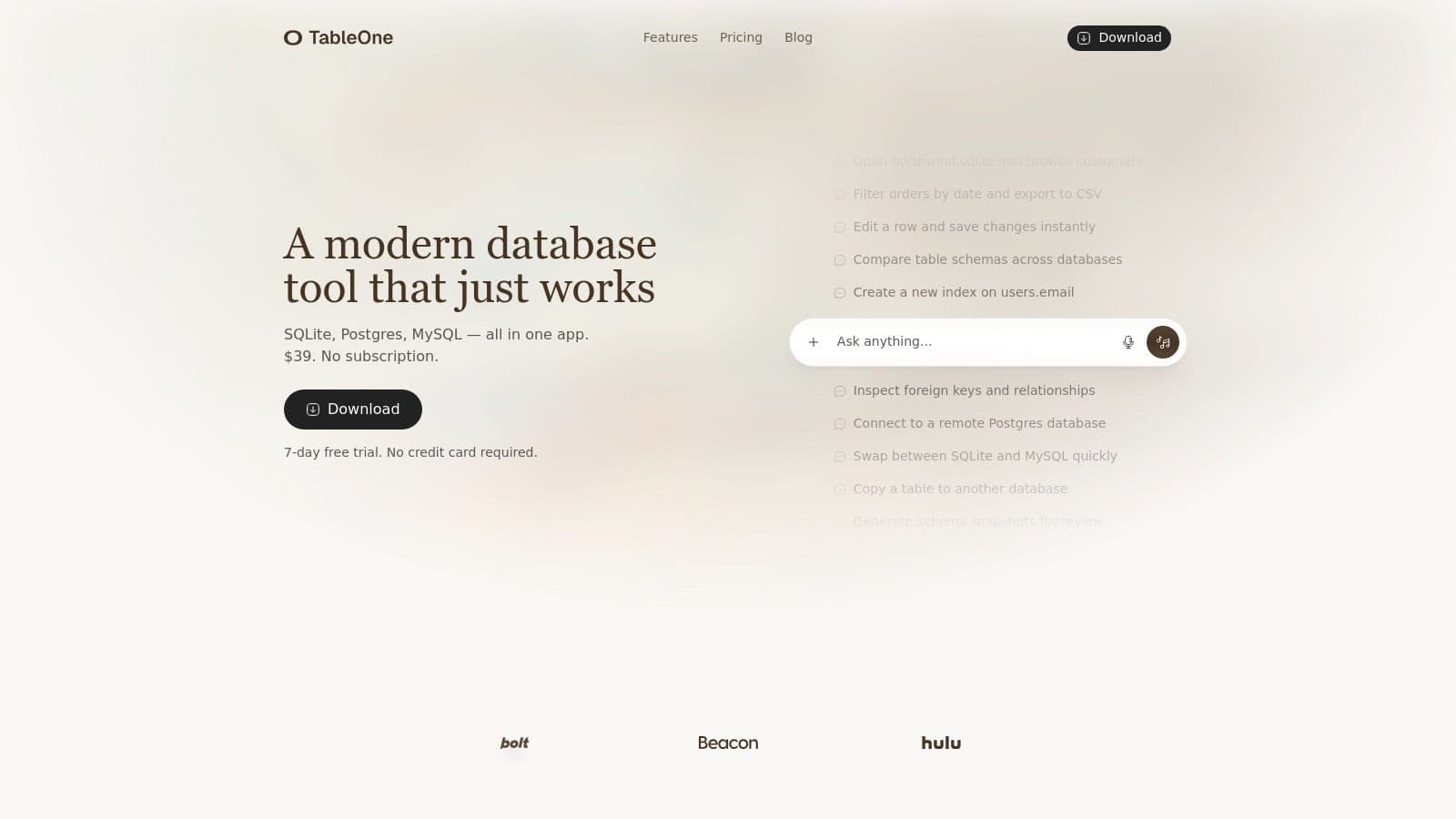
TableOne presents a compelling, focused solution for developers, analysts, and small teams searching for the best database client without the complexity of subscriptions or enterprise-grade bloat. It's a cross-platform desktop GUI that delivers core functionality with remarkable efficiency, supporting SQLite, PostgreSQL, and MySQL databases. This scope makes it exceptionally useful for modern development workflows, where engineers often switch between local SQLite files for prototyping and secure, remote production instances on platforms like PlanetScale, Neon, or Supabase.
The interface is intentionally clean and centered on a powerful, editable data grid. Instead of navigating through cluttered menus, users can directly perform inline edits, filter records, and run ad-hoc queries with ease. This design philosophy reduces friction in common tasks, allowing for faster iteration and debugging. For example, a developer can quickly import a users.csv file into a local test database, make direct modifications to a few records, and then use the schema comparison tool to verify the table structure against the production environment before deploying a migration.
Key Strengths and Use Cases
TableOne distinguishes itself with a practical feature set that directly addresses everyday developer needs. Beyond standard CRUD operations, its utilities are designed for real-world scenarios.
- Schema Comparison: A standout feature that lets you instantly diff the schemas of two different databases. This is invaluable for DevOps engineers preparing deployments or developers ensuring their local environment matches production. For example, you can diff your local Dockerized PostgreSQL instance against the staging database to generate a precise migration script.
- Data Portability: Effortlessly copy entire tables, with their data, from one database to another. A developer could use this to pull down a sanitized production table into their local SQLite environment for testing a new feature. This is as simple as right-clicking the table and choosing 'Copy to another database'.
- Workflow Integration: Generate schema snapshots for inclusion in pull requests, providing clear documentation for code reviews. This practice helps teams maintain a high standard of data integrity. For instance, when adding a
last_logincolumn to theuserstable, you can paste the schema diff into the PR description to show reviewers the exact change.
The pricing model is a significant advantage. A one-time purchase grants a transferable license, a refreshing alternative in a market dominated by SaaS subscriptions. For more insights into how a dedicated desktop client can improve workflows, you can explore the considerations for choosing a database tool.
Practical Assessment
| Feature | Analysis |
|---|---|
| User Experience | The UI is lightweight and responsive. The focus on an editable grid is a major productivity win for anyone who needs to quickly inspect and modify data without writing UPDATE statements for every small change. |
| Pricing Model | Simple and developer-friendly. The $39 one-time Solo license (or Team license from $117 for 3 seats) with a 7-day free trial is predictable and avoids recurring costs. |
| Cross-Platform Support | Native apps for macOS, Windows, and Linux ensure a consistent experience across any development environment. |
| Database Focus | While its strength is in its focused support for SQLite, PostgreSQL, and MySQL, it lacks native connectors for NoSQL databases like MongoDB or other SQL variants like Microsoft SQL Server. |
- Pros: One-time pricing, cross-platform support, practical developer tools (schema compare, data copy), clean UI with inline editing.
- Cons: Limited to popular SQL databases, updates require renewal after the first year.
Website: https://tableone.dev
2. TablePlus
TablePlus has earned its reputation as a favorite database client among developers who value speed, simplicity, and a native application feel. It offers a polished, uncluttered interface that makes daily database tasks like querying, editing, and managing schemas straightforward. Its performance is a key differentiator; because it’s a native macOS, Windows, and Linux app, interactions are instant and resource usage is minimal compared to some Electron-based alternatives.
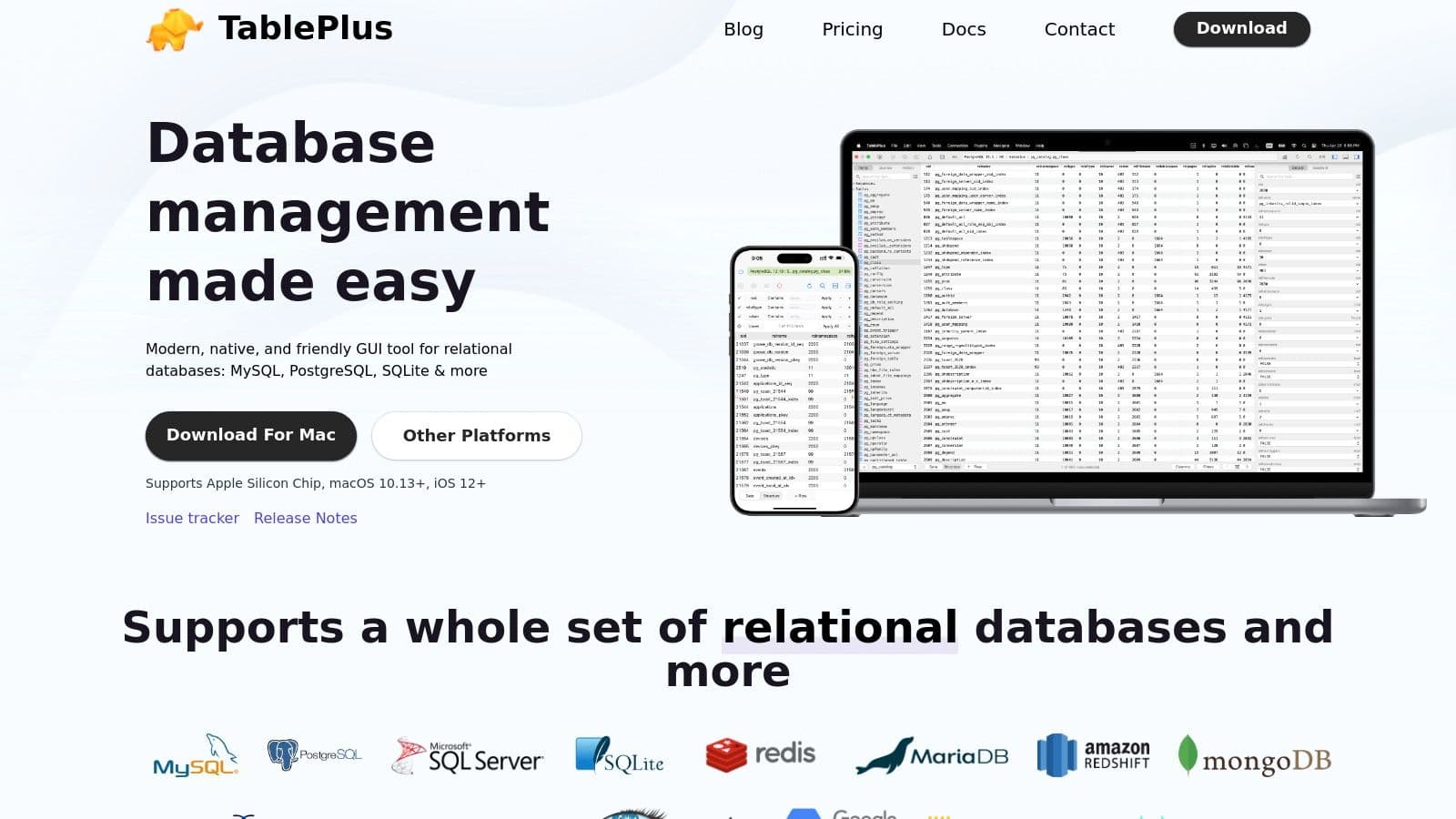
The application supports an impressive range of relational and NoSQL databases, including PostgreSQL, MySQL, SQLite, SQL Server, Redis, and MongoDB. This multi-database support makes it a versatile tool for full-stack developers who work across different technologies. One of its most appreciated features is the perpetual license model. You pay once and own the software forever, receiving one year of updates. This is a refreshing alternative to the subscription fatigue common with many modern developer tools. For those just starting, the free version is quite generous, allowing up to two active connections, tabs, and windows at a time.
Why It's a Top Contender
TablePlus excels at core, everyday database operations. Inline editing in the data grid feels as intuitive as working in a spreadsheet. Practical features like a robust SQL editor with autocomplete, multi-tab and multi-window support, and built-in SSH tunneling make it a powerful daily driver.
Actionable Example: A backend developer needs to quickly debug a data integrity issue in a production database running on a remote server. Using TablePlus, they can establish a secure connection via the built-in SSH tunnel, run a query to isolate the problematic rows, and directly edit the incorrect values in the grid view to apply a hotfix in minutes. The change is committed with a simple
Cmd+S, saving critical time.
Website: https://tableplus.com/
| Feature Analysis | Assessment |
|---|---|
| User Interface | Clean, responsive, and native to the operating system. Low learning curve. |
| Database Support | Excellent. Covers all major relational databases plus popular NoSQL options. |
| Core Functionality | Strong focus on essential CRUD operations, querying, and filtering. |
| Pricing Model | User-friendly perpetual license with a one-time fee. |
Pros and Cons
- Pros:
- Extremely fast and responsive native UI on all platforms.
- Simple, one-time payment licensing model is a major plus.
- Excellent for everyday query and data manipulation tasks.
- Cons:
- Lacks built-in features for team collaboration or query sharing.
- Advanced database administration tools are less extensive than in specialized clients.
3. DBeaver
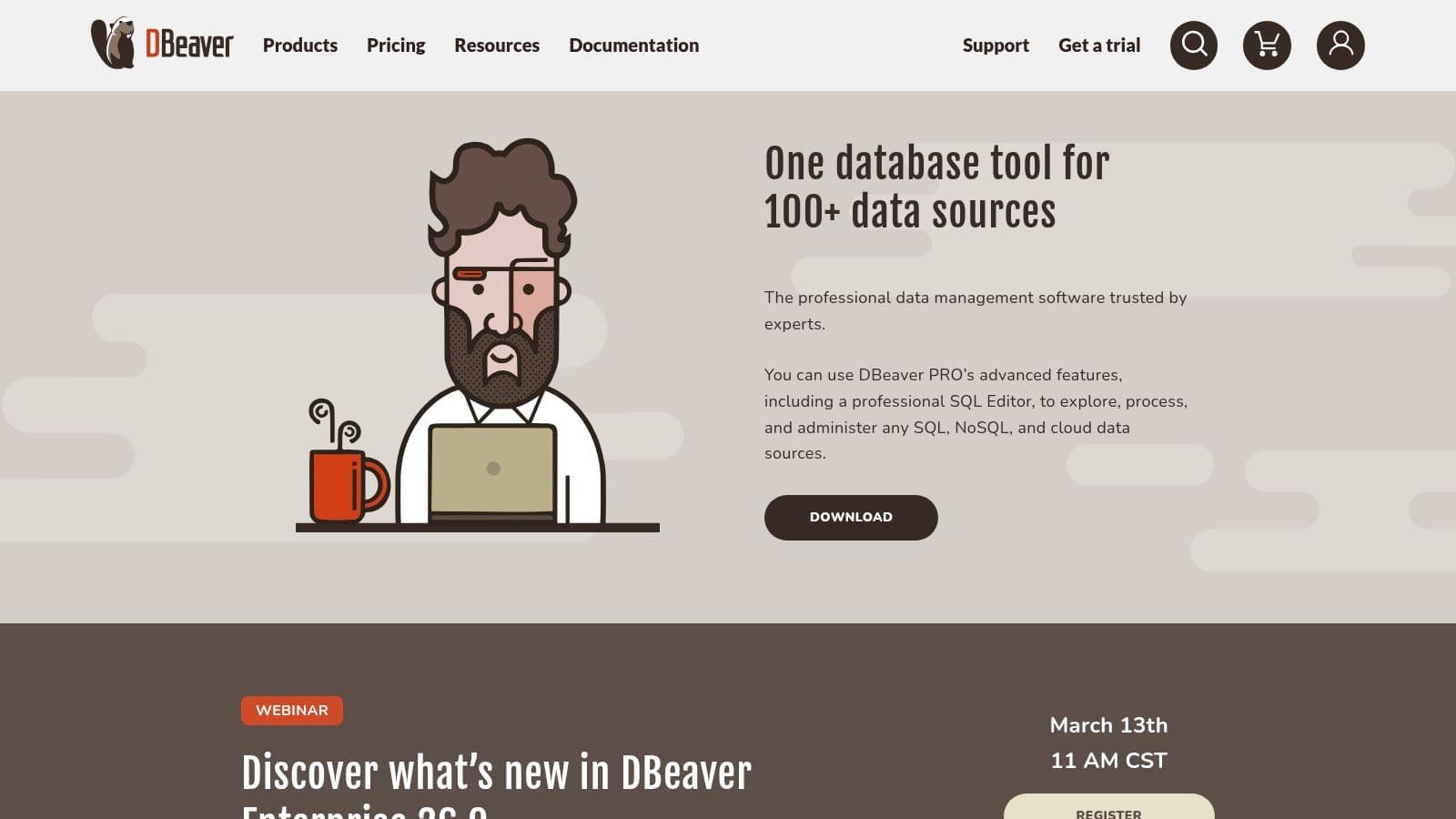
DBeaver has established itself as a universal database tool, widely recognized for its extensive database support and powerful, feature-rich environment. As a Java-based, cross-platform client, it offers a consistent experience on Windows, macOS, and Linux. Its biggest draw is the ability to connect to virtually any data source that has a JDBC driver, making it a go-to for developers and database administrators working in complex, heterogeneous environments. The free Community Edition is remarkably capable for most SQL-related tasks, providing a solid foundation for individuals and teams.
The application balances developer-centric features like a smart SQL editor with robust administrative tools, including ER diagrams, data and schema comparison, and mock data generation. While its interface is more dense and packed with options than some minimalist clients, this depth is precisely what its users value. For those needing more, the paid Enterprise Edition expands support to NoSQL databases, cloud data sources, and adds enterprise-level security features like SSO. This tiered approach allows DBeaver to serve everyone from students to large corporate teams, solidifying its place as a top-tier database client.
Why It's a Top Contender
DBeaver is the swiss army knife of database clients, excelling where versatility is key. Its powerful data transfer utilities allow for complex export/import jobs between different database systems. For DBAs, visual tools for user management, session monitoring, and viewing database object DDL are essential. It's an excellent replacement for legacy tools, as detailed in many guides on finding a good phpMyAdmin alternative.
Actionable Example: A data analyst is tasked with migrating a subset of data from a legacy Oracle database to a new PostgreSQL data warehouse. Using DBeaver, they connect to both sources, visually build a query to select and transform the required data, and use the data export wizard to directly transfer the result set from Oracle to PostgreSQL without writing complex scripts or using intermediate files. They can even save the export task as a template to re-run it later.
Website: https://dbeaver.com/
| Feature Analysis | Assessment |
|---|---|
| User Interface | Functional and feature-dense, built on the Eclipse platform. Can feel heavy. |
| Database Support | Exceptional. The Community Edition supports any source with a JDBC driver. |
| Core Functionality | Excellent mix of developer tools (SQL editor) and admin features (ER diagrams). |
| Pricing Model | Powerful free and open-source version, with paid tiers for advanced features. |
Pros and Cons
- Pros:
- Massive database support through its JDBC-based architecture.
- Strong balance of developer and database administrator tooling in one app.
- Full feature parity across Linux, macOS, and Windows.
- Cons:
- Java-based UI can feel less responsive and has a larger memory footprint.
- Some key features, like NoSQL support and data compare, are behind a paywall.
4. JetBrains DataGrip
For developers deeply embedded in the JetBrains ecosystem or those who need a powerful, IDE-like experience, DataGrip stands out as a top-tier database client. It's less a simple query tool and more a professional database IDE, offering intelligent code completion, on-the-fly analysis, and advanced refactoring capabilities. This focus on developer productivity makes writing and maintaining complex SQL a much more manageable task.
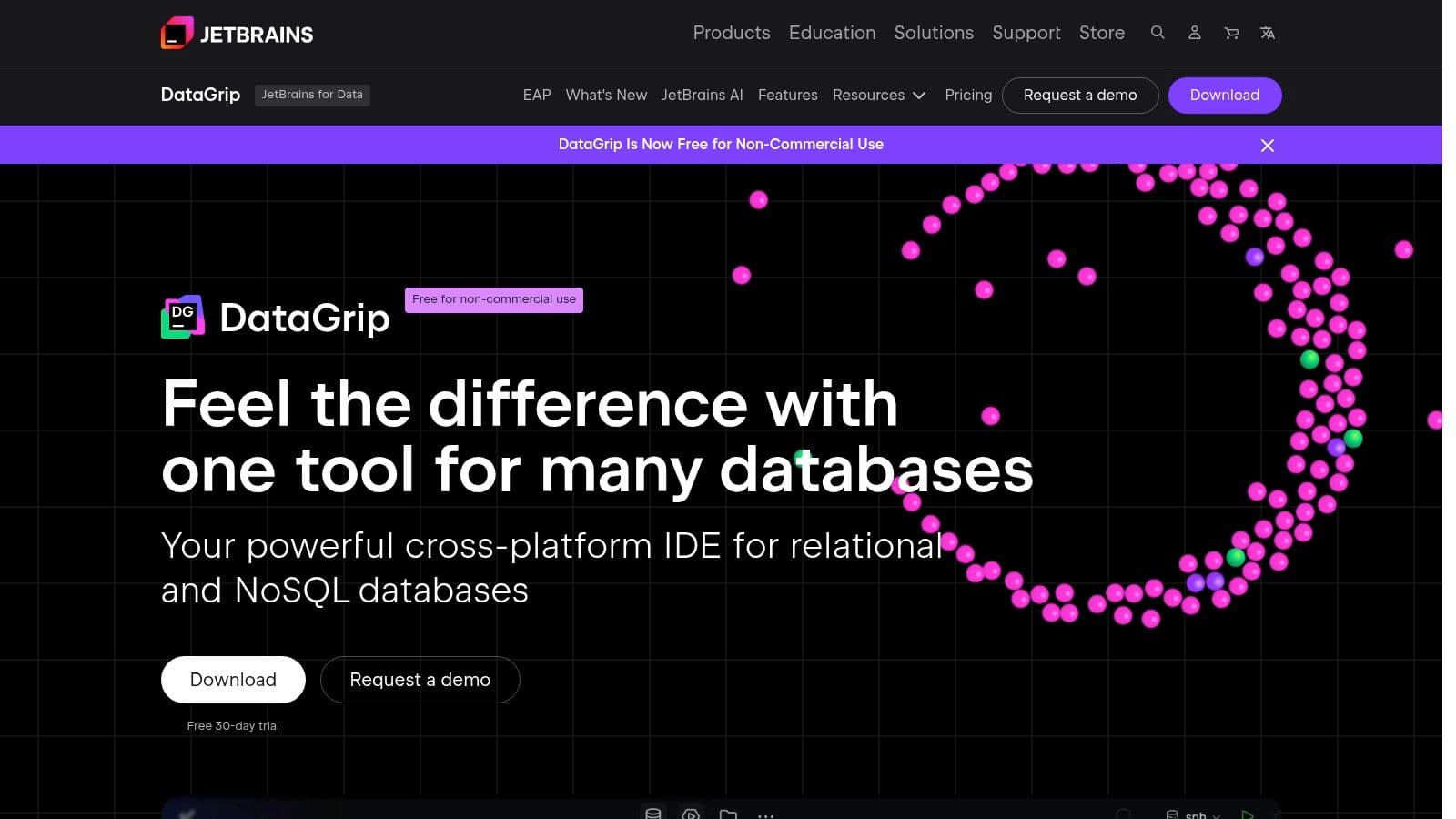
DataGrip supports a huge variety of databases through JDBC drivers, from PostgreSQL and MySQL to Oracle and SQL Server. A key feature is its deep integration with version control systems like Git, allowing teams to manage database schema changes as code effectively. It operates on a subscription model for commercial use, which aligns with other JetBrains tools. However, a free license is available for non-commercial projects, making it accessible for personal use and open-source development.
Why It's a Top Contender
DataGrip shines in environments where SQL is a core part of the development workflow. Its smart editor goes beyond simple syntax highlighting, understanding the structure of your schema and providing context-aware suggestions and navigation. Features like schema comparison, a versatile data editor, and sophisticated run configurations make it an indispensable tool for complex database work.
Actionable Example: A developer is tasked with a major refactoring of a legacy database schema. Using DataGrip, they can compare the development schema against production, generate a migration script for the differences, and use the intelligent refactoring tools to safely rename tables and columns across dozens of stored procedures. For instance, right-clicking a column name and selecting "Refactor > Rename" will find and update all usages in views and functions, preventing breaking changes.
Website: https://www.jetbrains.com/datagrip/
| Feature Analysis | Assessment |
|---|---|
| User Interface | Powerful and feature-rich IDE. Can feel heavy for simple tasks. |
| Database Support | Excellent. Connects to almost any database with a JDBC driver. |
| Core Functionality | Best-in-class for SQL authoring, refactoring, and schema management. |
| Pricing Model | Subscription-based for commercial use; free for non-commercial work. |
Pros and Cons
- Pros:
- Exceptional SQL editor with intelligent completion, inspections, and refactoring.
- Strong version control integration for database-as-code workflows.
- Free non-commercial license makes it accessible for personal projects.
- Cons:
- Requires a paid subscription for any commercial work.
- The heavier IDE experience can be overkill for quick, simple data lookups.
5. Beekeeper Studio
Beekeeper Studio stands out in the crowded field of database clients by blending a polished, modern user experience with a strong open-source foundation. Its interface is designed to be friendly and approachable, reducing the complexity of database management without sacrificing powerful features. The application supports a broad and growing list of databases, including PostgreSQL, MySQL, SQLite, SQL Server, and even newcomers like DuckDB and Trino, making it a flexible choice for developers working with diverse data stacks.
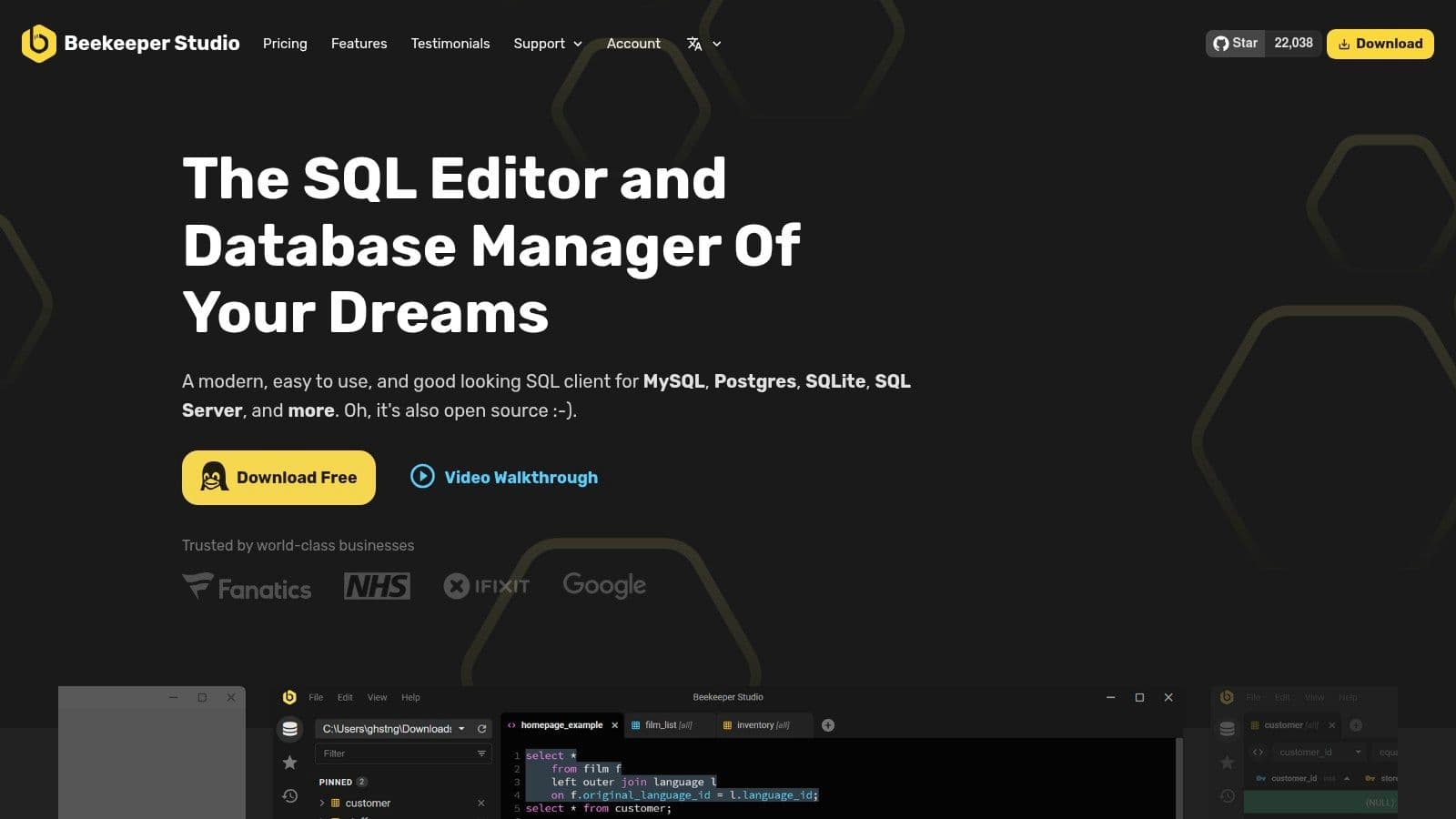
The core product is available as a free Community Edition, which is remarkably capable for daily tasks. For users needing more, Beekeeper Studio offers paid tiers that add team-oriented features, cloud storage for connections and queries, and even optional AI assistance for writing SQL. This tiered model provides a clear upgrade path as an individual's or team's needs grow, while still supporting the open-source community.
Why It's a Top Contender
Beekeeper Studio hits a sweet spot between usability and functionality. Its SQL editor is clean and provides reliable autocomplete, while the data browser and visual schema explorer make it easy to understand database structures at a glance. Built-in SSH and SSL tunneling ensures secure connections to production environments are simple to configure.
Actionable Example: A data analyst needs to explore a new dataset in a PostgreSQL database and create a report. Using Beekeeper Studio, they can visually inspect the table relationships with the schema explorer, write several ad-hoc queries with AI assistance to speed up the process by asking it to "show me the top 10 users by order count", and then export the final result set directly to a CSV file for sharing with stakeholders in a single click.
Website: https://www.beekeeperstudio.io/
| Feature Analysis | Assessment |
|---|---|
| User Interface | Modern, intuitive, and visually appealing. Easy for beginners to adopt. |
| Database Support | Very good. Covers popular relational databases and adds support for newer ones. |
| Core Functionality | Excellent for querying, data browsing, and schema exploration. |
| Pricing Model | Flexible, with a powerful free open-source version and paid tiers. |
Pros and Cons
- Pros:
- Strong open-source core with a polished and friendly user experience.
- Broad and actively maintained database support matrix.
- Optional team and collaboration features are available in paid plans.
- Cons:
- Some advanced features, like team collaboration, are gated to paid tiers.
- As a rapidly developing tool, new features can sometimes change or evolve.
6. HeidiSQL
HeidiSQL is a long-standing and respected name in the database client world, particularly for developers working with MySQL and MariaDB. As a free and open-source tool, it delivers a lightweight and fast experience, focusing on essential database management tasks without unnecessary complexity. Its primary home is on Windows, but builds are available for Linux and macOS via Wine, making it accessible to a wider audience. It also supports PostgreSQL, Microsoft SQL Server, and SQLite.
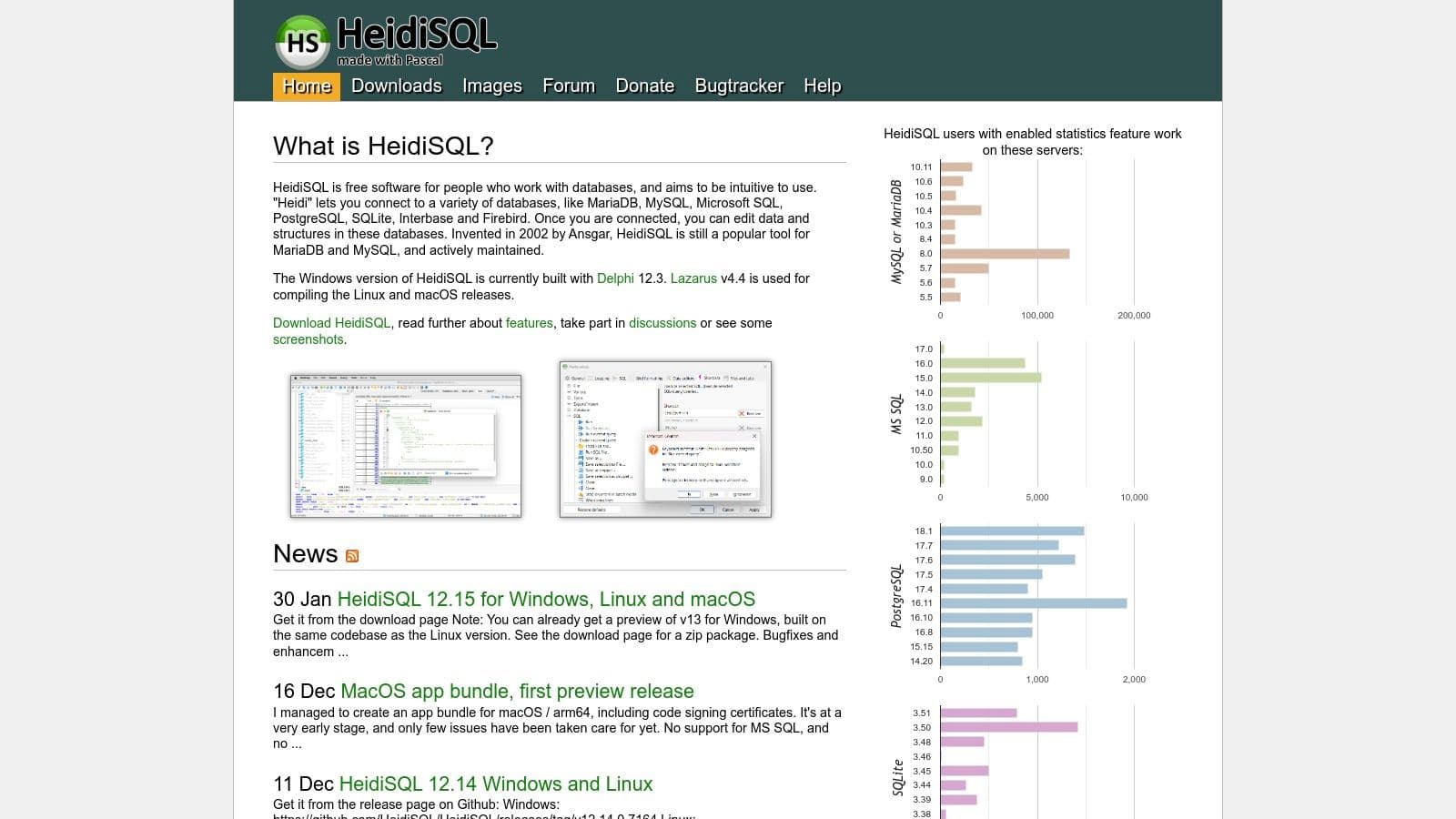
The application is known for its no-nonsense, traditional interface that prioritizes function over form. For developers who need to get in, manage data, and get out, HeidiSQL is incredibly efficient. Features like bulk table editing, robust import/export tools for various formats, and user privilege management are baked directly into the core experience. Its performance makes it a solid choice for quick data checks and manipulations, proving that a powerful database client doesn't need to be resource-intensive.
Why It's a Top Contender
HeidiSQL's main advantage is its speed and simplicity, especially for MySQL/MariaDB users. It starts up quickly and connects instantly, allowing for rapid table browsing, inline data editing, and query execution. It provides a straightforward toolset for common database administration tasks without a steep learning curve.
Actionable Example: A web developer managing a legacy PHP and MySQL application needs to perform a quick data cleanup. Using HeidiSQL, they can connect to the database, filter a table to find thousands of outdated records by typing
> 2022-01-01in thecreated_atcolumn filter, select all resulting rows, and execute a bulk delete operation directly from the grid view in just a few clicks.
Website: https://www.heidisql.com/
| Feature Analysis | Assessment |
|---|---|
| User Interface | Functional and fast, but feels traditional and Windows-centric. |
| Database Support | Strong for MySQL/MariaDB; functional for PostgreSQL, SQL Server, and SQLite. |
| Core Functionality | Excellent for basic CRUD, data import/export, and user management. |
| Pricing Model | Completely free and open source (FOSS). |
Pros and Cons
- Pros:
- Extremely lightweight, fast, and responsive.
- Completely free and open-source software.
- Excellent for day-to-day MySQL and MariaDB management tasks.
- Cons:
- The user interface and workflows can feel dated.
- Support for advanced PostgreSQL or SQL Server features is limited.
7. Postico 2
For PostgreSQL users on macOS, Postico 2 is a standout database client that feels perfectly at home on the platform. It champions a clean, uncluttered interface that makes database interactions feel intuitive and fast. Its design philosophy is clear: provide a powerful, native Mac application for PostgreSQL without unnecessary complexity, resulting in a tool that is both a pleasure to use and highly efficient for daily tasks.
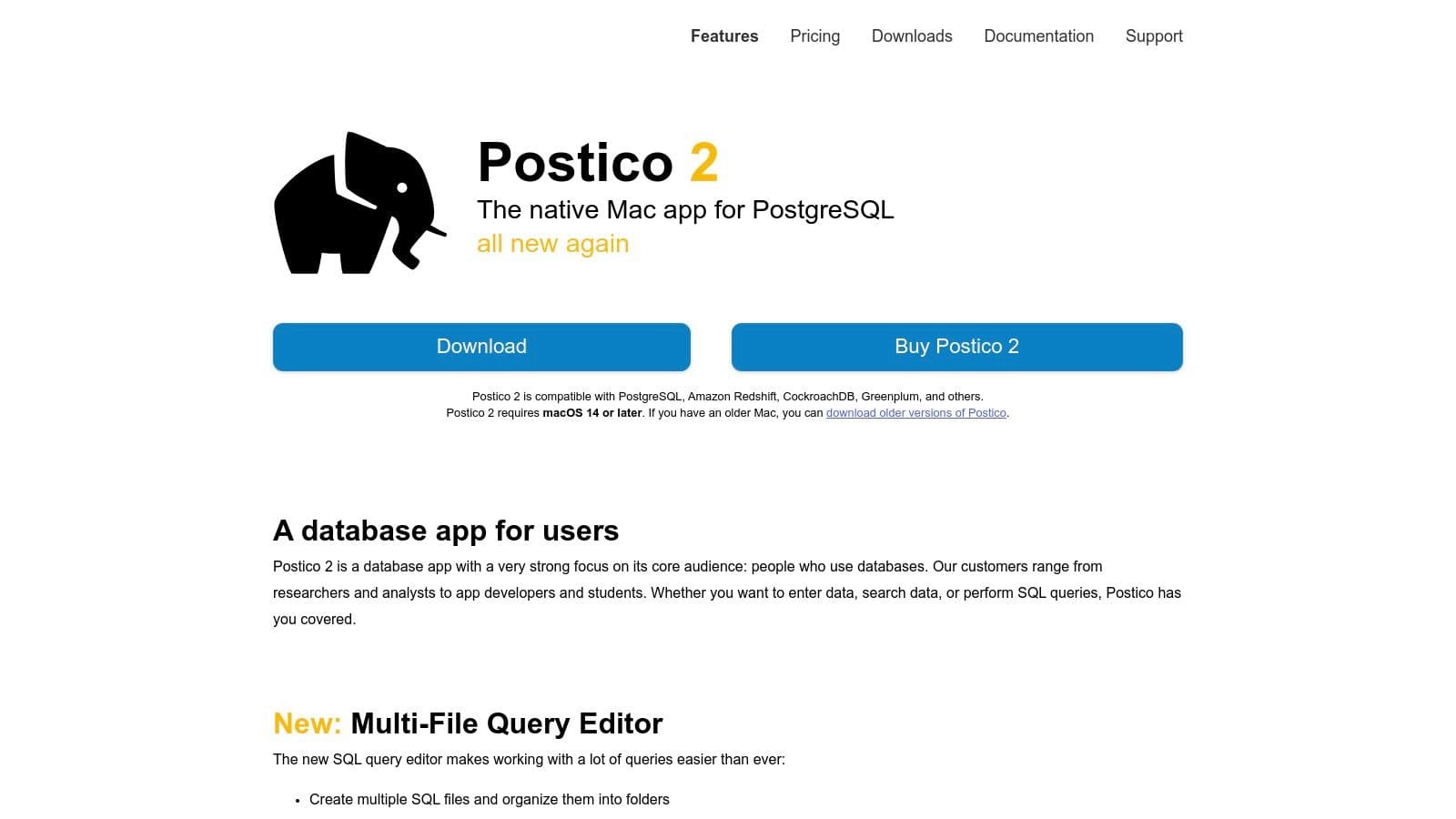
This specialization in PostgreSQL allows Postico to offer a deeply integrated and refined experience. The application provides essential features like a robust table browser with inline editing, powerful filtering, and a capable SQL query editor. It also supports secure connections through SSH and SSL tunneling. The licensing model is straightforward, offering a perpetual license for the current major version with a generous trial period. While a single-user license is available, there are also options for team licenses, making it easy to manage for small development shops running on Macs.
Why It's a Top Contender
Postico 2's strength lies in its simplicity and deep integration with the macOS environment. It does one thing, managing PostgreSQL, and does it exceptionally well. The user experience is polished, responsive, and adheres to Mac conventions, which lowers the learning curve and boosts productivity for developers already in that ecosystem.
Actionable Example: A data analyst using a MacBook needs to quickly explore a new PostgreSQL data warehouse. With Postico, they can connect securely, use the sidebar to navigate schemas and tables, apply quick filters to the data view to find relevant records (e.g., filter
orderstable wherestatus = 'shipped'), and then jump into the query editor to write a complex SQL script for their report. The query history makes it easy to recall and reuse previous queries.
Website: https://eggerapps.at/postico2/
| Feature Analysis | Assessment |
|---|---|
| User Interface | Excellent macOS-native design. Clean, intuitive, and very fast. |
| Database Support | PostgreSQL only. This is both its greatest strength and biggest limitation. |
| Core Functionality | Strong focus on table browsing, data editing, and SQL querying. |
| Pricing Model | Simple perpetual license for individuals and teams. |
Pros and Cons
- Pros:
- Superb native macOS user experience and performance.
- Simple and direct focus on PostgreSQL makes it very effective.
- Straightforward perpetual licensing model is a great value.
- Cons:
- Exclusively for PostgreSQL; no support for other databases.
- No Windows or Linux versions, limiting cross-platform teams.
8. pgAdmin 4
As the official and open-source administration tool for PostgreSQL, pgAdmin 4 is the go-to platform for developers and DBAs deeply embedded in the Postgres ecosystem. It offers a feature-rich environment designed specifically for managing PostgreSQL, providing granular control over every aspect of the database, from object creation and role management to server monitoring. It is available as a cross-platform desktop application or a web application that can be deployed via Docker for shared team access.
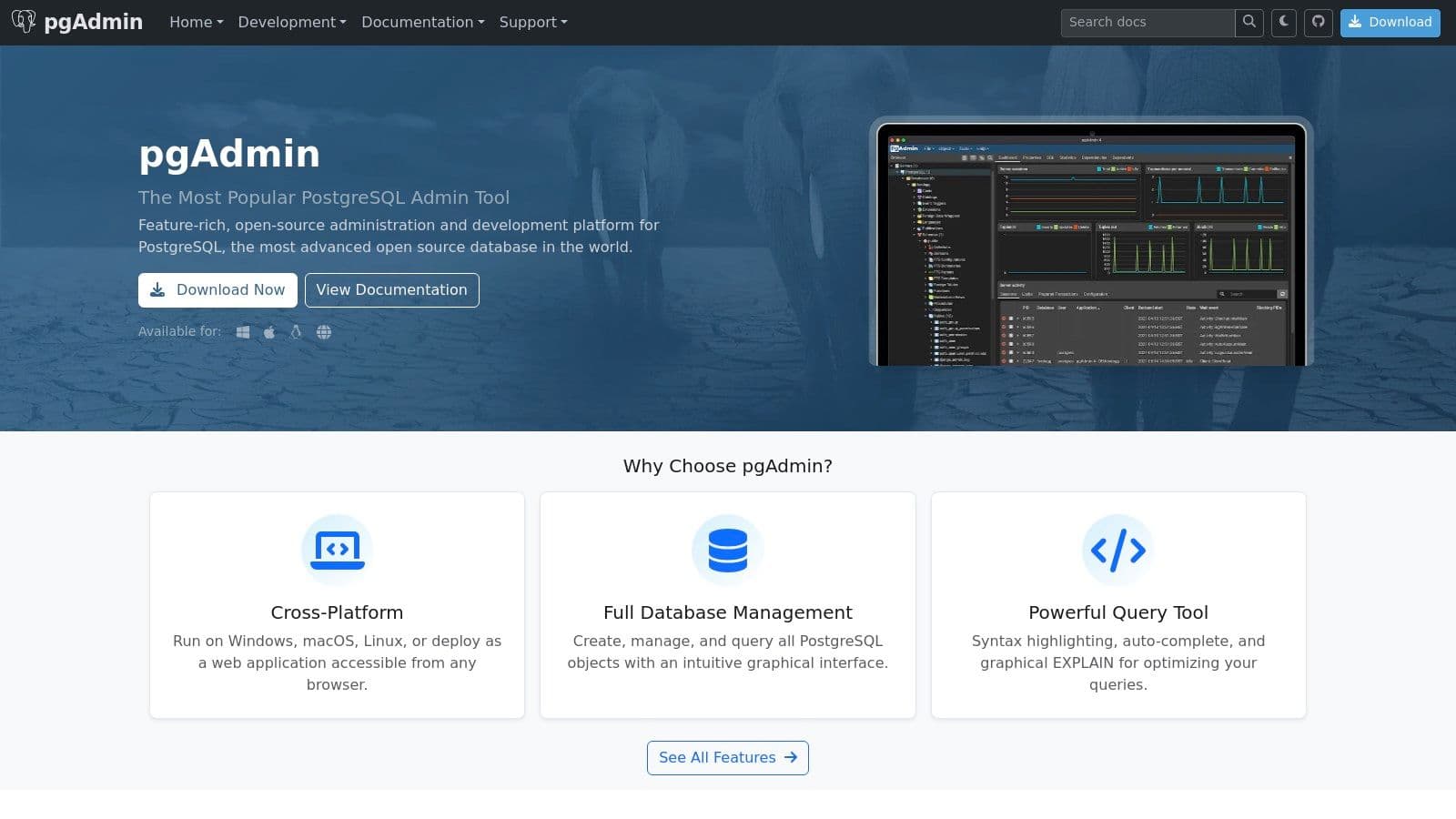
Unlike general-purpose clients, pgAdmin's functionality is tightly coupled with PostgreSQL's features. This makes it an exceptional tool for administrative tasks that other clients might not support, such as managing tablespaces, configuring server settings, and running detailed backup and restore operations. Its query tool includes a powerful SQL editor with syntax highlighting, autocomplete, and a graphical EXPLAIN plan viewer to help optimize query performance. Because it's completely free and open-source, it’s a standard component in any PostgreSQL developer's toolkit.
Why It's a Top Contender
pgAdmin 4 stands out as the definitive management tool for PostgreSQL. Its strength lies in its comprehensive administrative capabilities that go far beyond simple querying. The object browser provides a detailed tree view of databases, schemas, tables, and permissions, making it simple to navigate complex database structures. The ability to deploy it as a web server makes it a viable option for teams needing a centralized, browser-based interface to manage shared databases.
Actionable Example: A database administrator needs to investigate a performance bottleneck on a production PostgreSQL server. Using pgAdmin 4, they can access the live dashboard to monitor active sessions and server statistics, identify the long-running query using the query tool, and then generate a graphical EXPLAIN plan to visualize the execution path and pinpoint the exact cause of the slowdown, such as a full table scan that could be fixed with an index.
Website: https://www.pgadmin.org/
| Feature Analysis | Assessment |
|---|---|
| User Interface | Functional and feature-dense, though can feel heavier than minimalist clients. |
| Database Support | Exclusively for PostgreSQL, but with deep, version-aligned feature support. |
| Core Functionality | Excellent for administration, debugging, and advanced PostgreSQL tasks. |
| Pricing Model | Completely free and open-source (FOSS). |
Pros and Cons
- Pros:
- The official, feature-complete tool for PostgreSQL administration.
- Free, open-source, and backed by a large community.
- Web deployment option is great for shared team environments.
- Cons:
- User interface can feel slow and less responsive, especially with large schemas.
- Exclusively supports PostgreSQL, so it is not a multi-database solution.
9. MySQL Workbench
As the official integrated development environment from Oracle, MySQL Workbench offers a powerful and complete solution specifically for MySQL and MariaDB users. It goes beyond a simple SQL client, providing a full suite of tools for database architects, developers, and DBAs. Its core strength lies in its deep integration with the MySQL server, giving users direct access to administration, performance tuning, and advanced modeling capabilities that other generic clients cannot match.
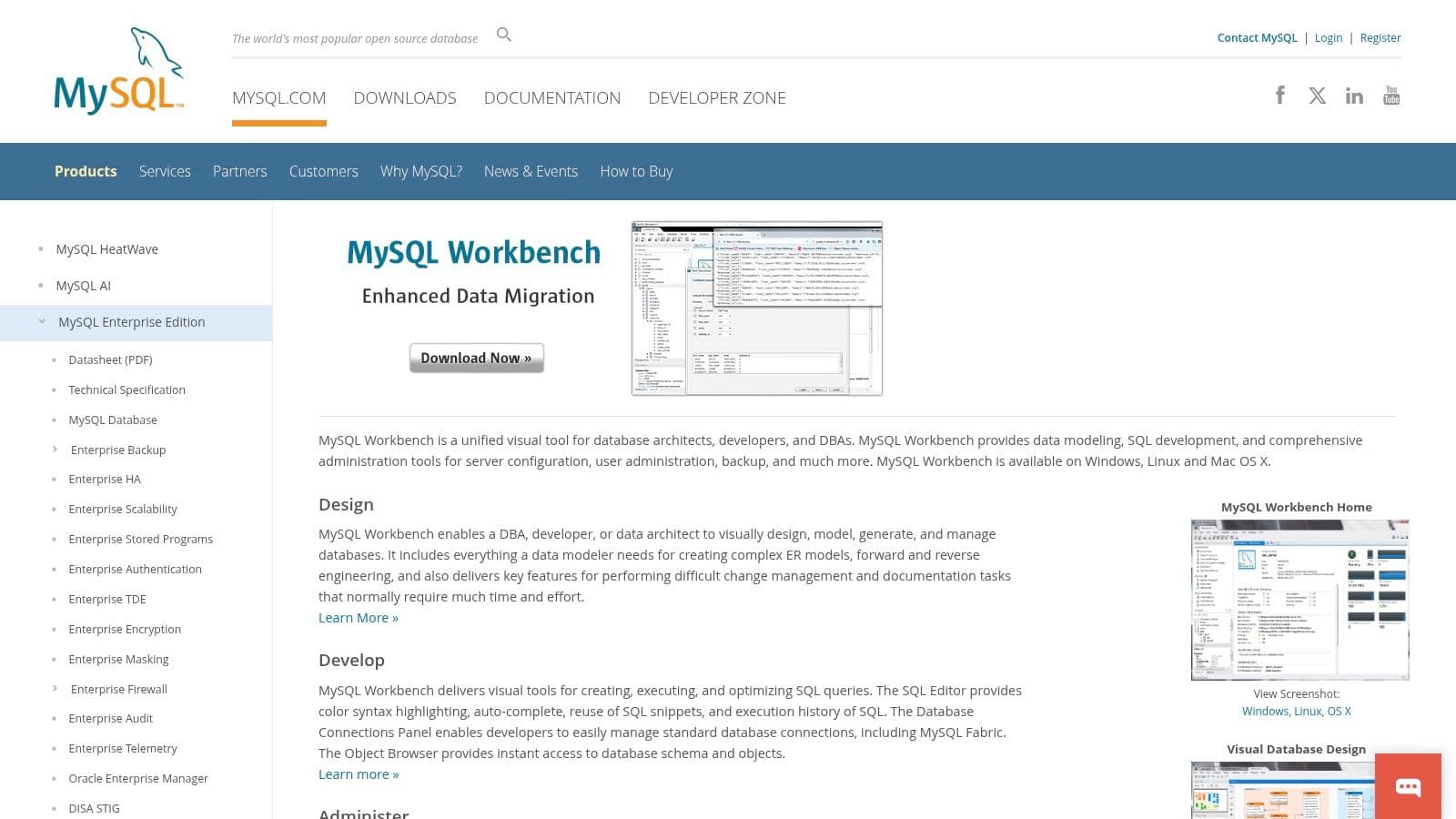
This tool combines SQL development, data modeling, server administration, and data migration into a single, unified application. For those working exclusively within the MySQL ecosystem, it is often the default choice. The visual ERD (Entity-Relationship Diagram) designer is a standout feature, allowing you to design, model, and generate schemas graphically. The Community Edition is free and open-source, making these powerful features accessible to everyone without a financial commitment.
Why It's a Top Contender
MySQL Workbench is the best database client for anyone who needs to do more than just write queries. It provides a visual performance dashboard to diagnose server issues and a graphical view of EXPLAIN plans to optimize SQL statements. Its robust administration tools allow for user management, server configuration, and easy backup and restore operations directly from the UI.
Actionable Example: A database administrator is tasked with optimizing a slow-running application. Using MySQL Workbench, they can connect to the production server, open the performance dashboard to identify high-load queries in real-time, and then use the visual
EXPLAINfeature on those queries to understand and correct inefficient joins or missing indexes, all within one application. For instance, they might see a high "cost" on a join and realize an index is missing on a foreign key column.
Website: https://www.mysql.com/products/workbench/
| Feature Analysis | Assessment |
|---|---|
| User Interface | Functional but can feel complex and heavy compared to more modern UIs. |
| Database Support | Exclusive to MySQL and MariaDB. |
| Core Functionality | Exceptional for MySQL-specific administration, modeling, and performance tuning. |
| Pricing Model | The full-featured Community Edition is completely free. |
Pros and Cons
- Pros:
- Deep, official integration with all MySQL server features.
- Powerful visual modeling and database design tools.
- Comprehensive administration and performance dashboards are built-in.
- Cons:
- Strictly limited to the MySQL/MariaDB ecosystem.
- The interface can be resource-intensive and feel dated.
10. Navicat Premium
Navicat Premium is a long-standing, powerful database client designed for professional developers and database administrators who require robust automation and management features in a single GUI. It provides a unified environment for managing a wide array of databases, including MySQL, PostgreSQL, SQL Server, Oracle, and MongoDB. This all-in-one approach eliminates the need to switch between different tools, making it a strong choice for enterprise environments with diverse technology stacks.
The platform's key strengths lie in its data migration, synchronization, and automation capabilities. It includes sophisticated tools for data transfer, structure synchronization, and scheduling routine backups or queries. For teams, Navicat Cloud allows for syncing connections, queries, and models across devices, adding a layer of collaboration. While its premium pricing positions it as a high-end option, the depth of its feature set provides significant value for complex, repetitive database operations.
Why It's a Top Contender
Navicat Premium excels where automation and cross-platform management are critical. Its visual query builder, data modeling tools, and import/export wizards are mature and feature-rich. The ability to schedule and automate tasks directly within the client is a major productivity gain for DBAs and DevOps engineers who manage complex data workflows.
Actionable Example: A data engineer needs to migrate a legacy Oracle database to a new PostgreSQL server and then set up a nightly sync for specific tables. Using Navicat Premium, they can use the drag-and-drop data transfer wizard to map schemas between the two different database systems, execute the initial data transfer, and then save the entire process as a scheduled batch job to run automatically at 2 AM every night.
Website: https://www.navicat.com/en/products/navicat-premium.html
| Feature Analysis | Assessment |
|---|---|
| User Interface | Functional and dense with features. Can feel dated but is highly capable. |
| Database Support | Exceptional. One of the broadest coverages of SQL and NoSQL databases in one tool. |
| Core Functionality | Advanced features for automation, data transfer, and modeling are its main draw. |
| Pricing Model | Premium perpetual license or subscription, with a higher upfront cost. |
Pros and Cons
- Pros:
- Extensive database support consolidates many tools into one application.
- Powerful automation and scheduling for backups, syncs, and scripts.
- Mature and reliable feature set for enterprise-level database management.
- Cons:
- High cost makes it less accessible for individual developers or small teams.
- The interface can feel cluttered compared to more modern, minimalist clients.
11. Azure Data Studio
Azure Data Studio is a cross-platform database tool from Microsoft, built on the same framework as Visual Studio Code. Its familiar interface, integrated terminal, and rich extension ecosystem make it an immediate fit for developers already comfortable in the VS Code environment. It was designed as a modern, lightweight alternative to SQL Server Management Studio (SSMS) for data-centric tasks.
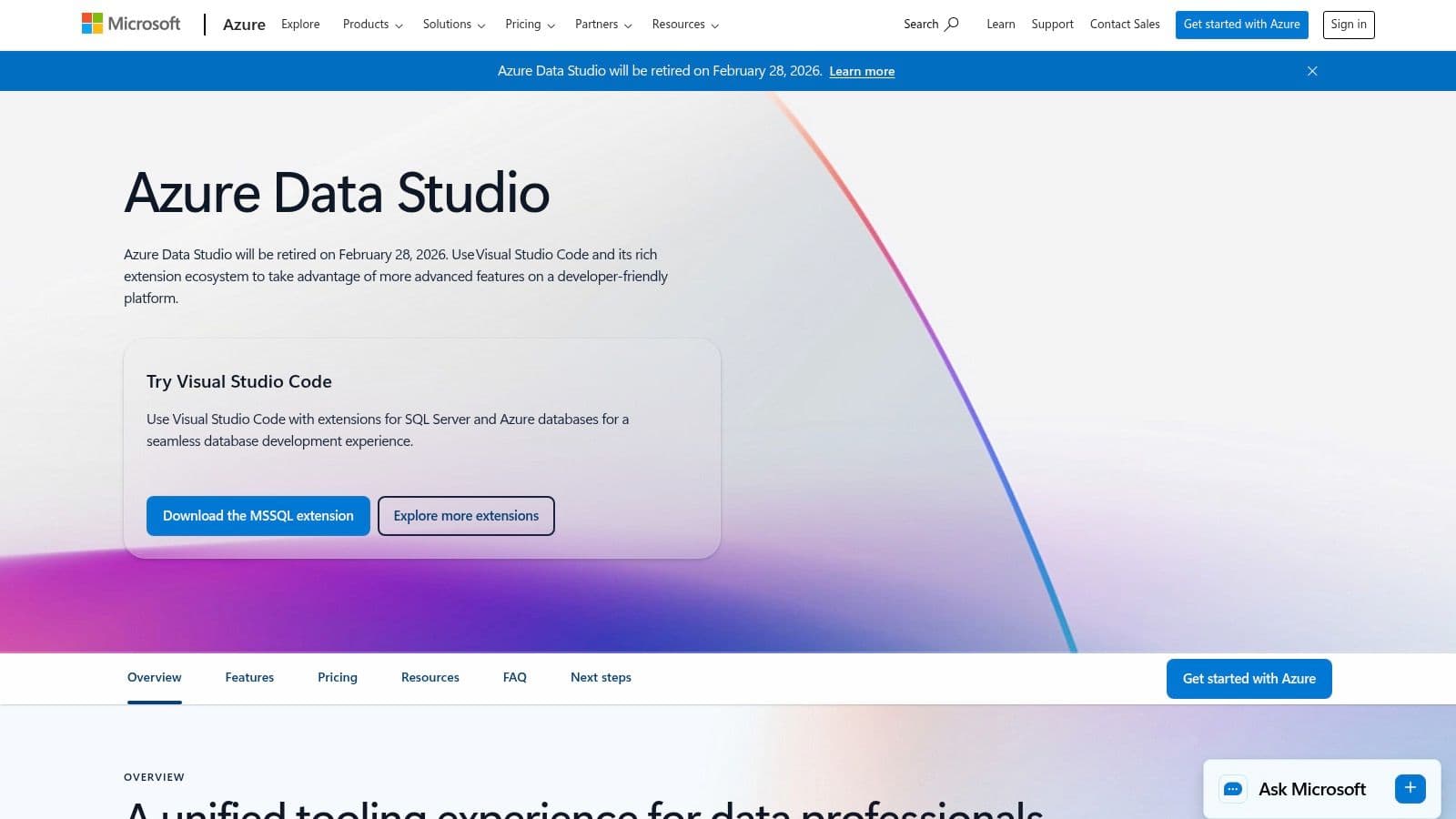
While its strength has been with SQL Server and Azure databases, it supports others like PostgreSQL and MySQL through extensions. A standout feature is its native support for SQL notebooks, allowing users to combine runnable code, query results, and text in a single document for analysis and documentation. However, it's critical to note that Microsoft has announced the retirement of Azure Data Studio, effective February 28, 2026. Users are being encouraged to migrate their workflows to SSMS or VS Code with the appropriate SQL extensions. Because of this, it is not a recommended choice for new projects.
Why It's a Top Contender
Azure Data Studio’s main draw is its modern, code-editor-first approach to database management. The IntelliSense is fast and accurate, and features like Git integration and SQL notebooks offer a workflow that traditional GUIs lack. It provides a solid, free solution, particularly for those deeply integrated into the Microsoft ecosystem.
Actionable Example: A data analyst needs to prepare a report that combines SQL queries with explanatory text. Using a SQL notebook in Azure Data Studio, they can run queries against a SQL Server database, display the resulting charts and grids directly in the notebook, and add Markdown text to explain their findings, creating a single, shareable
.ipynbfile for stakeholders that can be version controlled in Git.
Website: https://azure.microsoft.com/products/data-studio/
| Feature Analysis | Assessment |
|---|---|
| User Interface | Modern and familiar for VS Code users, with an integrated terminal. |
| Database Support | Strong for Microsoft SQL/Azure; extendable for others like PostgreSQL. |
| Core Functionality | Excellent for query editing, notebooks, and source control integration. |
| Pricing Model | Completely free and open-source. |
Pros and Cons
- Pros:
- Familiar editor experience for developers using Visual Studio Code.
- Excellent integration with SQL Server, Azure SQL, and Git.
- SQL Notebooks are a powerful feature for data analysis and documentation.
- Cons:
- Scheduled for retirement in February 2026, making it a poor long-term choice.
- Functionality will be absorbed into other tools, requiring a migration effort.
12. DB Browser for SQLite (DB4S)
For developers and data professionals working exclusively with SQLite, DB Browser for SQLite (DB4S) is a purpose-built, open-source tool that excels at simplicity and focus. It provides a straightforward, spreadsheet-like interface for creating, designing, and editing SQLite database files. As a free and lightweight application, it's an excellent choice for local development, data analysis on SQLite files, and educational purposes.
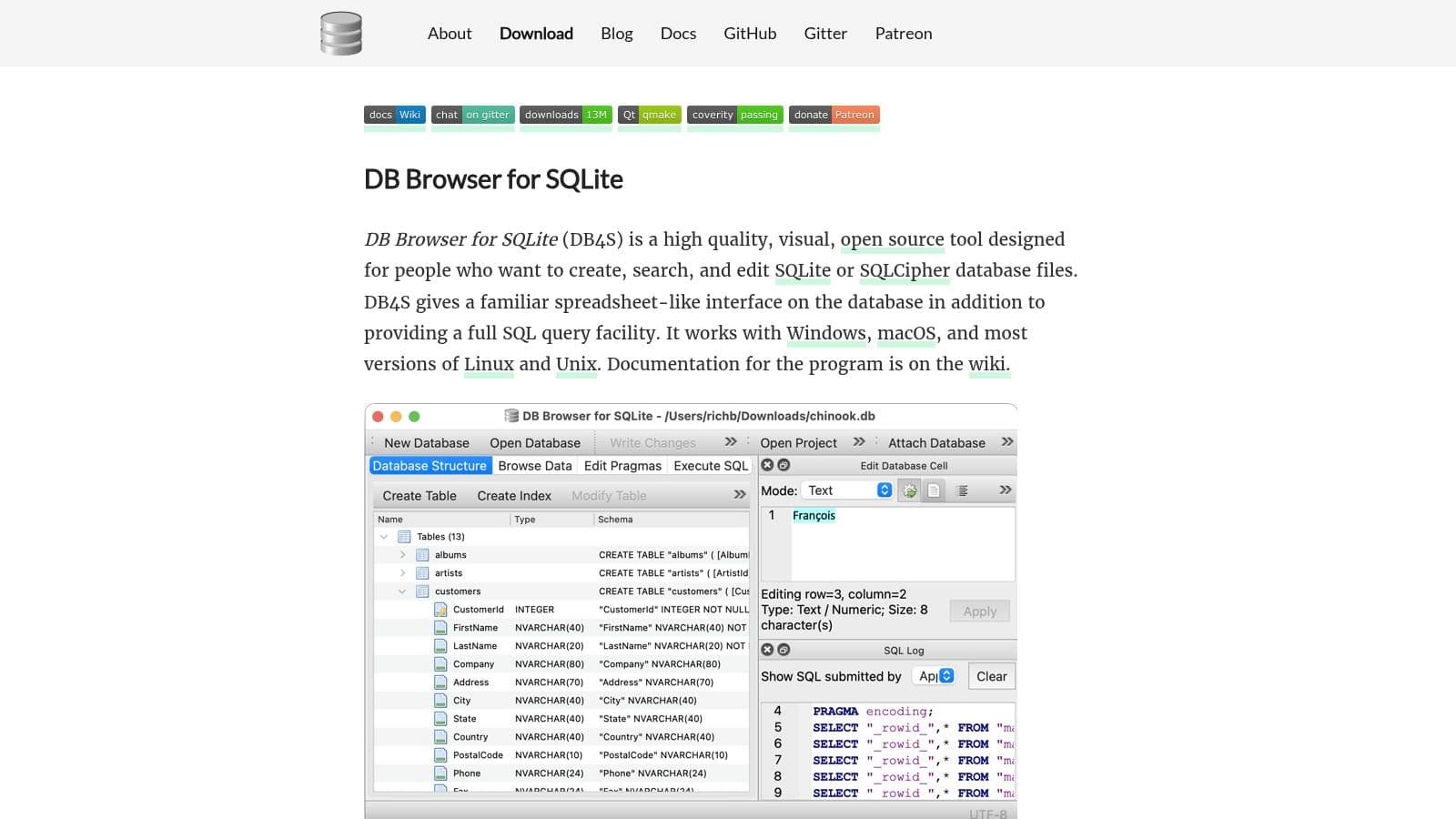
The application strips away the complexity found in multi-database clients to deliver a core set of features tailored for SQLite. Users can easily create and modify tables, indexes, and views. It also includes practical tools for importing and exporting data from CSV or SQL dump files, a solid SQL editor, and even basic data plotting capabilities. Its support for encrypted SQLCipher databases also makes it a valuable tool for working with secure, local data stores, a common requirement in mobile application development.
Why It's a Top Contender
DB Browser for SQLite is the de facto standard for anyone who needs to quickly inspect or modify an SQLite file without the overhead of a more complex, all-in-one database client. Its dedication to a single database format results in a highly optimized and intuitive user experience. If your work revolves around SQLite, this tool provides everything you need and nothing you don't, making it an exceptionally efficient part of your workflow. For more options, you can explore a dedicated SQLite editor comparison.
Actionable Example: A mobile app developer receives a bug report and needs to inspect the app's local SQLite database file sent by a user. They open the
.sqlitefile directly in DB4S, browse the table data to identify the corrupt entry, and use the SQL editor to write a quickUPDATEstatement to fix the data before sending the corrected file back. The entire process takes minutes and requires no complex setup.
Website: https://sqlitebrowser.org/
| Feature Analysis | Assessment |
|---|---|
| User Interface | Simple and functional, with a clear focus on SQLite-specific tasks. |
| Database Support | SQLite and SQLCipher only. It does one thing and does it very well. |
| Core Functionality | Excellent for browsing data, editing schemas, and running basic queries. |
| Pricing Model | Completely free and open source, supported by the community. |
Pros and Cons
- Pros:
- Purpose-built for SQLite, making it fast and intuitive for its intended use.
- Free, open source, and available on all major operating systems.
- Very low learning curve; approachable for developers and non-developers alike.
- Cons:
- Strictly limited to SQLite; cannot connect to any remote or server-based databases.
- Lacks advanced features like schema comparison or team collaboration tools.
Top 12 Database Clients: Feature Comparison
| Tool | Core features | UX / Quality | Price / Value | Audience | Standout / Unique |
|---|---|---|---|---|---|
| TableOne 🏆 | SQLite / PostgreSQL / MySQL; inline edit, schema compare, CSV import/export | ★★★★★ fast, focused | 💰 $39 one‑time Solo; Team from $117 (3 seats); 7‑day trial | 👥 Developers & small teams | 🏆 ✨ Lightweight, non‑subscription; schema snapshots & cross‑DB copy |
| TablePlus | Multi‑DB (PG/MySQL/SQLite/SQL Server); inline edit; SSH | ★★★★☆ native, responsive | 💰 Perpetual license (1 yr updates) | 👥 Engineers wanting polished native app | ✨ Fast native UI; sensible defaults |
| DBeaver | 100+ JDBC sources; ER diagrams; data transfer & compare | ★★★★☆ feature‑rich, heavier | 💰 Free (Community) / Paid Pro tiers | 👥 DBAs & power users | ✨ Broad driver support; extensible |
| JetBrains DataGrip | Intelligent SQL editor; refactorings; Git integration | ★★★★★ IDE‑grade ergonomics | 💰 Subscription (free non‑commercial) | 👥 Heavy SQL developers | ✨ Smart editor, refactorings & VCS workflows |
| Beekeeper Studio | SQL editor with autocomplete; ERD; JSON sidebar; SSH | ★★★★☆ polished & modern | 💰 Free core; paid team/AI tiers | 👥 Teams & open‑source fans | ✨ OSS core + optional AI/team features |
| HeidiSQL | Fast table browsing; bulk ops; import/export; SSH | ★★★★☆ very lightweight | 💰 Free (GPL) | 👥 MySQL/MariaDB admins & quick tasks | ✨ Lightweight, speedy MySQL workflows |
| Postico 2 | Postgres table browser; inline edit; SSH/SSL | ★★★★☆ refined macOS UX | 💰 Per‑device / team perpetual licenses | 👥 macOS Postgres users | ✨ Polished Mac‑native Postgres client |
| pgAdmin 4 | Full Postgres admin: roles, perms, graphical EXPLAIN | ★★★★☆ comprehensive, heavier | 💰 Free & open source | 👥 Postgres DBAs & teams | ✨ Official Postgres admin tool; web deploy |
| MySQL Workbench | Visual modeling; admin tools; migration & performance | ★★★★☆ MySQL‑focused power | 💰 Free Community / Oracle editions | 👥 MySQL DBAs & modelers | ✨ Deep MySQL server integration |
| Navicat Premium | Multi‑engine incl MongoDB/Redis; data sync, scheduling | ★★★★☆ enterprise‑grade | 💰 Premium pricing (commercial) | 👥 Enterprise DB teams | ✨ Broad engine coverage + automation |
| Azure Data Studio | Notebooks, IntelliSense, extensions, integrated terminal | ★★★★☆ VS Code‑like | 💰 Free | 👥 SQL Server & Azure users (migrating) | ✨ VS Code model; scheduled retirement 2026‑02‑28 |
| DB Browser for SQLite | Create/browse/edit SQLite; CSV import/export; SQLCipher | ★★★★☆ simple & approachable | 💰 Free & open source | 👥 Local SQLite developers | ✨ Purpose‑built SQLite GUI; SQLCipher support |
Final Thoughts
Our extensive review of the top database clients reveals a simple truth: the "best" tool is rarely a one-size-fits-all solution. The ideal choice hinges directly on your specific workflow, the databases you manage, your team's structure, and your budget. What works brilliantly for a solo developer prototyping with SQLite might be cumbersome for a DevOps engineer managing a fleet of production PostgreSQL servers.
Throughout this guide, we've moved beyond surface-level feature lists to explore the practical realities of using these tools. We saw how DataGrip's deep integration with the JetBrains ecosystem is a game-changer for developers already using their IDEs, while pgAdmin 4 remains a go-to, albeit sometimes slow, free option for PostgreSQL purists. Similarly, MySQL Workbench provides an official, feature-rich environment exclusively for MySQL users, and DB Browser for SQLite (DB4S) offers a focused, lightweight experience for a single database type.
How to Make Your Decision
Choosing the right database client is a decision that directly impacts your daily productivity. To avoid analysis paralysis, focus your selection process on the factors that matter most to your work.
-
For the Individual Developer or Indie Hacker: Your primary concerns are likely speed, simplicity, and cost-effectiveness. A tool with a clean interface, native performance, and a perpetual license model like TableOne or TablePlus often provides the most value. You need a client that gets out of your way, allowing you to quickly inspect data, test queries, and modify schemas without a steep learning curve.
-
For the Small, Collaborative Team: Look for solutions that simplify license management and ensure consistency across developer environments. A one-time purchase for a team can be far more predictable and affordable than juggling multiple monthly subscriptions. Cross-platform support is also critical to accommodate team members using Windows, macOS, or Linux. The ability to easily share connection details and queries becomes a significant workflow improvement.
-
For the Data Analyst or Product Manager: Your workflow revolves around data exploration and reporting. The best database client for you will excel at CSV import/export, allow for easy ad-hoc querying, and provide a clear, intuitive way to visualize table structures and their contents. An inline data editor can save immense time when you need to make quick corrections or clean up test data without writing complex
UPDATEstatements. -
For the DBA or DevOps Engineer: Reliability, security, and advanced management features are paramount. You need a tool that handles SSH tunneling flawlessly, offers robust schema comparison and migration tools, and provides detailed performance insights. While open-source giants like DBeaver and specialized tools like Navicat Premium offer immense power, their complexity and cost must be weighed against your specific needs.
Final Takeaway
The database client market is filled with excellent options, each with a distinct philosophy. From powerful, all-encompassing platforms to minimalist, single-purpose utilities, there is a tool perfectly suited for your context. The key is to move past the marketing copy and align a tool's core strengths with your actual daily tasks. Don't be afraid to take advantage of free trials to experience the user interface and workflow firsthand. A small investment of time now will pay significant dividends in productivity and reduced frustration down the road.
Ready to experience a database client that balances a modern, native interface with powerful features for developers and analysts? TableOne offers a fast, cross-platform experience for SQLite, PostgreSQL, and MySQL with a simple, one-time purchase. Download the free trial of TableOne and see how it can streamline your database workflow today.


