12 Best phpMyAdmin Alternative Tools For 2026: A Detailed Comparison
Discover the best phpMyAdmin alternative for your workflow. We review 12 top desktop and web-based database tools with practical examples and use cases.

For over two decades, phpMyAdmin has been the go-to, browser-based tool for managing MySQL and MariaDB databases. Its ubiquity on web hosting panels made it a default choice for millions of developers, but its web-only interface, aging user experience, and occasional security concerns have many searching for a more capable and modern phpmyadmin alternative. If you're managing databases like PostgreSQL or SQLite, or working with cloud-native platforms like PlanetScale and Supabase, you've likely already hit its limitations.
This guide provides a comprehensive roundup of the best database management tools available today, moving beyond the constraints of a browser tab. We will dive deep into twelve powerful alternatives, covering both desktop GUIs and other web-based clients. Each entry provides a detailed analysis, focusing on practical considerations for developers, DBAs, and data analysts.
You will find a breakdown for each tool covering:
- Platform and Database Support: Compatibility with macOS, Windows, Linux, and databases like MySQL, PostgreSQL, and SQLite.
- Key Features and Limitations: An honest look at what each tool does best and where it falls short.
- Security and Connectivity: Insights into secure connection methods like SSH tunneling for remote production databases.
- Pricing and Licensing: Clear information on free, open-source, and commercial options.
This article is designed to help you quickly identify the right tool for your specific workflow. We compare each option to provide a clear picture of its strengths, ultimately highlighting how a modern, cross-platform desktop client like TableOne can significantly improve your productivity and data management capabilities. Every review includes screenshots and direct links, so you can evaluate the options for yourself.
1. TableOne
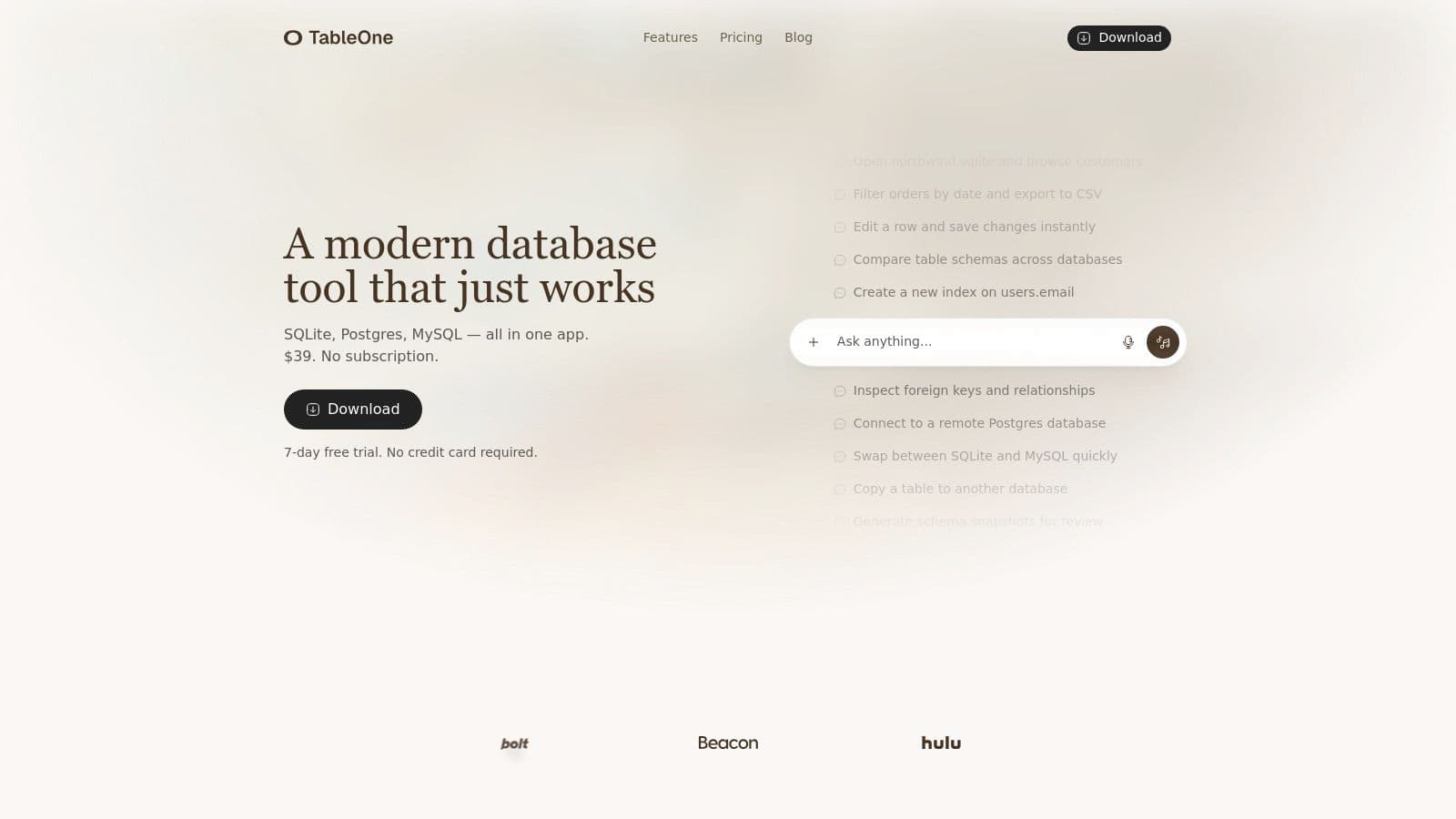
TableOne presents a compelling and modern desktop-based phpmyadmin alternative, engineered for developers, analysts, and small teams who prioritize speed and efficiency. It is a cross-platform GUI (macOS, Windows, Linux) that delivers a focused, no-friction experience for managing everyday database tasks without the complexity of traditional web interfaces or heavyweight enterprise tools.
It connects natively to a curated set of popular databases, including SQLite, PostgreSQL, and MySQL, along with managed providers like PlanetScale, Neon, Turso, and Supabase. This makes it an ideal unified tool for developers working across different projects, from local SQLite prototyping to managing production PostgreSQL instances.
Why TableOne Stands Out
Where TableOne truly distinguishes itself is its collection of practical, built-in utilities that go beyond simple CRUD operations. These tools are designed to streamline common development and data analysis workflows that often require multiple steps or custom scripts in other applications.
- Schema Comparison: Instantly compare the schemas between two databases (e.g., local development and staging) to identify differences in tables, columns, and indexes. This is invaluable for catching migration errors before they hit production. For example, you can visually confirm that a
userstable on your dev database has the samelast_login_atcolumn as the staging database, preventing a deployment failure. - Intelligent Data Handling: Features like direct CSV import into existing tables, easy data filtering, and one-click export simplify data-wrangling tasks. You can also copy entire tables, with their data, between different database connections. A practical use case is copying production user data into a staging environment for realistic testing, a task that is just a few clicks away.
- Schema Snapshots: Generate a clean, readable snapshot of your database schema. This is perfect for including in pull requests for code review, ensuring teammates can easily see schema changes. Instead of pasting raw
CREATE TABLESQL, you can share a clean markdown file showing the new table structure. - Focused User Interface: The UI is intentionally minimalist, removing clutter to help you browse tables, edit rows inline, and run queries without distraction.
Real-World Use Case: A backend developer can use TableOne to prototype a feature with a local SQLite file, then connect to a remote staging PostgreSQL database on Supabase. Before deploying, they can use the schema comparison tool to validate their migration script and use schema snapshots to document the changes in their Git commit.
Pricing and Licensing
TableOne’s pricing model is a significant advantage, especially for those wary of recurring subscription costs. It offers a simple, one-time purchase license.
- Solo License: A perpetual license for a single user costs $39.
- Team License: Starts at $117 for 3 seats, scaling at $39 per seat.
Both options include one year of updates and a 7-day free trial without requiring a credit card. The license is transferable, offering excellent value and flexibility. Note that after the first year, a new license may be needed for major updates.
Our Recommendation
TableOne is an exceptional phpmyadmin alternative for individual developers and small teams seeking a fast, reliable, and cross-platform desktop GUI. Its focus on practical, high-utility features and its straightforward, non-subscription pricing make it a powerful tool that respects both your workflow and your budget.
| Feature | TableOne |
|---|---|
| Platform | Desktop (macOS, Windows, Linux) |
| Databases | SQLite, PostgreSQL, MySQL, PlanetScale, Neon, Turso, Supabase |
| Best For | Developers, Analysts, Small Teams |
| Key Advantage | Schema comparison, one-time pricing, focused and fast UI |
| Pricing | $39 one-time (Solo), Team plans available |
Website: https://tableone.dev
Top 12 phpMyAdmin Alternatives — Comparison
| Product | Core features | Notable / Unique ✨ | Best for 👥 | Price & Quality 💰 / ★ |
|---|---|---|---|---|
| TableOne 🏆 | Cross‑platform SQLite/Postgres/MySQL, grid + inline edit, CSV import/export, schema compare, query pinning | ✨ Schema snapshots, cross‑db copy, focused no‑clutter UX, secure remote workflows | 👥 Devs, analysts, small teams | 💰 $39 one‑time Solo; Team from $117 (3 seats) · ★★★★☆ |
Making Your Choice: From Web Interface to Workflow Powerhouse
Navigating the landscape of database management tools reveals a clear evolution from the web-based convenience of phpMyAdmin to a diverse ecosystem of powerful, specialized applications. The journey to find the right phpmyadmin alternative is less about finding a direct replacement and more about upgrading your entire database workflow. The choice hinges on your specific context: your operating system, the databases you manage, your team's structure, and whether your priority is raw query power, intuitive data visualization, or seamless team collaboration.
Desktop clients provide a faster, more secure, and feature-rich environment for intensive development and administration tasks. A modern phpmyadmin alternative must provide first-class support for macOS, Windows, and Linux, and seamlessly connect to MySQL, PostgreSQL, and SQLite to be truly effective.
Key Takeaways for Selecting Your Tool
Making an informed decision requires looking beyond feature lists. Consider these crucial factors that emerged from our analysis:
- Web vs. Desktop: While web-based GUIs offer platform independence, they often introduce security complexities and lack the responsiveness and deep OS integration of a native desktop application. Desktop clients provide a faster, more secure, and feature-rich environment for intensive development and administration tasks.
- Cross-Platform & Cross-Database Support: In today's polyglot development world, a tool that supports only MySQL on a single OS is a significant bottleneck. A modern phpmyadmin alternative must provide first-class support for macOS, Windows, and Linux, and seamlessly connect to MySQL, PostgreSQL, and SQLite to be truly effective.
- Workflow Integration over Features: The best tool isn't the one with the most buttons; it's the one that integrates smoothly into your daily workflow. This means fast connections, an intuitive UI for browsing and editing data, a powerful and responsive SQL editor, and easy data import/export capabilities.
- Security and Connection Management: Moving away from a web interface hosted on your server fundamentally enhances security. Native desktop clients that connect securely over SSH tunnels or use modern authentication methods for cloud databases (like PlanetScale or Supabase) are the gold standard for protecting production data.
- Licensing and Cost: Your choice will be influenced by budget. Many tools offer incredible value, while some justify their cost with specialized, power-user features. A one-time license model, however, often presents the best balance of professional-grade features and long-term value for individuals and small teams.
Your Next Steps: A Practical Decision Framework
To move from analysis to action, follow this simple framework:
- Define Your Core Need: Are you a solo developer prototyping with SQLite? A DBA managing complex production MySQL servers? Or part of a team needing to share queries across different database systems? Your primary use case dictates your choice.
- Evaluate Your Tech Stack: List your operating systems (macOS, Windows, Linux) and all the database systems you use (MySQL, MariaDB, PostgreSQL, SQLite, etc.). Immediately discard any tool that doesn't fully support your environment.
- Test Your Top Candidate: Based on our review, select the tool that seems like the best fit. Install it and perform your most common daily tasks: connect to a remote database, write a multi-join query, edit a few rows of data, and export a table to CSV. Pay close attention to the speed, intuitiveness, and overall "feel" of the application.
- Consider the Future: Choose a tool that not only solves today's problems but can also grow with you. A flexible, multi-database GUI ensures you won't have to switch tools again when your next project uses a different database technology.
Ultimately, replacing phpMyAdmin is an opportunity to significantly boost your productivity and secure your data infrastructure. By choosing a modern, workflow-oriented tool, you're not just changing an interface; you're investing in a more efficient and enjoyable way to work with your data.
If your goal is to find a modern, cross-platform phpmyadmin alternative that combines a beautiful UI with powerful features and a simple, one-time license, look no further. TableOne was designed from the ground up to provide a fast, intuitive, and secure database management experience for today's developers and teams. Download the free trial and see how a truly modern database GUI can transform your workflow at TableOne.


