The Top 12 Best SQLite Graphical Interface Tools of 2026
Discover the 12 best SQLite graphical interface tools. A detailed review of GUIs for browsing, editing, and managing SQLite databases with practical tips.

Working directly with SQLite through the command line is powerful but often inefficient for day-to-day tasks. A dedicated SQLite graphical interface offers a visual way to inspect schemas, write and test queries, and manage data, which significantly speeds up development and analysis workflows. Finding the right tool, however, can be a challenge. The market is filled with options, each with a different balance of features, platform support, and pricing. This guide cuts through the noise.
We’ve reviewed twelve of the most popular GUIs to help you find the best fit for your specific needs, whether you're a developer prototyping an application, a data analyst running ad-hoc reports, or a DBA managing production databases. For each tool, we provide a hands-on review covering key features, workflow examples, and honest limitations. You'll find screenshots, direct links, and a clear breakdown of:
- Key Features: What makes each tool stand out?
- Platform Support: Does it run on your operating system?
- Use-Case Fit: Who is this tool built for?
- Pricing: Is it free, open-source, or a paid product?
This curated list is designed to be a practical resource. We'll conclude with a specific recommendation and a quick-start guide for our top pick, helping you get set up and productive immediately.
1. TableOne
TableOne earns its place as our top recommendation by delivering a focused, powerful, and refreshingly straightforward experience for database management. It stands out as an exceptional SQLite graphical interface because it doesn't just stop at SQLite. The application natively supports PostgreSQL and MySQL, including popular managed providers like PlanetScale, Turso, and Supabase, making it an excellent all-in-one tool for developers who work across different database environments. This allows you to manage a local SQLite prototype and a remote production PostgreSQL database from a single, consistent interface.
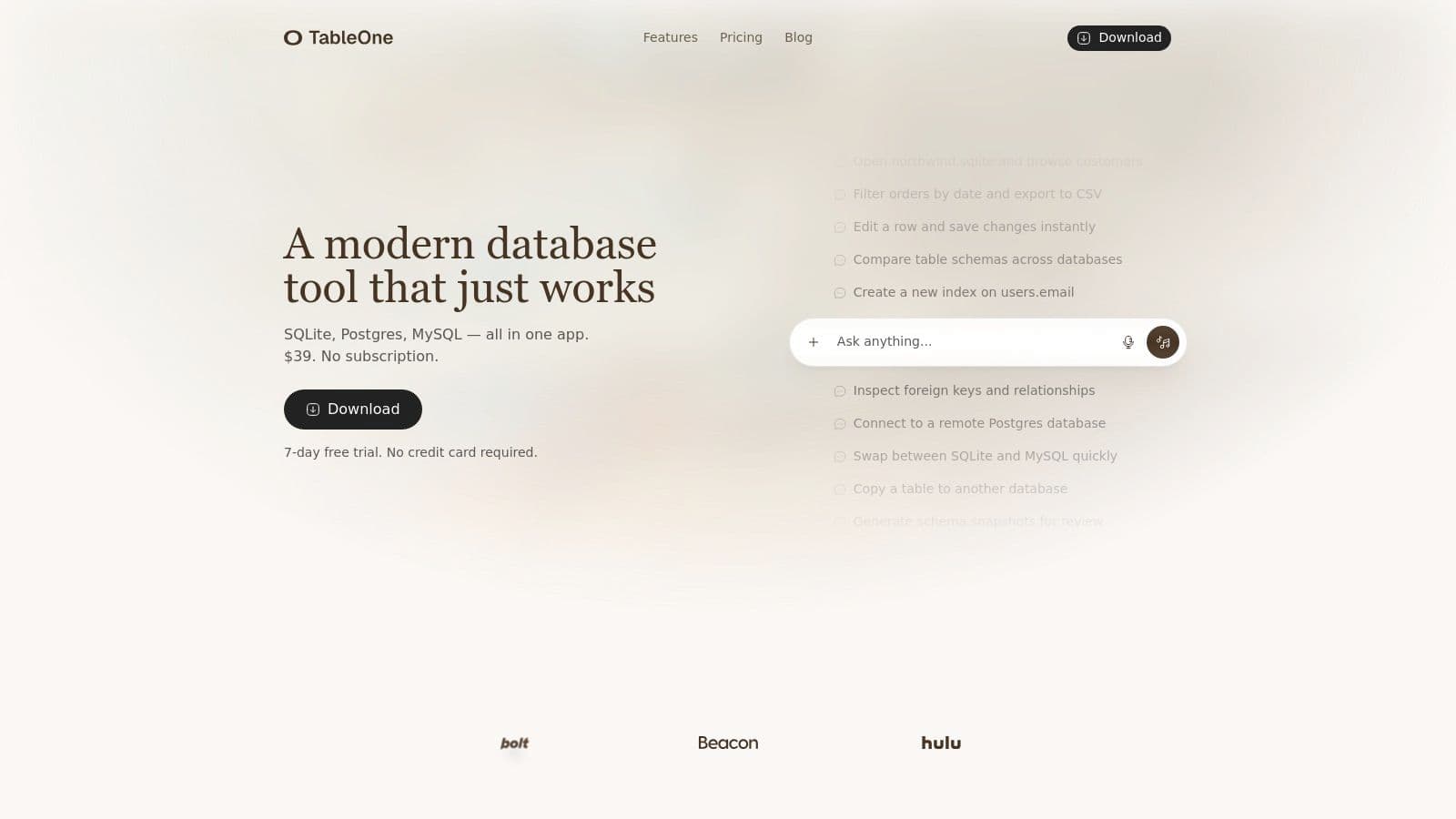
Its design philosophy is evident: provide essential, well-executed features without the clutter of subscription models or overly complex UIs. The clean data grid, inline editing, and robust CSV import/export tools make routine data tasks quick and predictable. For example, you can directly paste CSV data from your clipboard into a new or existing table, which is perfect for quickly seeding a database with test data.
Key Strengths and Use Cases
What truly sets TableOne apart are its practical, workflow-oriented features. The built-in schema comparison tool is a standout, allowing you to diff two databases (e.g., local development vs. staging) and generate a schema snapshot. This is incredibly useful for verifying migrations and documenting changes for code review. Another key utility is the ability to copy entire tables and their data between connected databases, even across different database types, which simplifies data seeding and environment setup. For instance, you could copy a users table from your local SQLite database directly to a staging PostgreSQL database in just two clicks.
For data analysis, you can run queries and pin the results to the sidebar, creating a dashboard of important metrics that you can refresh on demand. A practical example is pinning a query like SELECT COUNT(*) FROM users WHERE created_at > date('now', '-1 day'); to keep a live count of new daily signups visible at all times. The local-first approach ensures your connection details and data stay on your machine, a critical consideration for security-conscious teams.
Pricing and Licensing
TableOne’s pricing is a major differentiator. It rejects the subscription trend in favor of a one-time purchase model.
- Solo License: $39 (one-time) for an individual user.
- Team License: Starts at $117 (one-time) for three seats.
Both licenses are transferable and include one year of updates. While future major versions might require a new purchase, the core product you buy is yours to use indefinitely. This simple, transparent pricing makes it an easy choice for independent developers, startups, and teams who want to control their tooling budget without recurring fees.
Website: tableone.dev
2. DB Browser for SQLite
DB Browser for SQLite (DB4S) is a classic, open-source tool purpose-built for one job: creating, browsing, and editing local SQLite database files. It's a dependable, no-frills SQLite graphical interface that has been a mainstay for developers for years. Its primary strength is its simplicity and small footprint, making it an excellent choice for quickly inspecting a .sqlite file or performing basic schema modifications without the overhead of a larger, multi-database client.
The user experience feels very direct, presenting a clear tabbed interface for database structure, data browsing, and SQL execution. For those accustomed to spreadsheet-like interactions, the visual data grid with inline editing is a significant advantage over a command-line-only approach. To learn more about the trade-offs involved, see our comparison of GUI vs. command-line interfaces. DB4S is completely free and available for all major operating systems.
Core Features & Use Case
- Pricing: Free (Open-Source)
- Key Feature: Native support for SQLCipher encrypted databases, allowing you to open and edit password-protected SQLite files directly.
- Practical Insight: If your mobile app uses an encrypted SQLite database for local storage, you can use DB4S to pull the database file, enter the password, and directly inspect or debug the data on your development machine.
- Best For: Developers who need a fast, lightweight tool for local database inspection or simple data edits. Its single-operation model makes it ideal for focused tasks rather than complex, parallel query analysis.
- Website: sqlitebrowser.org
3. SQLiteStudio
SQLiteStudio positions itself as a more feature-rich, integrated development environment (IDE) for SQLite, moving beyond the simple browser model. It is a free, open-source, and multi-platform sqlite graphical interface that offers a robust set of tools for developers who need more than just basic data viewing. Its strength lies in providing advanced utilities, such as data generators and a powerful plugin architecture, making it a solid middle ground between a minimalist viewer and a full commercial suite.
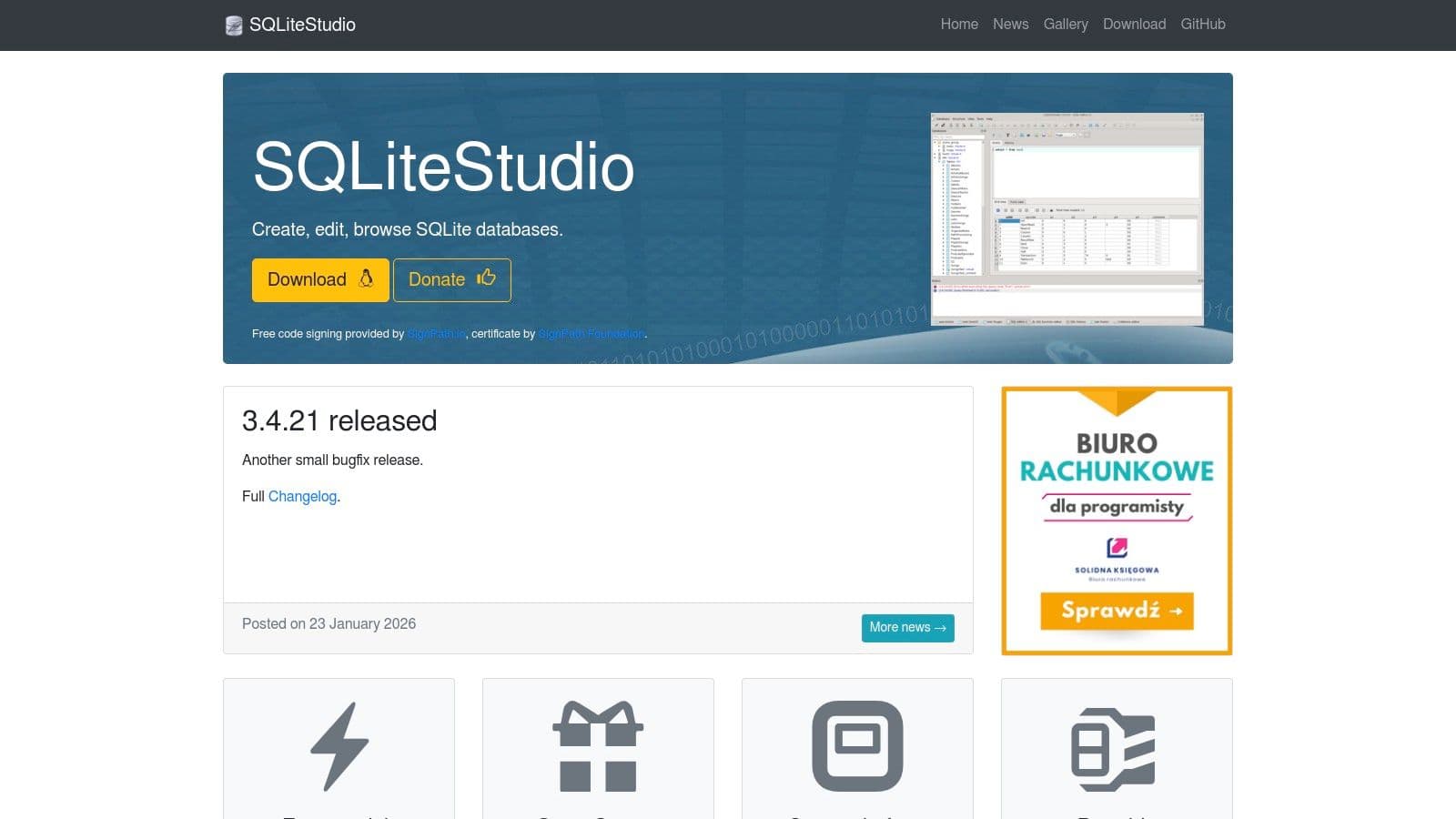
The user experience feels more like a complete database workbench, with pop-out windows and extensive configuration options. While it has a slightly heavier footprint than single-purpose viewers, it compensates with extensive import/export capabilities and schema editing tools. A notable aspect of any multi-user database tool is handling concurrency; for those interested in the underlying mechanics, you can discover solutions for the common SQLITE_BUSY error by reading about how to resolve a locked SQLite database. SQLiteStudio remains completely free and is a popular choice for complex, single-file database management.
Core Features & Use Case
- Pricing: Free (Open-Source)
- Key Feature: A plugin architecture that extends functionality, along with built-in data population tools for generating test data quickly.
- Practical Insight: Instead of writing a script, you can use the data generator to quickly populate a
userstable with 1,000 realistic-looking fake names and email addresses for performance testing your application's queries. - Best For: Developers and data analysts who need to mock up databases, perform complex data migrations, or require extensive import/export options (including to XML, JSON, and PDF).
- Website: sqlitestudio.pl
4. DBeaver (Community and Pro)
DBeaver is a powerful, cross-platform universal database client that supports a vast number of database engines, including SQLite. Its strength lies in providing a consistent user experience whether you're working with a local SQLite file, a remote PostgreSQL instance, or a cloud-based MySQL database. For teams juggling multiple data sources, this consistency is a major productivity boost, making it a go-to SQLite graphical interface for complex environments.
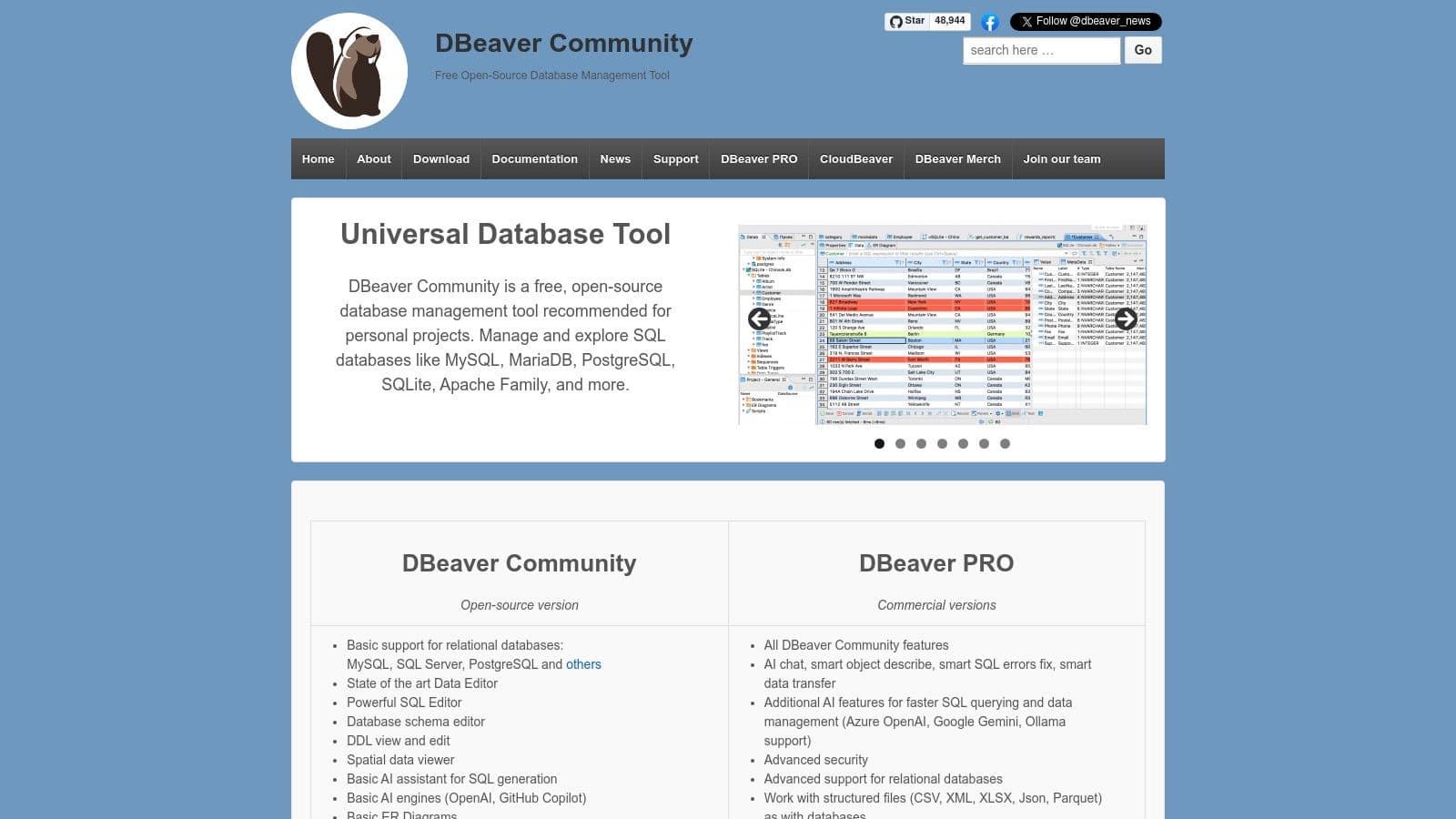
The free Community edition is more than capable for most SQLite tasks, offering a robust SQL editor with autocomplete, metadata browsing, and data import/export tools. The interface is packed with features, which can feel like overkill if you only need to interact with SQLite. To understand how it fits into the broader ecosystem, you can learn more about choosing the right database tool for your workflow. The Pro version adds advanced features like visual query building and enhanced cloud database support.
Core Features & Use Case
- Pricing: Free (Community Edition) / $299 per user, first year (Pro Edition Subscription)
- Key Feature: Universal database support via JDBC drivers, providing a single, consistent interface for SQLite and many other databases like PostgreSQL, MySQL, and more.
- Actionable Insight: Configure connections for your local SQLite dev database and your remote production PostgreSQL database side-by-side. You can then write and test a query on your local file before running the exact same query against production, all from the same window.
- Best For: Developers and teams who work with multiple database systems and want a unified tool. Its extensive feature set is ideal for complex database management tasks beyond simple local file editing.
- Website: dbeaver.io
5. TablePlus
TablePlus has earned a loyal following among developers for its modern, native feel and polished user experience across macOS, Windows, and Linux. While it supports numerous databases, its performance as an SQLite graphical interface is exceptionally smooth. The design prioritizes speed and usability, offering a clean, tabbed workspace that makes managing multiple connections and queries straightforward. Its one-time license model is a significant draw for those wary of subscription fatigue.
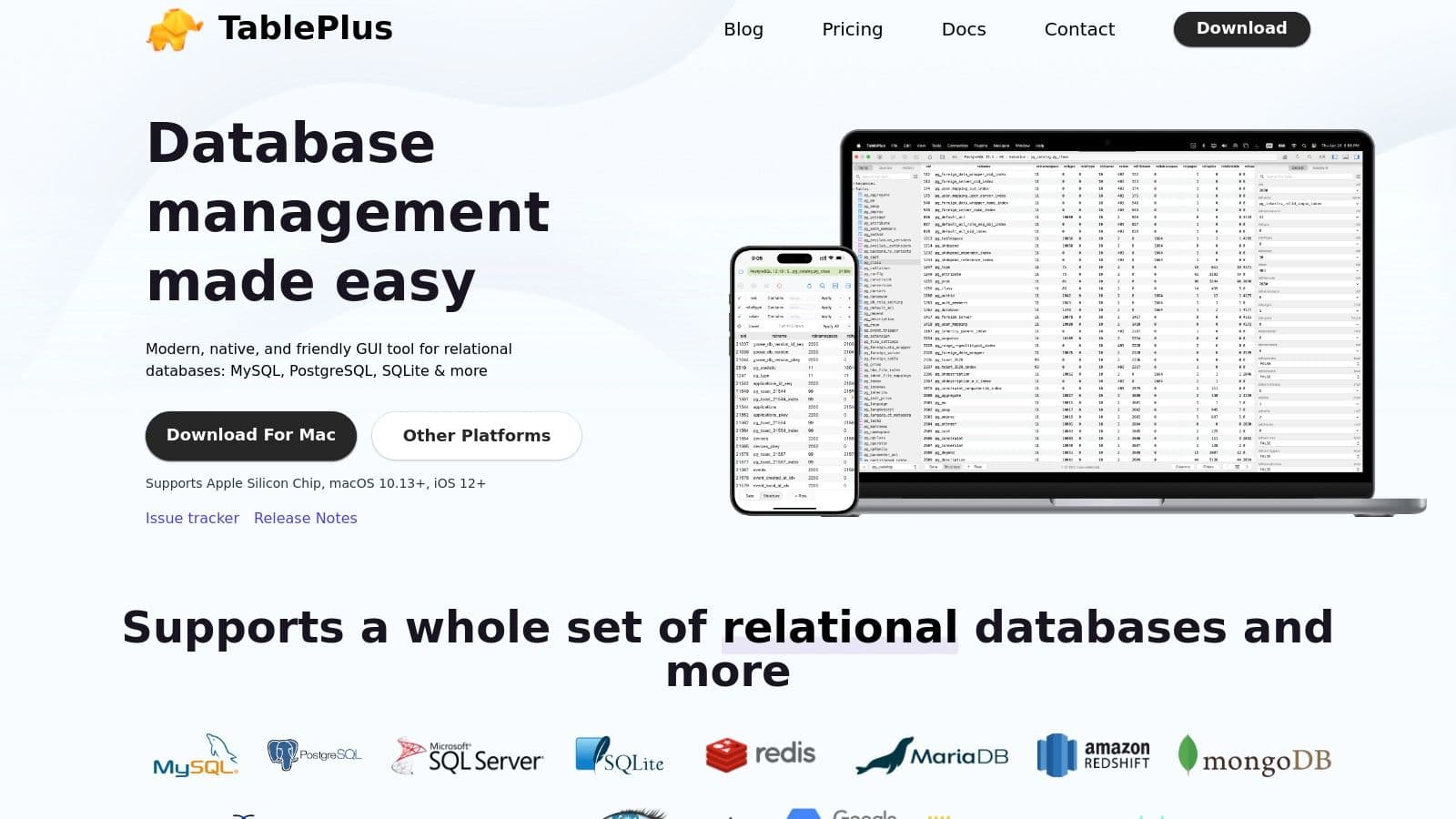
The user interface feels intuitive, especially its powerful data grid. Practical features like inline editing, multi-column filtering, and quick-look previews make data manipulation fast and efficient, moving beyond what a basic SQLite editor can offer. While the free version has some limitations on tabs and filters, it’s fully functional for evaluating the core workflow. TablePlus strikes a great balance between a beautiful interface and powerful features without feeling bloated.
Core Features & Use Case
- Pricing: Freemium (Free version with limits, paid for a perpetual license with one year of updates)
- Key Feature: A fast, native client with a highly polished data grid that allows for quick inline editing and multiple data filters.
- Practical Insight: In a large table, you can apply multiple filters at once directly on the columns (e.g.,
status = 'active'andsignup_date > '2023-01-01') without writing a SQL query, making ad-hoc data exploration feel like using a spreadsheet. - Best For: Developers and teams who want a single, beautiful GUI for managing both local SQLite files and remote production databases (like PostgreSQL or MySQL).
- Website: tableplus.com
6. JetBrains DataGrip
JetBrains DataGrip is a powerful, cross-platform database IDE that treats SQLite as a first-class citizen alongside many other database engines. It's part of the well-regarded JetBrains ecosystem, known for its focus on developer productivity and intelligent tooling. Rather than being just a simple SQLite graphical interface, DataGrip is a full-featured environment designed for developers who write a lot of SQL and manage complex database schemas.
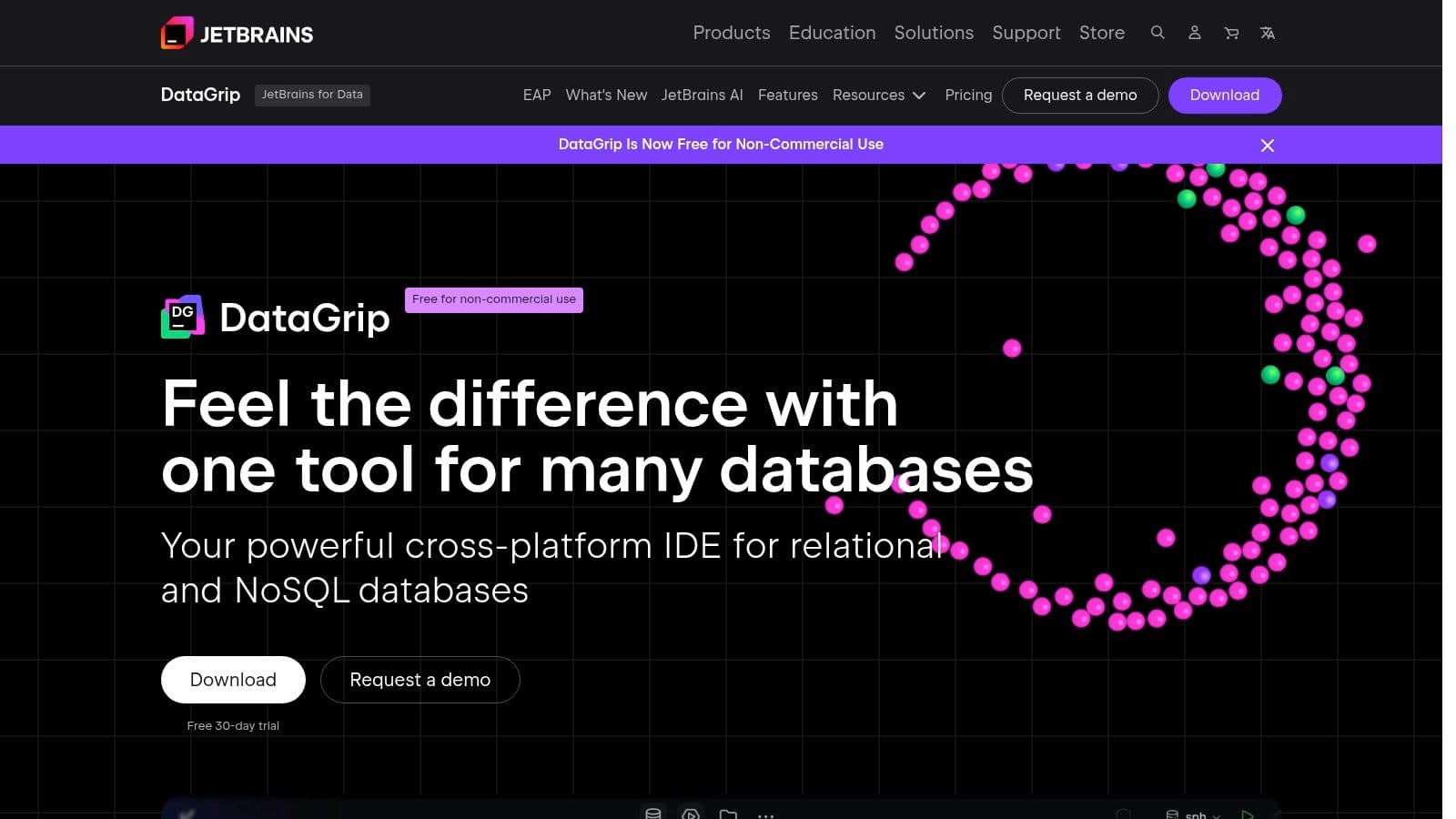
The user experience is centered around its smart SQL editor, which provides excellent code completion, on-the-fly analysis, and powerful refactoring tools. For example, you can right-click a table name in your SQL query and select "Refactor -> Rename." DataGrip will then find and update that table name across all your project's SQL files and even in string literals within your application code (in supported languages). This makes it a standout choice for projects with extensive query logic or those requiring frequent schema modifications. While commercial use requires a paid subscription, a free tier is available for non-commercial and educational purposes.
Core Features & Use Case
- Pricing: Paid subscription for commercial use. A Free license is available for non-commercial use.
- Key Feature: An intelligent SQL editor with context-aware code completion, inspections, quick fixes, and advanced refactoring capabilities that go far beyond basic query execution.
- Actionable Insight: Use the "Find Usages" feature on a database column to instantly see every query in your project that references it. This is invaluable for impact analysis before dropping or modifying a column.
- Best For: Professional developers already using the JetBrains ecosystem (like IntelliJ IDEA or PyCharm) or those who need a heavy-duty, multi-database IDE for writing and maintaining complex SQL.
- Website: www.jetbrains.com/datagrip/
7. Beekeeper Studio
Beekeeper Studio presents itself as a modern, friendly SQL editor and database management tool designed with a clean, intuitive interface. While it supports many popular databases like PostgreSQL and MySQL, it functions as a proficient SQLite graphical interface, allowing users to simply double-click a .sqlite file to open and explore it. Its standout quality is its user-first design philosophy, which prioritizes a smooth, uncluttered experience without sacrificing powerful features.
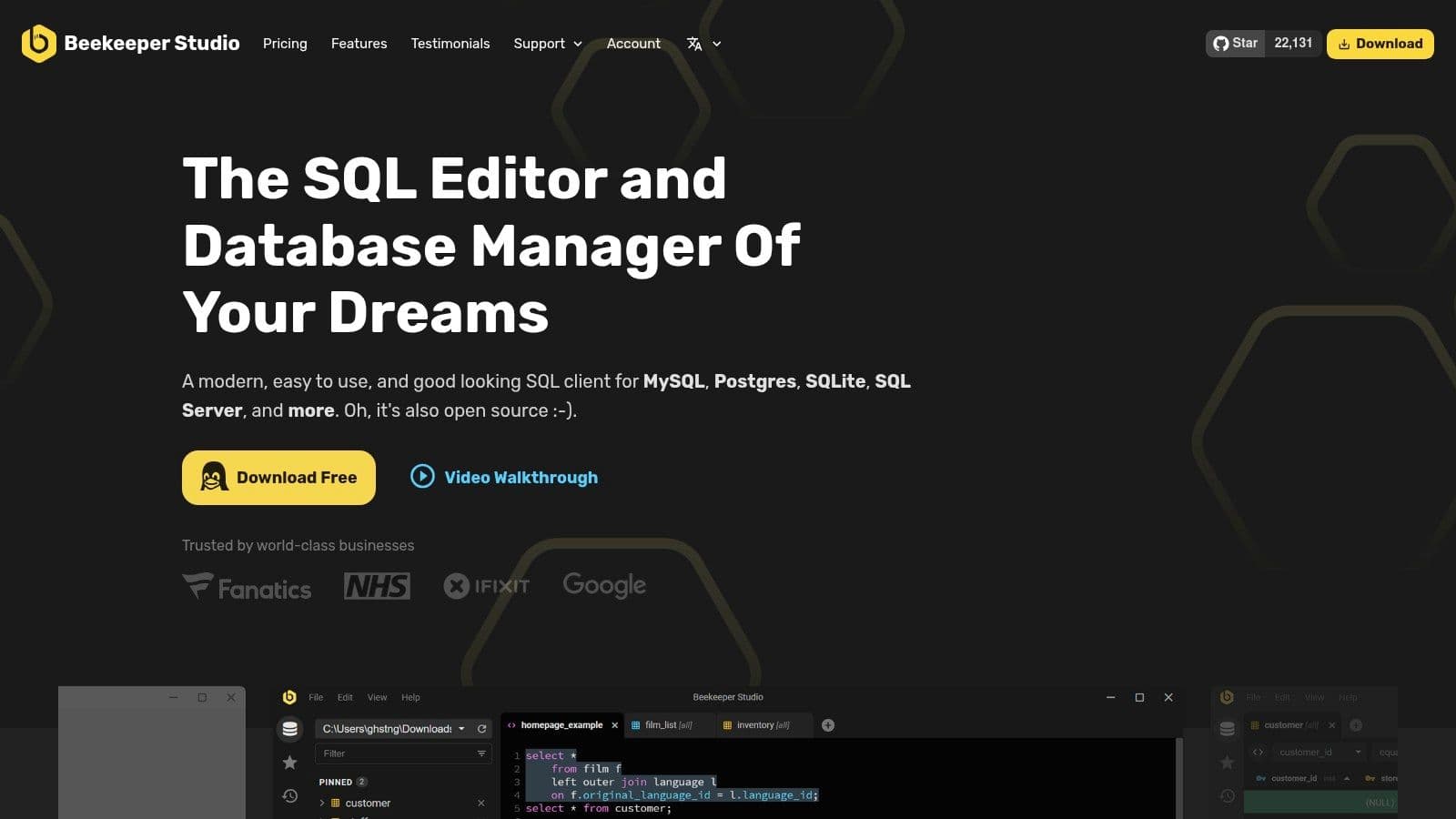
The application balances accessibility for newcomers with the depth required by seasoned developers. The tabbed query editor, auto-completion, and straightforward connection manager make daily tasks efficient. It offers a generous free Community Edition, with paid options for professionals needing advanced features. The transparent pricing and money-back guarantee reflect the vendor’s confidence in the product's quality and usability, making it a low-risk option to try.
Core Features & Use Case
- Pricing: Free (Community Edition); Paid plans available (Indie/Pro/Business)
- Key Feature: Multi-database support with a consistent, modern user interface, making it easy to switch between SQLite, PostgreSQL, and other database projects without changing tools.
- Practical Insight: Save a connection to a remote database and then securely share it with a teammate using Beekeeper's cloud workspace feature. This avoids sending credentials over insecure channels like chat messages.
- Best For: Developers and data analysts who work with multiple database types and value a fast, clean UI over a tool packed with enterprise-only features. The Community edition is excellent for individual use and SQLite management.
- Website: beekeeperstudio.io
8. Navicat for SQLite
Navicat for SQLite is a commercial, polished SQLite graphical interface that brings enterprise-grade tooling to SQLite management. As part of the wider Navicat product family, it offers a consistent, professional experience for developers who work across multiple database systems. It is best suited for corporate or regulated environments where vendor support, advanced data modeling, and process automation are key requirements that justify its premium cost.
The user experience feels robust and highly organized, with powerful features that go beyond simple data browsing. For instance, its data transfer and synchronization tools allow you to migrate schemas and data between SQLite and other databases like MySQL or PostgreSQL, a common task in larger projects. The main drawback is its pricing and edition complexity, which can be confusing for individual developers or small teams compared to free, open-source alternatives.
Core Features & Use Case
- Pricing: Paid (Perpetual license from $129, with Non-Commercial, Standard, and Enterprise editions)
- Key Feature: A powerful visual Data Modeling tool for designing, modifying, and reverse-engineering database schemas without writing DDL statements manually.
- Practical Insight: Use the Data Modeling tool to visually design a new database schema. You can then automatically generate the SQL
CREATE TABLEscript or even synchronize the model directly with a live SQLite database, saving significant time. - Best For: Enterprise teams and developers who need advanced data synchronization, report scheduling, and official vendor support for their SQLite workflows.
- Website: navicat.com/en/products/navicat-for-sqlite
9. Valentina Studio
Valentina Studio is a powerful, cross-platform database administration tool that extends its capabilities far beyond a single database engine. While it supports major systems like PostgreSQL and MySQL, its free version provides a competent and polished SQLite graphical interface. This makes it a great entry point for developers who work in a polyglot persistence environment and prefer a single client for managing different databases, including local SQLite files.
The user interface feels professional and is packed with features, though its true depth is unlocked with the Pro version. For SQLite, the free edition covers all the essential ground: schema browsing, data grid editing, and a standard SQL editor. It presents a good balance between the focused simplicity of a tool like DB4S and the extensive, sometimes overwhelming, feature set of a full-blown IDE. It’s available for macOS, Windows, and Linux.
Core Features & Use Case
- Pricing: Free (Pro version available for a one-time fee)
- Key Feature: A single, consistent UI for managing multiple database types (SQLite, PostgreSQL, MySQL, etc.), which is ideal for developers who don't work exclusively with SQLite.
- Actionable Insight: The Pro version includes a report designer. You can create a complex invoice or sales summary report directly from your SQLite data and export it as a PDF for stakeholders without needing a separate reporting tool.
- Best For: Developers and data analysts who need a free, professional-grade tool for basic SQLite tasks but want the option to manage other database systems or upgrade for advanced features like visual query building.
- Website: valentina-db.com
10. RazorSQL
RazorSQL is a mature, cross-platform SQL client and database administration tool with extensive support for over 40 different databases, including first-class features for SQLite. It positions itself as a universal tool for developers and DBAs who need a single, consistent interface to manage various database systems. Its strength lies in providing a robust set of SQLite-specific functions like a visual table editor, import/export wizards, and a query builder, all within a multi-database environment.
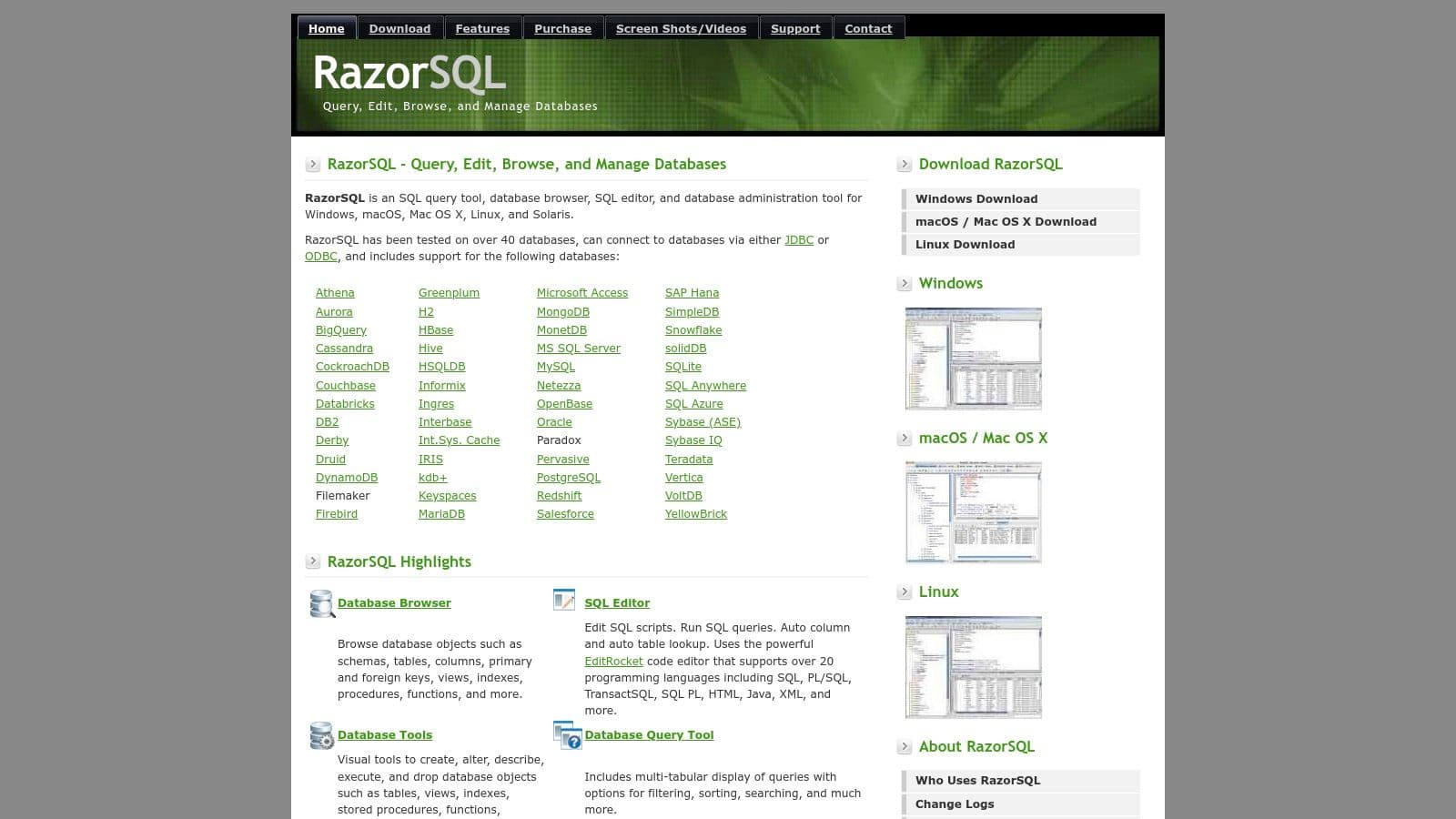
The user experience feels traditional, built on a Java foundation that ensures it runs everywhere but may lack the native aesthetic of platform-specific apps. The licensing model is a key differentiator; instead of a recurring subscription, it offers a perpetual license with one year of upgrades, making it a cost-effective choice for individuals or small teams looking for a long-term solution. This makes it a solid SQLite graphical interface for those who value stability over modern UI trends.
Core Features & Use Case
- Pricing: $99.95 (Perpetual license per user)
- Key Feature: Broad connectivity to 40+ database types, allowing you to use the same tool for SQLite, PostgreSQL, MySQL, and many others without switching context.
- Practical Insight: Use the built-in "Compare" tool to diff the data or schema between an SQLite database and an Oracle database. This is a powerful feature for complex migration projects where data integrity is critical.
- Best For: Polyglot developers or database administrators who work with multiple database technologies daily and want a single, dependable tool with SQLite-specific utilities.
- Website: razorsql.com
11. SQLite Expert (Professional)
SQLite Expert is a long-standing, feature-rich administration and development tool created specifically for SQLite. Aimed primarily at Windows users, it provides a comprehensive environment that goes far beyond simple data browsing. Its main appeal lies in its powerful visual editors, which allow developers to design and modify database schemas, build complex queries, and manage data without writing extensive SQL manually. This makes it a strong contender for those seeking an all-in-one SQLite graphical interface on the Windows platform.
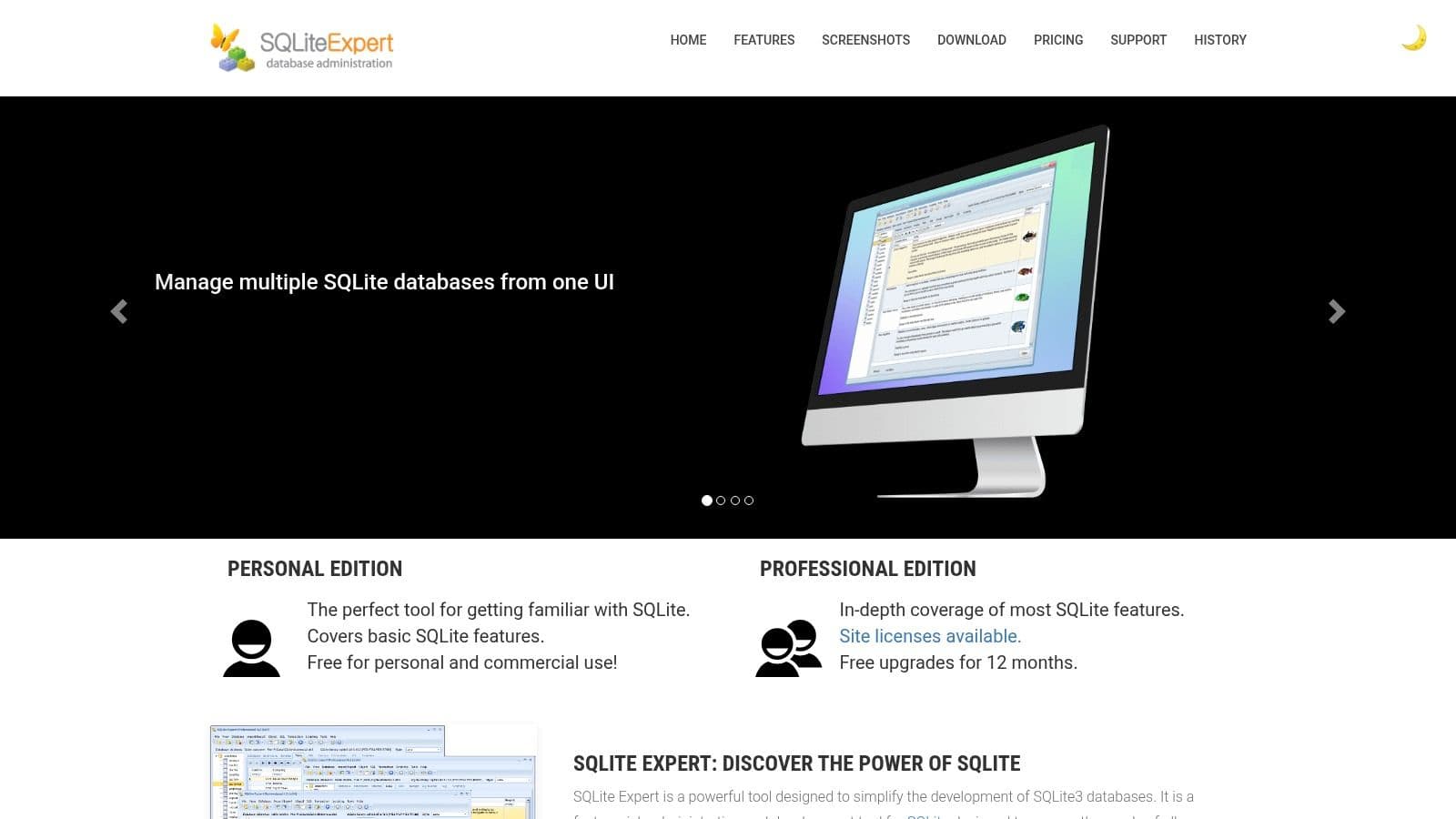
The user experience feels very much like a classic desktop application, with a dense but functional interface packed with options. While it may not have the modern aesthetic of some cross-platform tools, its utility-focused design is effective for deep SQLite work. The Professional edition is offered as a perpetual license, which includes one year of updates and support, a different model than the recurring subscriptions common today.
Core Features & Use Case
- Pricing: $79 (Perpetual license for Professional Edition)
- Key Feature: A powerful visual query builder that lets you construct complex
SELECTstatements with joins and conditions by dragging and dropping tables and columns. - Actionable Insight: If you're new to SQL or dealing with a complex schema, you can visually build a query with multiple joins by dragging tables onto a canvas and drawing lines between related columns. The tool generates the corresponding SQL code for you, which is a great way to learn and work faster.
- Best For: Windows developers who work exclusively or primarily with SQLite and need a dedicated studio for database administration, schema design, and data manipulation. Its robust import/export functions are also ideal for data migration tasks.
- Website: sqliteexpert.com
12. DbVisualizer
DbVisualizer is a universal database tool built for developers, analysts, and DBAs who work across multiple database systems. While not a dedicated SQLite graphical interface, its explicit support for SQLite makes it a powerful option for teams that manage SQLite alongside other databases like PostgreSQL or MySQL. The tool excels at providing a consistent, feature-rich environment for database browsing, SQL editing, and visualization, regardless of the underlying data source.
The experience is that of a professional-grade SQL client. Its Java-based UI might feel heavier than some native applications, but it compensates with advanced features like an object browser for inspecting tables and indexes, and tools for generating entity-relationship diagrams. DbVisualizer offers both a free and a paid Pro edition, with the latter unlocking more advanced capabilities.
Core Features & Use Case
- Pricing: Free version with limited features; Pro version starts at $197 for the first year.
- Key Feature: The ability to visualize schemas with its ER/graph viewers, allowing you to export diagrams of your SQLite database structure.
- Actionable Insight: Generate an ER diagram from an existing SQLite database file to quickly understand its structure and foreign key relationships. You can then export this diagram as an image to include in your project's documentation.
- Best For: Polyglot developers or DBAs in mixed-database environments who need one consistent tool to manage SQLite files and other remote databases. The Pro version is ideal for teams needing advanced features and professional support.
- Website: dbvis.com
Top 12 SQLite GUI Tools Comparison
| Product | Core features ✨ | UX / Quality ★ | Price / Value 💰 | Target 👥 | Unique selling points |
|---|---|---|---|---|---|
| TableOne 🏆 | Cross‑platform (mac/Win/Linux), SQLite/Postgres/MySQL, grid editor, schema diff, CSV import/export | ★★★★☆ — focused & fast | 💰 $39 one‑time Solo; Team from $117 one‑time (1yr updates) | 👥 Devs, small teams, DBAs, founders | ✨ One‑time pricing, local‑first, copy tables between DBs, schema snapshots |
| DB Browser for SQLite | Create/modify tables, visual grid, SQLCipher support | ★★★ — simple & dependable | 💰 Free / Open source | 👥 Quick local inspection, students, hobbyists | ✨ Very lightweight, encrypted DB support |
| SQLiteStudio | Schema/data editors, data generators, rich import/export, plugins | ★★★★ — feature‑rich for SQLite | 💰 Free / Open source | 👥 Testers, devs needing mocks & imports | ✨ Data generation, broad export formats, plugin system |
| DBeaver (Community/Pro) | Universal client, SQL editor, ERD, JDBC drivers, SSH/SSL | ★★★★ — consistent multi‑DB UX | 💰 Free (Community); Pro paid/subscription | 👥 Multi‑DB teams, DBAs | ✨ Wide engine support, consistent tooling across DBs |
| TablePlus | Native grid, inline edits, tabbed UI, saved connections | ★★★★☆ — polished & speedy | 💰 One‑time license (trial limits apply) | 👥 Indie devs, teams wanting native speed | ✨ Fast native feel, smooth SQL workflow |
| JetBrains DataGrip | Smart SQL editor, inspections, refactors, schema diff | ★★★★★ — IDE‑grade SQL tooling | 💰 Subscription (free non‑commercial per vendor) | 👥 Power SQL authors, enterprise devs | ✨ Advanced code assistance, refactors, JetBrains ecosystem |
| Beekeeper Studio | Tabbed SQL, import/export, SSH/SSL, optional cloud workspaces | ★★★★ — modern & friendly | 💰 Free Community; Indie/Pro paid plans | 👥 Developers wanting clean UI & cloud options | ✨ Clean UX, transparent pricing, cloud workspace option |
| Navicat for SQLite | Visual modeling, data transfer/sync, scheduling | ★★★★ — enterprise polished | 💰 Commercial (higher cost) | 👥 Enterprises, regulated environments | ✨ Enterprise‑grade tooling, vendor support |
| Valentina Studio | Browse/manage schema/data, visual query builder (Pro), reports | ★★★ — practical with Pro features | 💰 Free edition; Pro paid upgrade | 👥 Users needing visual queries & reporting | ✨ Integrated report/forms (Pro), cross‑platform |
| RazorSQL | SQLite browser, SQL builder, import/export, 40+ DBs support | ★★★ — mature, Java UI | 💰 Perpetual license (paid) | 👥 Shops needing one tool for many DBs | ✨ Perpetual licensing, extensive DB helpers |
| SQLite Expert (Professional) | Visual schema designer, query builder, wide export formats | ★★★★ — deep SQLite focus (Windows) | 💰 Paid perpetual with 1yr updates | 👥 Windows developers & DBAs | ✨ Rich SQLite visual tooling, robust exports |
| DbVisualizer | Object browser, SQL editor, ER/graph viewers, exports | ★★★★ — solid multi‑DB client | 💰 Free (Pro paid) | 👥 Developers & DBAs across engines | ✨ Clear SQLite coverage, strong ER/visual tools |
Making Your Final Decision: Which SQLite GUI Is Right for You?
Choosing the right sqlite graphical interface can feel like a major commitment, but the journey through the diverse options we've explored should make the decision clearer. The sheer number of tools, from open-source workhorses to polished commercial products, demonstrates that there is no single "best" solution for everyone. Your ideal GUI depends entirely on your specific workflow, technical needs, and budget.
We've seen that tools like DB Browser for SQLite and SQLiteStudio offer fantastic, no-cost entry points for direct SQLite file management. They are perfect for developers and analysts who need a simple, reliable way to inspect schemas, execute queries, and handle basic data manipulation on local .sqlite files. Their focused feature sets are their greatest strength, providing a clean and efficient experience without unnecessary complexity.
On the other hand, if your work involves more than just SQLite, a polyglot client like DBeaver, TablePlus, or Beekeeper Studio presents a much stronger value proposition. These tools allow you to manage SQLite alongside PostgreSQL, MySQL, and other systems from a single, unified interface. This is a significant efficiency gain for full-stack developers, DevOps engineers, and data professionals who regularly switch between different database technologies. They often provide superior remote connectivity, SSH tunneling, and team-oriented features that are essential for collaborative and production environments.
Key Factors for Your Choice
Your final decision should be guided by a few practical considerations. Ask yourself these questions to narrow down the field:
- What is your primary use case? Are you a solo developer prototyping an application, a data analyst running ad-hoc reports, or a DBA managing production infrastructure? For example, if you just need to quickly check the contents of a
.sqlitefile from a mobile app backup, DB Browser for SQLite is perfect. If you need to manage schema migrations across dev and prod environments, a tool with schema diffing like TableOne is more appropriate. - What is your budget? Free, open-source tools provide immense value. However, a paid license for a commercial product like JetBrains DataGrip, Navicat, or TableOne can be a worthwhile investment if its advanced features save you hours of work each week. Calculate the time saved; if a $40 tool saves you even one hour of work a month, it pays for itself quickly.
- Do you need to connect to remote databases? This is a critical dividing line. If you work with services like PlanetScale, Neon, or Turso, or need to manage servers via SSH, your options are immediately filtered to tools with robust connectivity managers.
- How important is the user experience? A clean, modern, and native UI can make your work more enjoyable and productive. If you spend hours a day in your database client, aesthetics and usability matter.
Ultimately, the best sqlite graphical interface is the one that gets out of your way and lets you focus on your data. Don't be afraid to download the trials for a few of the top contenders. Spend a day working with each one on a real project. Importing a CSV, refactoring a schema, or debugging a tricky query will reveal more about a tool's true fit than any feature list ever could.
Ready to try a modern, native GUI built for speed and simplicity? TableOne offers a polished and efficient sqlite graphical interface with powerful data editing, schema management, and first-class support for modern cloud databases. Download the free trial and see how it can improve your database workflow at TableOne.


