12 Best Database Management Tool Options for 2026
Searching for the best database management tool? We review 12 top options for MySQL, PostgreSQL, and SQLite with actionable insights for your workflow.
Modern development workflows, from prototyping with a local SQLite file to managing a production PostgreSQL cluster, depend on efficient and reliable database tools. The command line is powerful, but a graphical user interface (GUI) often provides a faster, more intuitive way to query data, manage schemas, and handle routine tasks. However, the market is crowded, making it difficult to find the right tool that fits your specific needs. Choosing the best database management tool isn't just about a long feature list; it’s about how that tool integrates into your day-to-day work, whether you're an indie hacker, part of a small engineering team, or a data analyst.
This guide cuts through the noise. We provide a practical, comparative roundup of the top 12 database GUI clients for SQLite, PostgreSQL, and MySQL. Instead of generic descriptions, we focus on actionable insights drawn from real-world usage. You'll find detailed analysis covering:
- Ideal Use Cases: Is it built for quick local development or robust production management?
- Key Feature Analysis: A look at standout features like schema migration, CSV import/export, and team collaboration.
- Honest Limitations: Every tool has its drawbacks. We'll be straightforward about where each one falls short.
Our goal is to give you a clear, honest assessment of each option, complete with screenshots and direct links. By the end, you'll have the information needed to confidently select the database management tool that best matches your workflow, database engine, and budget, helping you work faster and with fewer headaches. Let's dive in.
1. TableOne
TableOne presents a compelling argument for being the best database management tool, especially for developers and small teams who value speed, simplicity, and a one-time purchase model. It is a lean, cross-platform desktop GUI (macOS, Windows, Linux) that rejects subscription fatigue in favor of a straightforward, perpetual license. This focus makes it a powerful daily driver for working with SQLite, PostgreSQL, and MySQL databases, whether they are running locally for development or remotely in a production environment.
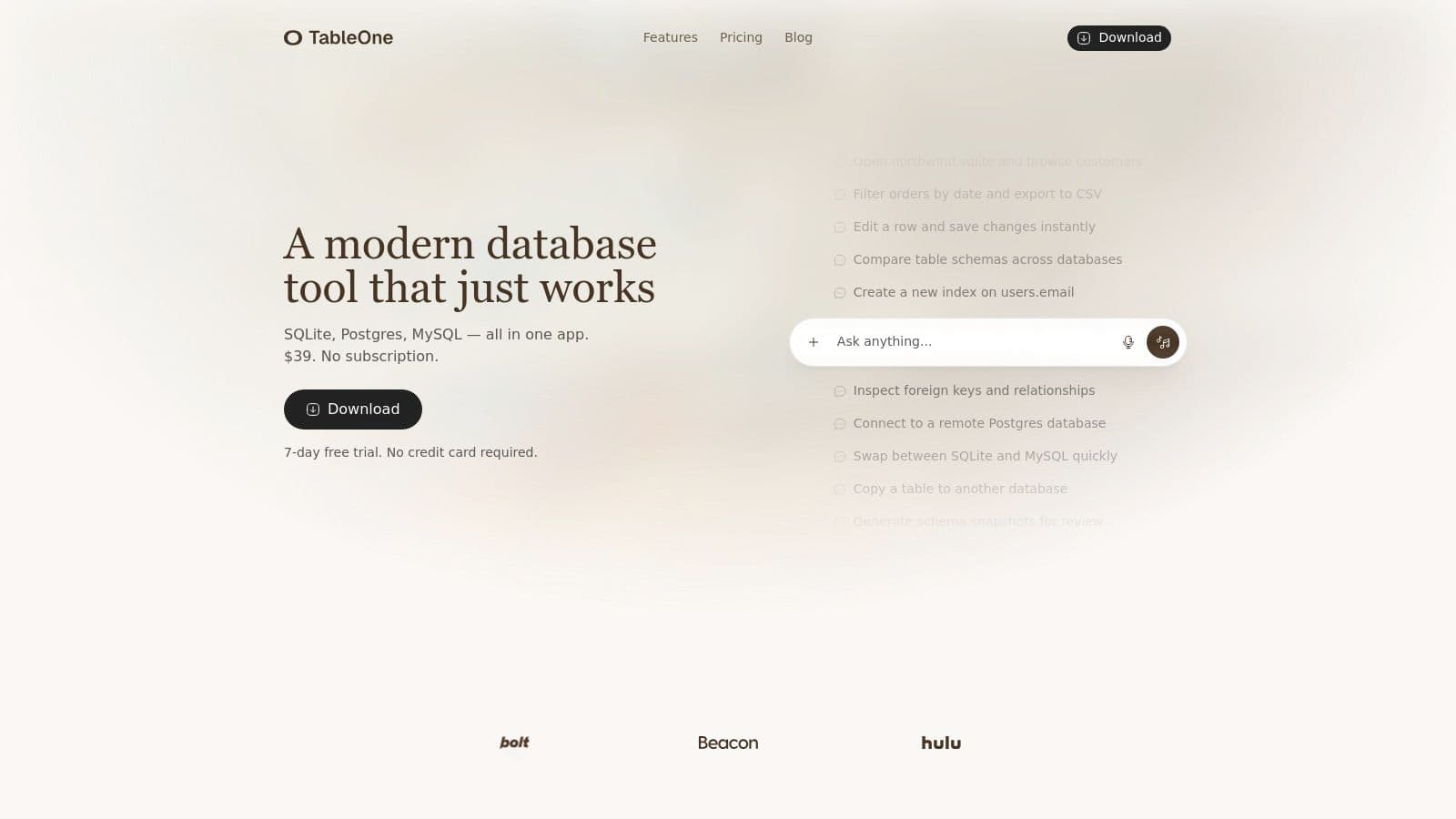
What sets TableOne apart is its curated set of developer-centric features that go well beyond simple data browsing. While the clean grid view with inline editing, filtering, and CSV export is excellent for everyday CRUD tasks, its real strength lies in its utility-driven toolset. For a deeper dive into selecting the right software for your needs, the TableOne team offers a detailed guide on what to look for in a modern database tool.
Key Features and Practical Use Cases
TableOne is built for common, yet often cumbersome, developer workflows. For instance, the schema comparison feature is a standout. It allows you to visually diff the structure of two different databases, such as a local development instance and a staging environment. This is invaluable for catching migration drift and ensuring schema consistency before deploying changes. An actionable insight here is to integrate this check into your pre-deployment checklist to avoid schema-related production errors.
Another practical feature is the table copy function. If you need to move a table and its data from a SQLite prototype directly into a remote PostgreSQL database, TableOne handles it in a few clicks, saving significant time over manual export/import scripting. Other key utilities include:
- Schema Snapshots: Generate a text-based snapshot of your database schema, perfect for including in pull requests for code review. For example, when adding a new
last_login_atcolumn, you can paste the snapshot into your PR description so reviewers can see the schema change without connecting to your database. - Foreign Key Inspector: Easily navigate and understand table relationships without writing complex join queries. For instance, you can click from a
user_idin theorderstable to instantly view the corresponding record in theuserstable. - CSV Import: A common pain point, but here you can import large CSV files directly into existing tables with intelligent column mapping. Practical use: drag a 50,000-row CSV of user data onto a table, map
Email Addressto theemailcolumn, and let the tool handle the import in the background. - Pinned Queries: Save and "pin" frequently used queries. The results remain visible in a separate tab, allowing you to quickly reference data while working on something else. For example, pin a query showing your app's key performance indicators (KPIs) to keep them visible all day.
Pricing, Pros, and Cons
TableOne’s pricing is a major differentiator. After a 7-day full-featured free trial (no credit card required), a Solo license is a one-time $39 purchase. A Team license starts at $117 for 3 seats. This includes one year of updates and a transferable license, offering a refreshing alternative to recurring monthly fees.
| Feature | Details |
|---|---|
| Supported DBs | SQLite, PostgreSQL, MySQL. Also supports modern providers like PlanetScale, Neon, Turso, Supabase, and Vercel Postgres. |
| Pricing Model | $39 one-time (Solo license), $117 one-time (Team, 3 seats). Includes 1 year of updates. |
| Standout Features | Schema comparison, table copy between databases, schema snapshots, pinned query results, advanced CSV import. |
| Best For | Individual developers, small teams, and analysts needing a fast, no-nonsense tool for core SQL databases without subscription costs. Excellent for prototyping and CI. |
-
Pros:
- Simple, transparent one-time pricing.
- Practical, developer-focused utilities that solve real-world problems.
- Clean, uncluttered UX that is fast and responsive.
- Supports popular managed database providers out of the box.
-
Cons:
- Limited to SQL databases (no MSSQL, Oracle, or NoSQL support).
- Updates beyond the first year may require an additional purchase.
Website: https://tableone.dev
2. DBeaver
DBeaver stands out as a universal database tool, earning its reputation as a "Swiss Army knife" for anyone working with data. Its primary strength lies in its exceptionally broad support for different database systems. While many tools focus on a specific family like SQL, DBeaver connects to everything from SQLite and PostgreSQL to NoSQL databases like MongoDB and even cloud data warehouses. This makes it a strong contender for the title of best database management tool, especially in multi-database environments.
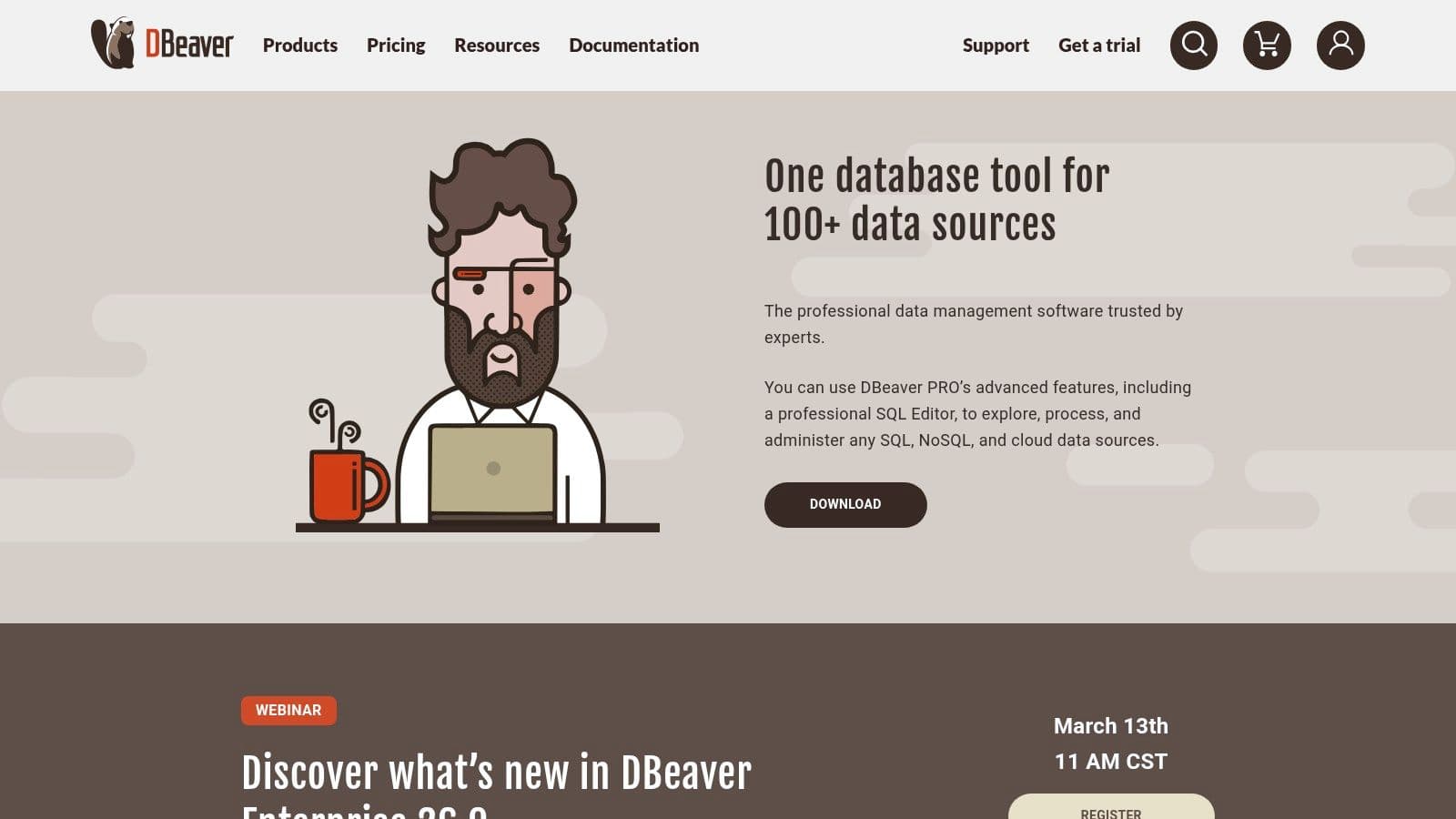
The free Community Edition is remarkably powerful for day-to-day development tasks. It includes a capable SQL editor with autocompletion, a visual data editor, and the ability to generate ER diagrams. This free offering is more than enough for many developers and analysts. The interface, built on Eclipse, can feel a bit dated and dense, but its functionality is undeniable.
Practical Use Cases & Features
- Mixed Environments: If you manage a PostgreSQL database for your main application, a MySQL instance for a legacy system, and occasionally need to query a MongoDB collection, DBeaver lets you do it all from one application window. Actionable insight: create a project in DBeaver for each of your applications to keep all related database connections organized.
- Data Migration & Comparison: The paid "Pro" versions ($299/user/year) introduce powerful schema and data comparison tools. For example, a DevOps engineer can use this to compare a staging database schema against production to generate a migration script, catching discrepancies before deployment.
- Secure Remote Access: DBeaver offers robust SSH and SSL tunneling. This is essential for DBAs and developers needing to securely connect to and manage remote production databases without exposing them directly to the internet. Practical example: connect to an AWS RDS instance in a private VPC by tunneling through a public EC2 bastion host, all configured within DBeaver's connection manager.
Pricing and Access
DBeaver uses a freemium model. The Community Edition is free and open-source. For more advanced features, there are several paid tiers, including the Lite Edition and the full-featured Enterprise Edition, which are sold as annual subscriptions. You can find all versions and a detailed feature comparison on their website.
Website: https://dbeaver.io/
3. JetBrains DataGrip
JetBrains DataGrip is less of a simple GUI and more of a full-fledged Integrated Development Environment (IDE) for SQL. Its core advantage comes from JetBrains' deep expertise in developer tooling, bringing intelligent code completion, on-the-fly analysis, and powerful refactoring capabilities to database work. This makes it a top-tier choice for developers who live in their editor and treat SQL as a primary programming language, not just a query tool.
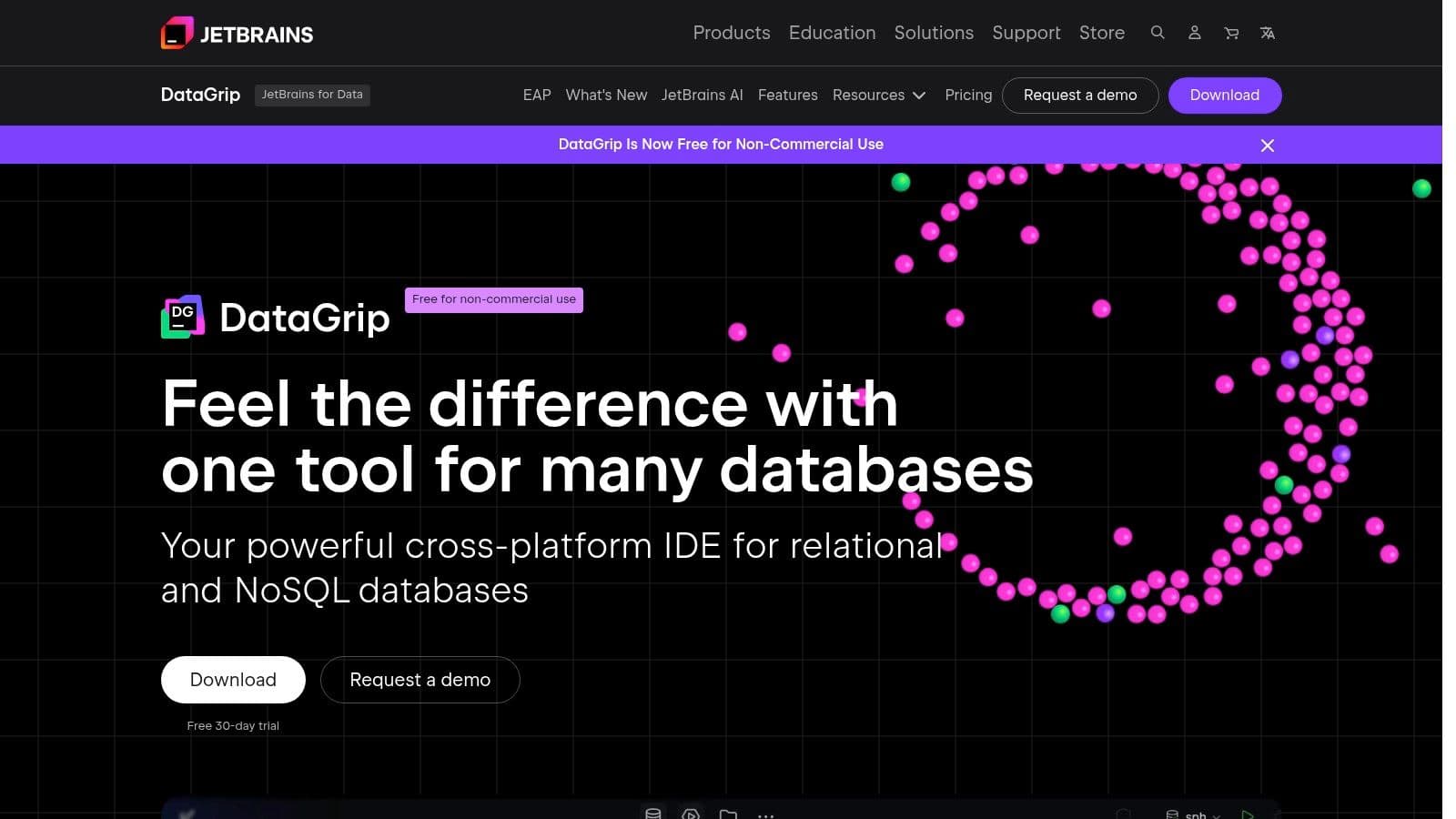
If you're already using a JetBrains IDE like IntelliJ IDEA, PyCharm, or PhpStorm, you likely already have access to its full feature set through the database plugin. For those working in large, complex SQL codebases, DataGrip's understanding of code context is a massive productivity boost. The interface is modern and dense with features, but it feels immediately familiar to anyone in the JetBrains ecosystem, solidifying its place as a contender for the best database management tool for serious developers.
Practical Use Cases & Features
- Large-Scale SQL Refactoring: A developer can safely rename a table or column across dozens of stored procedures, views, and application queries. DataGrip finds all usages and performs the refactoring, a task that would be risky and time-consuming to do manually. Actionable insight: Before merging a feature that renames a critical column like
users.emailtousers.primary_email, run DataGrip's "Find Usages" to ensure you've updated all dependent views and functions. - Version Control Integration: DataGrip integrates with Git. A team can manage their database schema as code, track changes to stored procedures, and see a diff of what's changed directly within the IDE, aligning database work with standard software development practices. For example, you can right-click a stored procedure, view its local history, and revert to a previous version with one click.
- Code Quality and Inspections: The smart editor warns you about unresolved objects, suggests JOINs based on foreign keys, and highlights potential bugs in your SQL code before you even run it, much like a linter for a programming language. For instance, it will flag a
WHERE user_id = 'abc'clause ifuser_idis an integer column, preventing a common type-mismatch error.
Pricing and Access
DataGrip is available as a standalone application or as part of the All Products Pack subscription from JetBrains. It operates on a subscription model, which provides continuous updates. Pricing is tiered for individual and organizational use. As a major benefit for non-commercial projects, JetBrains has announced that its IDEs, including DataGrip, will be free for non-commercial use starting October 1, 2025.
Website: https://www.jetbrains.com/datagrip/
4. TablePlus
TablePlus has carved out a niche by focusing on speed, simplicity, and a polished native experience. Unlike many Java-based tools, it feels incredibly fast and responsive on macOS, Windows, and Linux. It’s an ideal general-purpose client for developers working primarily with popular relational databases like PostgreSQL, MySQL, and SQLite, offering an uncluttered interface that prioritizes core tasks like querying and data editing.
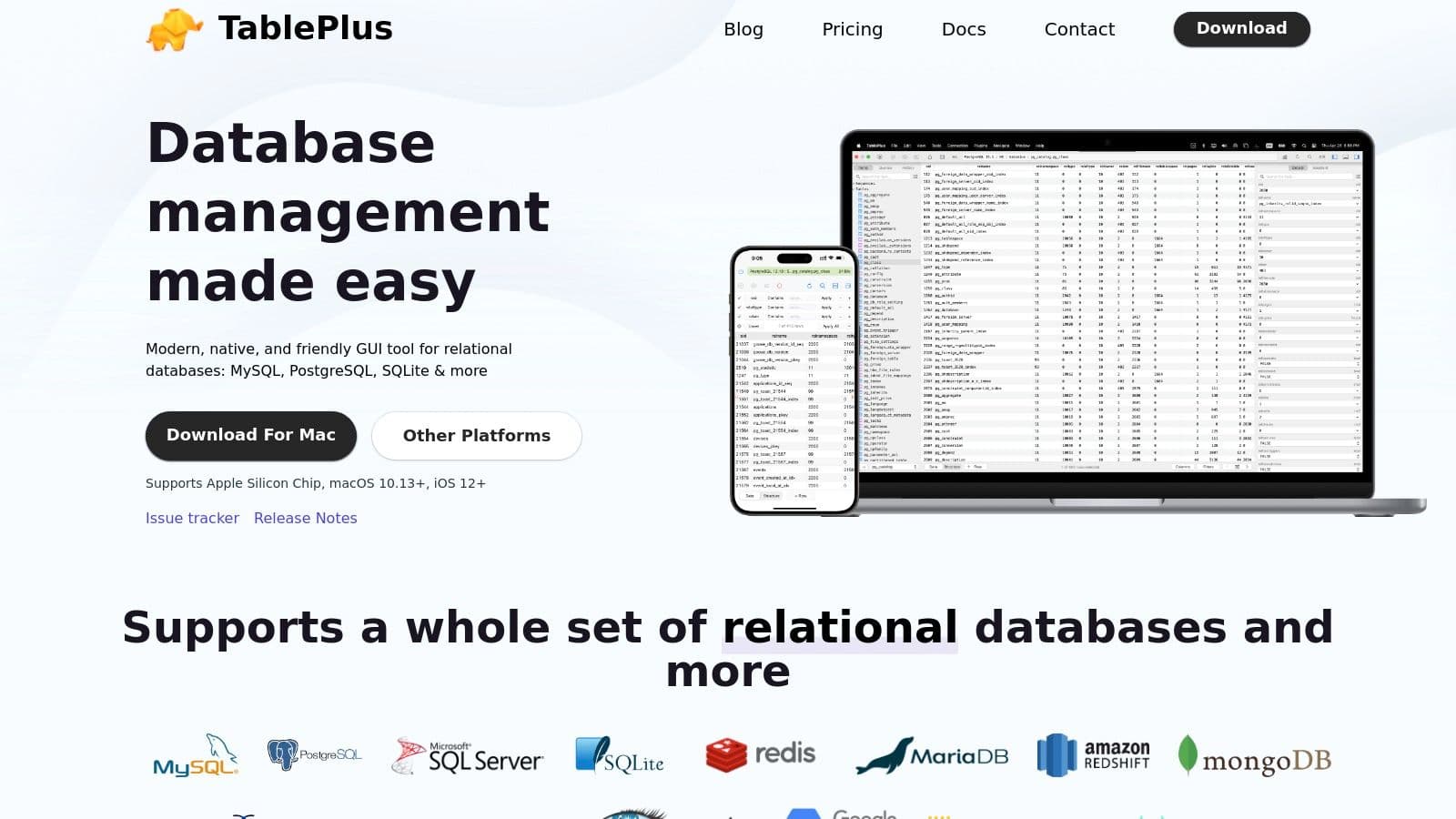
Its strength is in its keyboard-centric design and thoughtful user experience touches. You can quickly navigate, edit, and filter data without ever leaving the keyboard, which significantly speeds up daily development workflows. While it may not have the extensive DBA features of a full IDE, it provides more than enough power for the majority of developer and data analyst tasks, making it a strong candidate for the best database management tool for those who value speed and usability.
Practical Use Cases & Features
- Rapid Prototyping: A startup developer building a new feature can quickly connect to their PlanetScale or Neon database, create a new table, and use the spreadsheet-like grid to insert test data inline. Its multi-tab interface keeps separate queries organized. Actionable insight: use the
Cmd+K/Ctrl+Kshortcut to open a new connection andCmd+P/Ctrl+Pto quickly switch between tables, drastically speeding up navigation. - Ad-Hoc Data Analysis: A product analyst can securely connect to a production replica database using the built-in SSH tunneling. From there, they can run a query to pull user activity, then directly export the result set to a CSV file for a report, all within a few clicks.
- Quick Data Edits: When a bug requires a quick, precise fix in the database, a developer can use TablePlus’s powerful filters to find the exact row, edit the value directly in the table view, and commit the change, with the app showing a clear preview of the
UPDATEstatement before execution. For example, filter theorderstable forstatus = 'pending'andamount > 1000, then bulk-update their status to'requires_review'.
Pricing and Access
TablePlus offers a free trial with no time limit, but it restricts you to a maximum of 2 tabs, 2 windows, and 2 advanced filters at a time. A perpetual license is available for a one-time fee (starting at $99), which includes 1 year of updates. You can optionally renew your license annually for continued updates.
Website: https://tableplus.com/
5. Beekeeper Studio
Beekeeper Studio is a modern, cross-platform SQL client designed with a focus on simplicity and a clean user experience. It supports a wide range of popular databases, including PostgreSQL, MySQL, SQLite, and SQL Server, making it a versatile choice for many developers. Its approachable interface and source-available model make it a strong contender for the best database management tool, especially for those who value speed and ease of use over an exhaustive feature set.
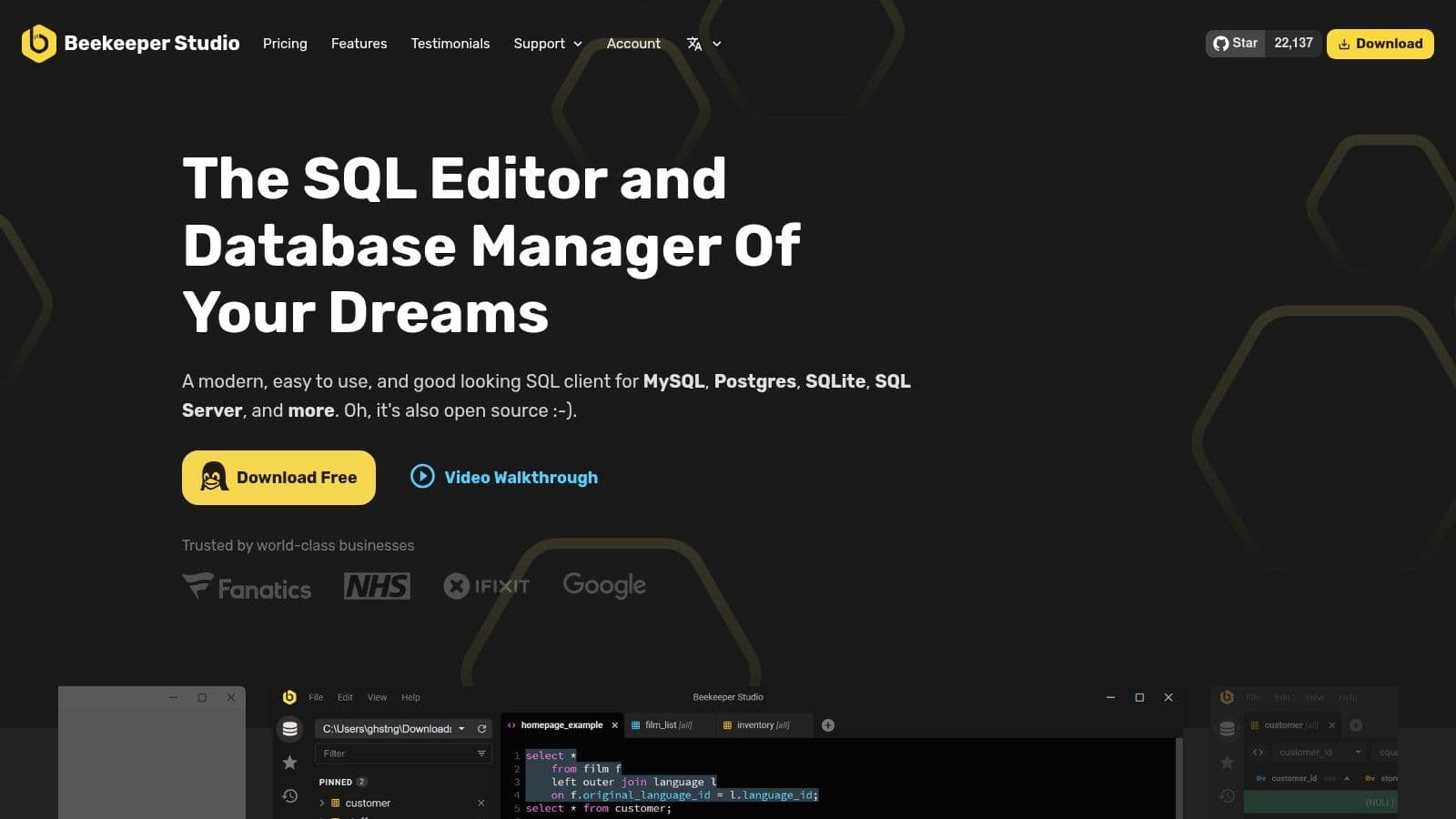
The free Community Edition is very capable, providing essential features like a multi-tab query editor, table browsing with quick filters, and secure connection options. Unlike some competitors with dated interfaces, Beekeeper Studio feels fast and intuitive from the first launch. This makes it an excellent option for developers, analysts, and indie hackers who need to get work done without a steep learning curve.
Practical Use Cases & Features
- Quick Data Exploration: A data analyst can quickly connect to a PostgreSQL database, use the intuitive table view to apply filters without writing SQL, and then export the filtered results to a CSV file for a report, all in a few minutes. For example, in the
userstable, click the filter icon on thecreated_atcolumn, select "is after," and enter a date to instantly see all new users. - Secure Remote Management: A DevOps engineer can configure a connection to a production MySQL database using the built-in SSH tunneling feature. By enabling read-only mode, they can safely run diagnostic queries without any risk of accidental data modification. This is a crucial safety feature for preventing human error in live environments.
- Team Collaboration: The paid Ultimate Edition introduces Cloud Workspaces. This allows a small engineering team to share database connections, queries, and history, ensuring everyone is working with the same credentials and can build upon each other's work. For instance, the lead developer can save a complex debugging query, and the rest of the team can access and run it instantly.
Pricing and Access
Beekeeper Studio is "source-available" with a freemium model. The Community Edition is free to use and provides core functionality. The Ultimate Edition unlocks advanced features like cloud storage, additional database drivers (e.g., Oracle, Redshift), and a visual query builder. It is available as a one-time purchase ($119), which is a notable difference from the subscription-heavy market.
Website: https://www.beekeeperstudio.io/
6. HeidiSQL
HeidiSQL is a favorite among Windows developers for its incredible speed and lightweight footprint. It's a no-nonsense, native Windows client that starts fast and stays responsive, even with large datasets. While its primary support has historically been for MariaDB and MySQL, it has since expanded to include PostgreSQL, Microsoft SQL Server, and SQLite. For Windows users who need a quick and efficient tool for daily database tasks without the overhead of larger, Java-based applications, HeidiSQL is a top-tier choice.
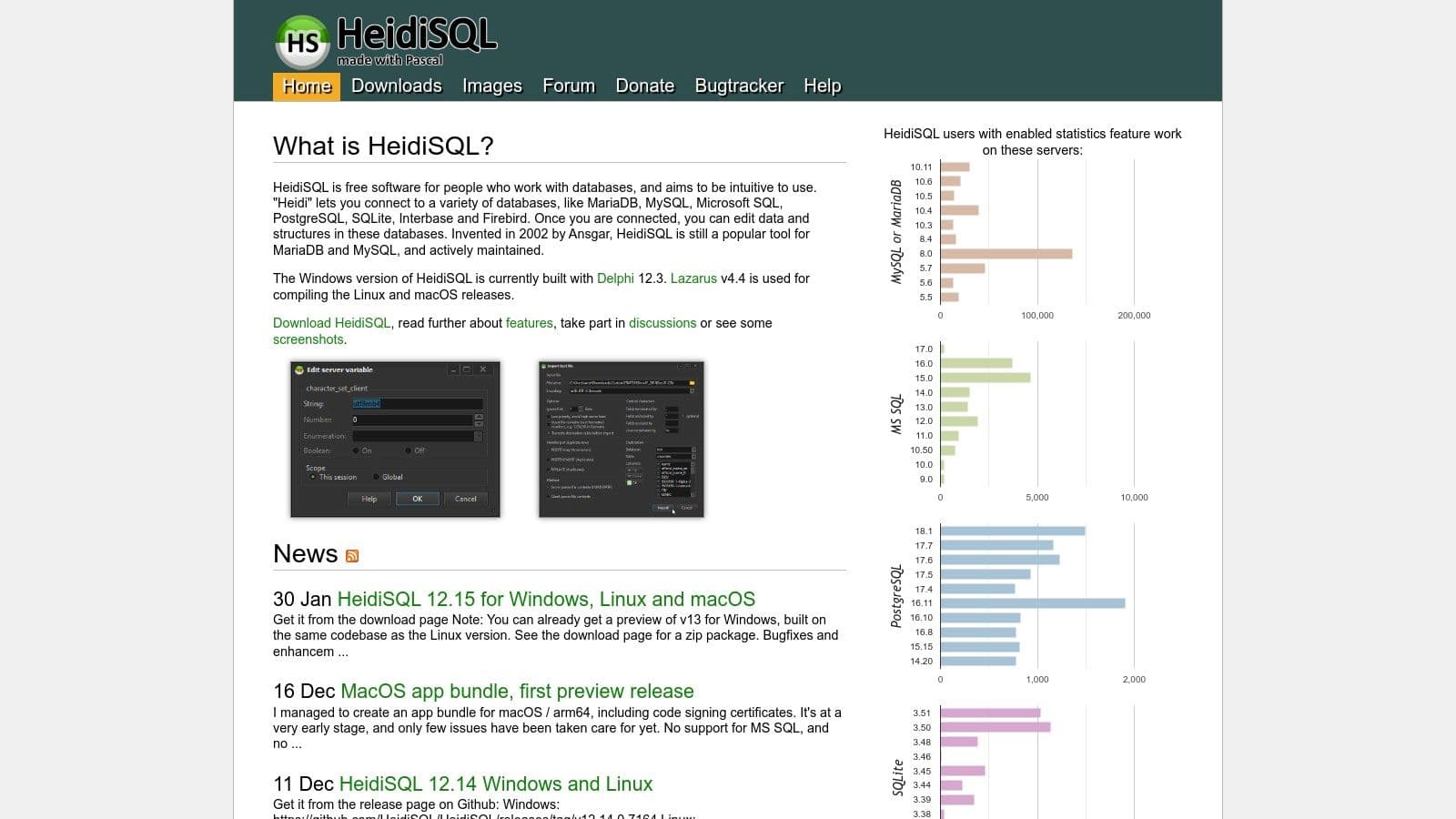
The user interface is utilitarian and function-focused rather than aesthetically polished, but this is part of its charm. It presents all necessary tools like the data grid, query editor, and database tree in a clear, accessible manner. Its reputation as a fast, reliable, and completely free tool makes it a strong contender for the best database management tool on the Windows platform.
Practical Use Cases & Features
- Quick Data Edits: A developer needing to quickly fix a bad record in a production MySQL database can connect, filter the table to find the row, and edit the values directly in the grid. Batch operations allow for updating multiple rows at once, a huge time-saver. Actionable insight: use the "Filter" box at the top of the data grid for instant, client-side filtering without writing a
WHEREclause. - Simple Backups and Transfers: Exporting a small SQLite database to an SQL file for a colleague or importing a CSV file sent by a business analyst is straightforward. The "Export database as SQL" feature is perfect for creating a quick, shareable dump of a development database, including
CREATE TABLEandINSERTstatements. - Secure Remote Management: HeidiSQL’s built-in support for SSH tunneling is essential. A DevOps engineer can use it to securely connect to a remote PostgreSQL server without exposing the database port, running queries and managing users from their local machine.
Pricing and Access
HeidiSQL is completely free and open-source. It is actively developed and maintained by a dedicated community, with frequent updates and bug fixes. While it is a Windows-native application, Linux users can run it successfully using Wine.
Website: https://www.heidisql.com/
7. pgAdmin 4
As the official and open-source administration platform for PostgreSQL, pgAdmin 4 is the default choice for many database administrators and developers working exclusively within the Postgres ecosystem. It is maintained by the PostgreSQL community, ensuring it stays current with the latest database features and releases. Its dedicated focus makes it an exceptionally complete tool for managing all aspects of a PostgreSQL server, from user roles to complex query analysis.
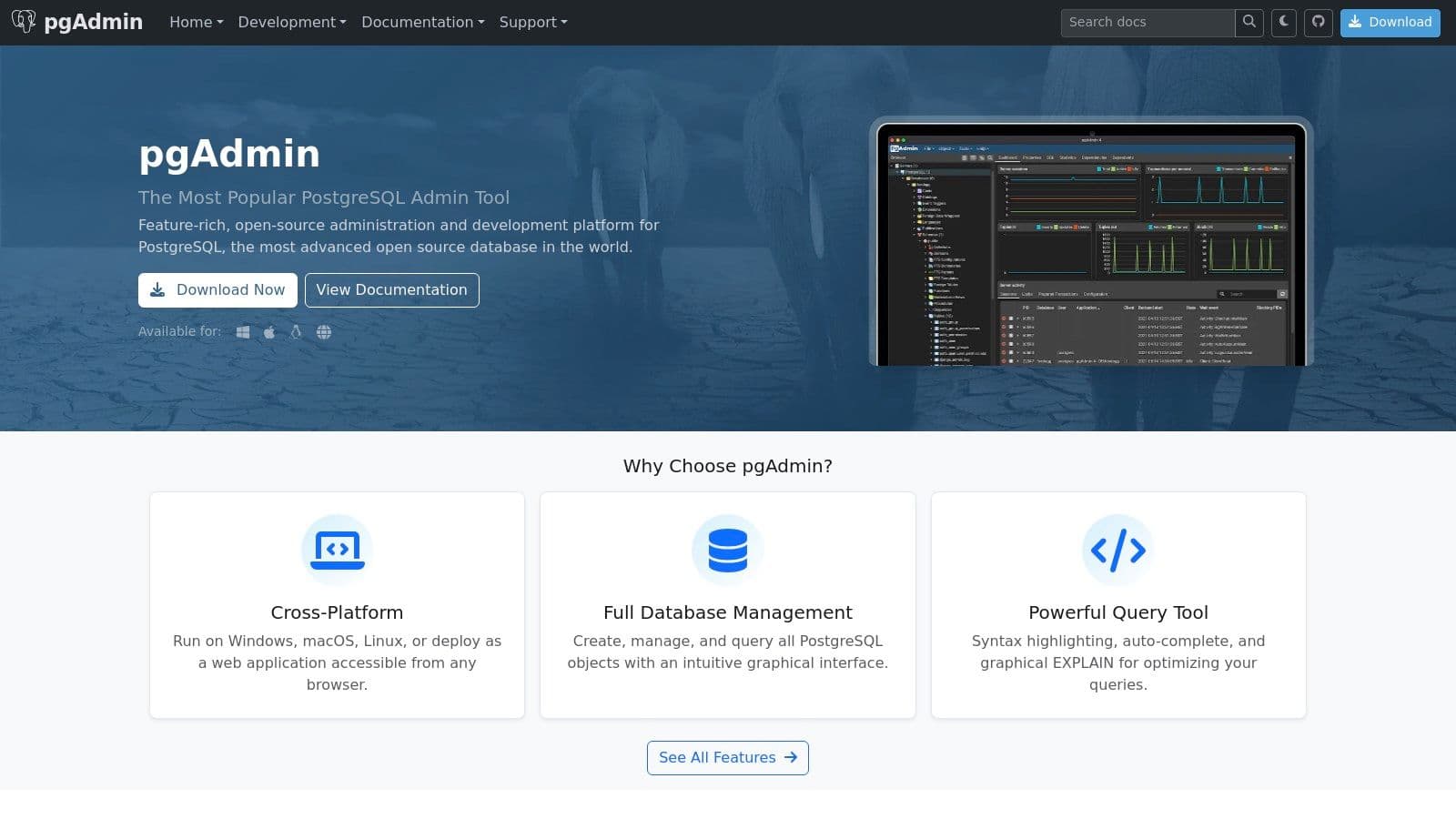
The application can be run as a standalone desktop program or as a web server for multi-user access. While its web-based architecture can sometimes feel less responsive than native applications, particularly with large databases, its feature set is hard to beat for PostgreSQL-specific tasks. The interface provides a thorough tree-view of server objects, making navigation and management straightforward.
Practical Use Cases & Features
- Query Optimization: The Query Tool includes a graphical
EXPLAINplan viewer. A developer can run a slow query, view the plan, and immediately identify bottlenecks like a full table scan, prompting them to add a necessary index. Actionable insight: Use theEXPLAIN (ANALYZE, BUFFERS)option to get the actual execution time and I/O statistics, which gives a much clearer picture of performance than a simpleEXPLAIN. - Routine Maintenance & Backups: A DBA can use the integrated Backup and Restore dialogs to schedule regular backups of a production database without writing custom scripts. The tool guides them through all the necessary options for format and compression. For example, right-click on a database, select "Backup...", choose the "Custom" format for flexibility, and set compression to 9 for a smaller file size.
- Granular Permission Management: Setting up roles and permissions is a core task, and pgAdmin excels here. You can visually navigate and grant specific privileges (e.g.,
SELECT,INSERT) on a per-table or per-schema basis for a new analyst, ensuring they only have the access they need.
Pricing and Access
pgAdmin 4 is completely free and open-source. It is available for Windows, macOS, and Linux, with official packages and Docker containers ready for deployment. There are no paid tiers or enterprise versions; all features are available to everyone.
Website: https://www.pgadmin.org/
8. Postico 2
For PostgreSQL users on macOS, Postico 2 presents a compelling and polished experience. It’s designed from the ground up as a native Mac application, and it shows. The interface is clean, fast, and intuitive, rejecting the cross-platform feel of many other tools. Its focus is singular: provide the most efficient and pleasant workflow for managing PostgreSQL databases, making it a top contender for developers in the Apple ecosystem.
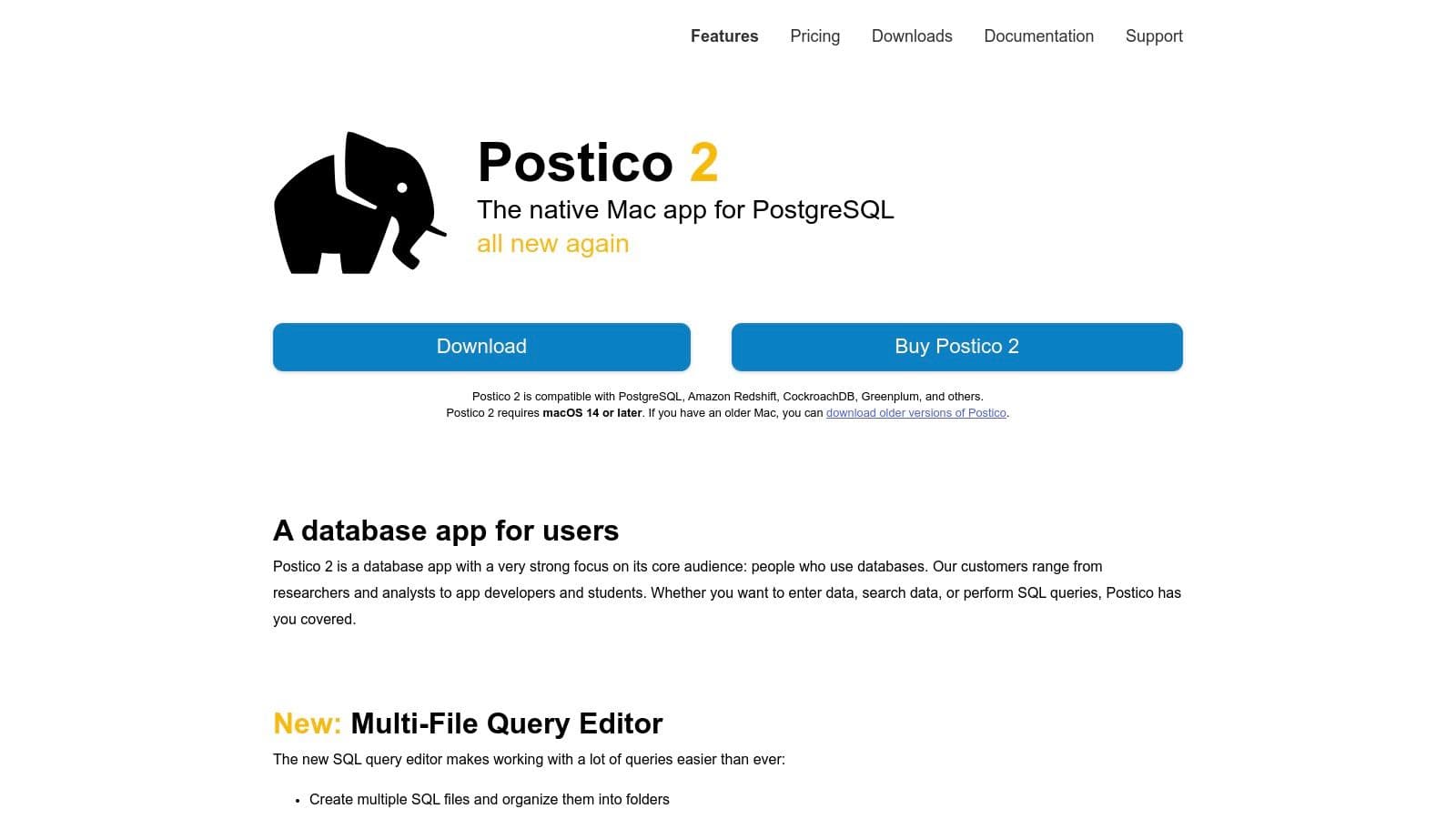
The strength of Postico 2 lies in its simplicity and speed, especially when interacting with data. The table view is incredibly responsive, allowing for quick inline edits, filtering, and sorting without any lag. It's a prime example of a tool that does one thing exceptionally well, making it a favorite for those who value a native feel and performance over an extensive feature list. While it is Mac-only, many developers find its focused approach to be an advantage, not a limitation; for more platform-agnostic options, you can explore other SQL clients for Mac.
Practical Use Cases & Features
- Rapid Data Editing: A product analyst can quickly connect to a production replica, filter the
userstable for recent sign-ups, and directly edit a typo in a user's name or add a note in a metadata field, all without writing a single line of SQL. Actionable insight: Double-click a cell to edit it, and useTabto move to the next cell, just like a spreadsheet. - Simple Data Import: A startup founder prototyping an app can easily import an initial customer list from a CSV file. Postico’s import wizard intelligently maps columns and handles data types, populating a
customerstable in seconds. The preview pane lets you verify the mappings are correct before committing the import. - Query Development: A developer can write and test complex queries in the editor, which features syntax highlighting and a clear history panel. They can save frequently used queries, like a weekly user activity report, as favorites for one-click execution.
Pricing and Access
Postico 2 offers a very generous trial that is fully functional with no time limit, displaying a brief nag screen after a few queries. A perpetual license is available for a one-time purchase of $99, which includes one year of updates. It’s a straightforward and developer-friendly pricing model.
Website: https://eggerapps.at/postico2/
9. Navicat Premium
Navicat Premium is a long-standing and powerful commercial suite for database management, focusing on delivering a complete toolset for professional developers, DBAs, and enterprise teams. Its core strength is providing a consistent, high-powered graphical interface across a wide range of database systems, including PostgreSQL, MySQL/MariaDB, SQLite, SQL Server, and Oracle. This makes it a serious candidate for the best database management tool in corporate environments where efficiency and advanced features are paramount.
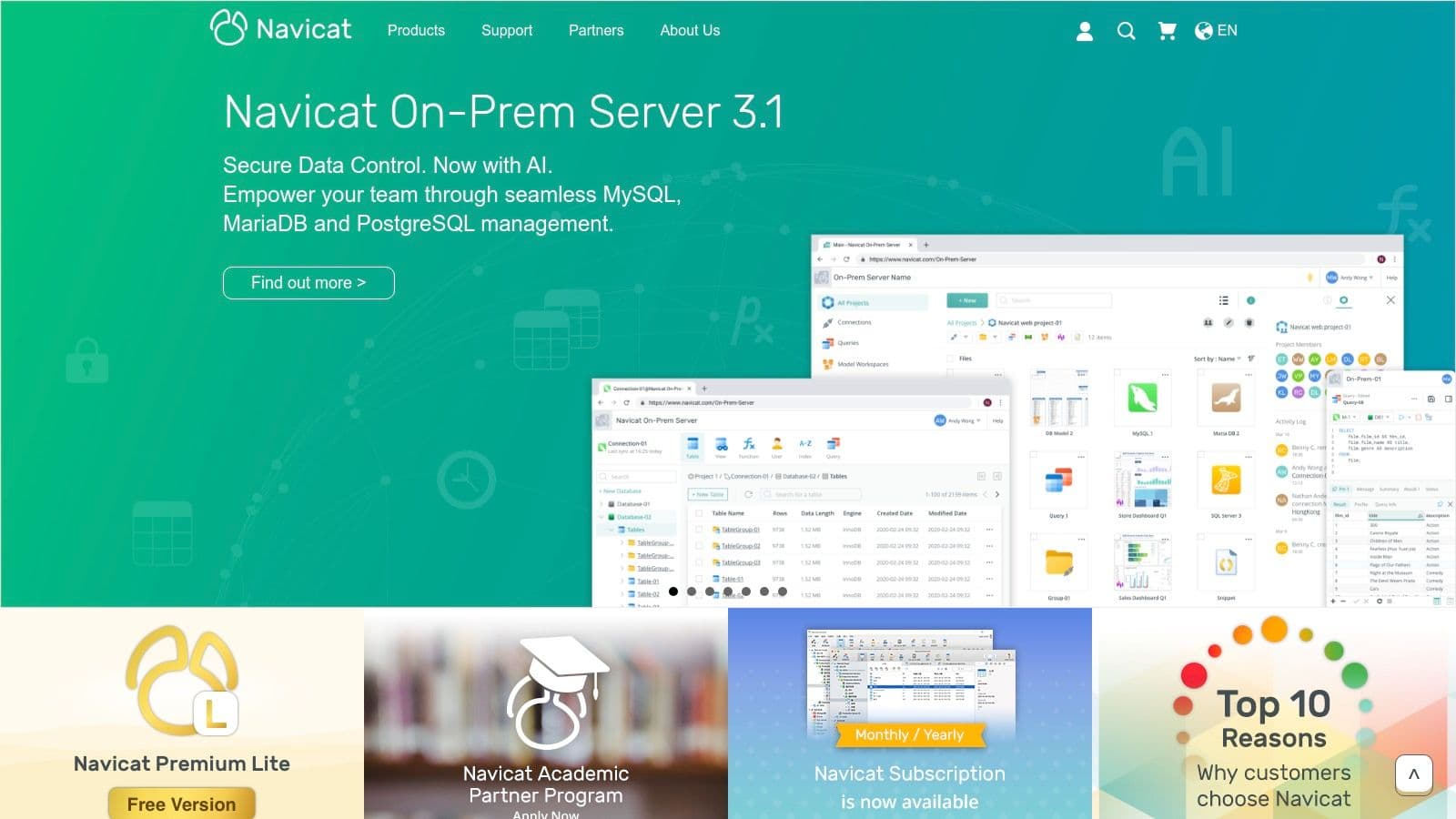
Unlike many free tools, Navicat is built from the ground up as a premium product. This is reflected in its polished UI and deep feature set geared toward complex workflows. While the interface can feel dense for simple queries, its power becomes evident when you move beyond basic data editing. Its visual designers, automation capabilities, and collaboration features are mature and well-documented.
Practical Use Cases & Features
- Automation & Scheduling: A data analyst can use Navicat to schedule a daily job that imports a CSV file from a partner, transforms the data using a saved query, and inserts the results into a PostgreSQL reporting table. This entire workflow can be automated without writing external scripts. Actionable insight: Set up email notifications for job success or failure to monitor your automated tasks.
- Data Modeling & Synchronization: A database administrator can visually design a new schema for a MySQL database, then use the structure synchronization feature to compare it against the live production database and generate the precise ALTER statements needed to deploy the changes safely. This is a crucial risk-reduction step in production deployments.
- ETL and Data Transfer: Navicat includes a robust data transfer utility that functions like a mini-ETL tool. For instance, you could move data directly from an on-premise Oracle database to a cloud-hosted PostgreSQL instance, applying transformations during the transfer, such as concatenating
first_nameandlast_nameinto a singlefull_namecolumn.
Pricing and Access
Navicat is a commercial product sold with perpetual licenses. The pricing for Navicat Premium starts at $649 for a new license, with platform-specific versions (e.g., Navicat for PostgreSQL) available at a lower cost. They also offer a Navicat Cloud subscription service for syncing connections, queries, and models across devices.
Website: https://www.navicat.com/
10. DbVisualizer
DbVisualizer is a long-standing, cross-platform universal database client that offers a balanced and stable feature set for developers, analysts, and DBAs. It positions itself as a single, consistent tool for teams that need to work across Windows, macOS, and Linux. Its strength lies in being a mature, reliable product that supports a wide range of SQL databases, making it a dependable choice in mixed-database environments.
The application provides a capable free edition for basic tasks and a more powerful Pro edition. While its Java-based foundation means the user interface may not feel as "native" as some other tools, its functionality is solid and has been refined over many years. This focus on stability and core features makes it a contender for the best database management tool for users who value reliability over a cutting-edge interface.
Practical Use Cases & Features
- Database Query Optimization: A developer can write a complex PostgreSQL query, then use the built-in
EXPLAINplan visualizer in the Pro edition. This turns the text-based output into a graphical tree, making it much easier to spot performance bottlenecks like a full table scan that should be an index scan. - Data Comparison and Auditing: The Pro version includes a powerful data comparison feature. An analyst can use this to compare a table of imported customer data against the production database to identify new or changed records before finalizing an import, preventing data duplication or accidental overwrites. For example, compare a
staging_userstable toproduction_usersto generate the exactINSERTandUPDATEstatements needed. - Centralized Connection Management: For a small team, DbVisualizer allows you to manage all database connections for MySQL, SQL Server, and SQLite in one place. Its straightforward driver management makes it simple to get connected to different database types without hassle. Actionable insight: Organize connections into folders by project or environment (e.g., "Production," "Staging") for clarity.
Pricing and Access
DbVisualizer operates on a freemium model. The Free Edition is available at no cost and is suitable for query execution and basic data browsing. The Pro Edition unlocks all advanced features and is available with a one-time purchase ($229) that includes one year of updates. After the first year, you can optionally renew your license at a lower cost to continue receiving updates.
Website: https://www.dbvis.com/
11. MySQL Workbench
As Oracle’s official graphical user interface, MySQL Workbench is the go-to tool for developers and administrators working exclusively within the MySQL ecosystem. Its primary advantage is its deep, native integration with the MySQL server, providing a cohesive environment for database design, development, and administration. It is a purpose-built solution that exposes server-specific features that general-purpose tools might overlook, making it an excellent choice for dedicated MySQL workloads.
The free Community Edition is robust, offering a full SQL editor, visual data modeling capabilities, and a suite of administrative tools. While it lacks the multi-database support of competitors, its focused design ensures that its features are finely tuned for MySQL performance and management. This specialization makes it a strong candidate for the title of best database management tool if your work is centered on MySQL.
Practical Use Cases & Features
- Database Design and Modeling: A database architect can visually design an entire database schema, generate the SQL scripts to create it, and even reverse-engineer a schema from an existing database. The tool’s synchronization feature can then compare the model to a live database and generate alteration scripts. Actionable insight: Use this feature to create a visual ERD (Entity-Relationship Diagram) from an existing database to help onboard new developers.
- Performance Tuning: The SQL editor includes a Visual EXPLAIN plan, which helps developers understand query performance. For instance, when a complex query with multiple joins is slow, a developer can use Visual EXPLAIN to identify missing indexes or inefficient query structures and optimize accordingly. The visualizer color-codes the most "expensive" parts of the query, directing your attention to the biggest bottleneck.
- Server Administration: A DBA can use Workbench to manage user accounts and privileges, schedule and manage backups and restores, and monitor server health and performance metrics directly from the GUI, simplifying routine maintenance tasks. For example, the "Server Status" dashboard gives a real-time view of traffic, connections, and CPU load.
Pricing and Access
MySQL Workbench is available in a free Community Edition, which is powerful enough for most development and administration needs. Commercial editions are also available as part of a MySQL Enterprise Edition subscription, offering more advanced features and support.
Website: https://dev.mysql.com/downloads/workbench/
12. RazorSQL
RazorSQL positions itself as a practical, all-in-one SQL query tool, database browser, and editor. Its core appeal lies in its straightforward, cross-platform nature and predictable licensing. It supports over 40 databases, including PostgreSQL, MySQL, and SQLite, through built-in drivers and JDBC/ODBC connectivity. This makes it a reliable workhorse for developers and DBAs who need a consistent, lightweight client on Windows, macOS, or Linux without the complexity of larger enterprise suites.
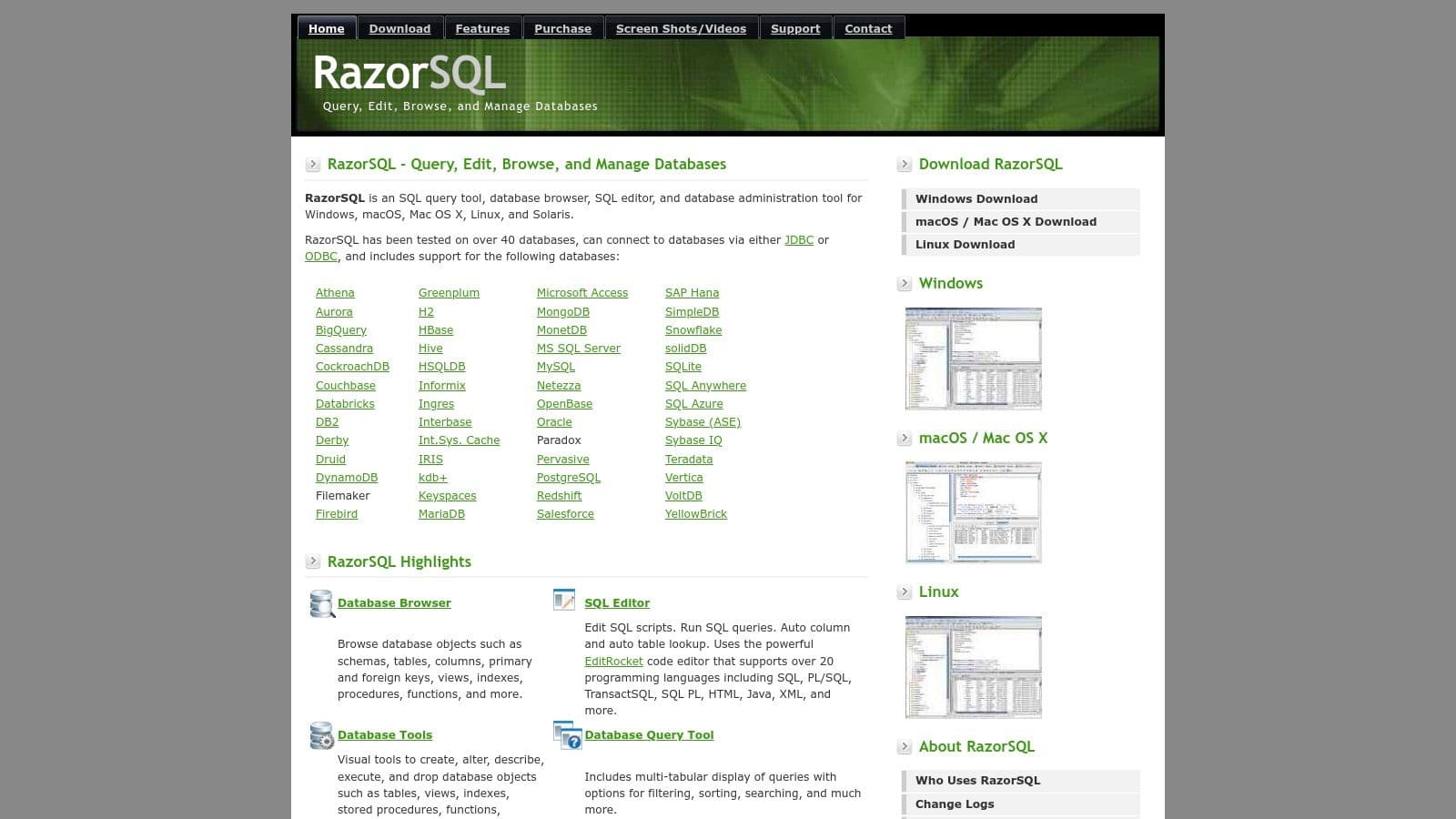
The user interface is functional and performance-oriented rather than visually polished, focusing on speed and utility. This no-frills approach makes RazorSQL a solid candidate for the best database management tool for users who prioritize function over form and want a buy-it-once solution. It packs essential features like a SQL editor with syntax highlighting, data import/export tools, and a visual query builder into a single application.
Practical Use Cases & Features
- One-Time Purchase for Teams: A small engineering team can purchase perpetual licenses for each member, ensuring everyone has the same toolset across different operating systems without recurring subscription costs. This simplifies budget approvals and software management.
- Ad-Hoc Data Analysis: An analyst can quickly connect to a production MySQL replica, write a query with the help of auto-completion, and export the results directly to an Excel file for a report, all within a few minutes. Practical use: After running a query, use the "Export" button and select "Excel File" to generate an
.xlsxsheet with proper column headers. - Database Schema Comparison: Before a deployment, a developer can use RazorSQL’s comparison tool to check for differences between a local development database and the staging environment, helping to identify missing table columns or altered data types. The tool can generate the SQL needed to sync the schemas.
Pricing and Access
RazorSQL is offered with a simple, perpetual licensing model. A single-user license costs $99.95 and includes one year of free upgrades. After the first year, users can continue to use their purchased version forever or pay an upgrade fee for a newer version. A 30-day free trial is available for evaluation.
Website: https://www.razorsql.com/
Top 12 Database Management Tools Comparison
| Tool | Core features ✨ | UX / Quality ★ | Price / Value 💰 | Target audience 👥 | USP / Notes 🏆 |
|---|---|---|---|---|---|
| TableOne 🏆 | Cross‑platform; SQLite/Postgres/MySQL; schema compare; CSV import/export; inline edits | ★★★★☆ Focused, fast | 💰 $39 one‑time Solo; Team $117 (3 seats); 7‑day trial | 👥 Devs, small eng teams, analysts, founders | 🏆 Lean, subscription‑free, portable — no vendor lock‑in |
| DBeaver | Wide DB support (SQL + NoSQL), ER diagrams, cloud explorers | ★★★★☆ Mature, feature‑rich | 💰 Free Community; Pro editions (subscription) | 👥 Devs, DBAs, mixed‑DB shops | ✨ Broad DB coverage & enterprise auth |
| JetBrains DataGrip | IDE‑level SQL, refactorings, JDBC connectivity | ★★★★★ Excellent developer UX | 💰 Subscription (IDE pricing); non‑commercial/free options | 👥 Developers working on large SQL codebases | ✨ Smart SQL tooling, refactor & VCS integration |
| TablePlus | Native clients, inline edits, SSH, saved queries | ★★★★☆ Polished & very fast | 💰 Perpetual license; optional renewals | 👥 Devs & power users wanting native feel | ✨ Native speed and clean UI |
| Beekeeper Studio | Cross‑platform SQL client; quick filters; import/export | ★★★★☆ Approachable and fast to learn | 💰 Open‑core; paid Pro/cloud tiers | 👥 Everyday developers & analysts | ✨ Source‑available core, friendly UX |
| HeidiSQL | Lightweight Windows client; grid editor; import/export | ★★★☆☆ Snappy but utilitarian | 💰 Free | 👥 Windows users needing speed | ✨ Very lightweight and fast |
| pgAdmin 4 | Postgres admin, query tool with EXPLAIN, backup/restore | ★★★★☆ Comprehensive, heavier | 💰 Free (community maintained) | 👥 Postgres DBAs & developers | ✨ Official Postgres admin tool |
| Postico 2 | Mac Postgres client; inline edits, CSV import | ★★★★★ Excellent Mac UX | 💰 Perpetual macOS license | 👥 macOS Postgres users | ✨ Mac‑native polish & performance |
| Navicat Premium | Multi‑DB suite, modeling, automation, scheduling | ★★★★☆ Enterprise‑grade | 💰 Premium commercial pricing | 👥 Enterprises, DBAs, ETL teams | ✨ Automation, scheduling & cross‑DB sync |
| DbVisualizer | Universal client, ERD, export/import, drivers for most DBs | ★★★★☆ Stable and consistent | 💰 Free edition; Pro paid | 👥 Mixed‑DB shops & analysts | ✨ Reliable cross‑platform consistency |
| MySQL Workbench | MySQL modeling, admin, visual EXPLAIN | ★★★★☆ Official integration | 💰 Free Community; commercial options | 👥 MySQL developers & DBAs | ✨ Deep MySQL server integration |
| RazorSQL | SQL editor, import/export, works with 40+ DBs | ★★★★☆ Lightweight, consistent | 💰 Perpetual per‑user license | 👥 Teams wanting predictable licensing | ✨ Built‑in drivers & simple perpetual pricing |
Making Your Final Choice and Moving Forward
Navigating the crowded market of database clients can feel overwhelming. We've explored a dozen powerful options, from the all-in-one power of Navicat Premium and the open-source flexibility of DBeaver to the specialized polish of Postico and the enterprise-grade features of DbVisualizer. Each tool brings a unique philosophy and feature set to the table, but the central truth remains: the best database management tool is not a universal title but a personal one. It's the application that integrates most smoothly into your specific, day-to-day workflow.
Your choice ultimately hinges on a clear-eyed assessment of your needs. Are you a solo developer prototyping a new app with SQLite or Turso? A lightweight, fast-native tool like TablePlus or Beekeeper Studio might be your ideal partner. Are you part of a larger team managing complex production PostgreSQL instances? The robust, dedicated features of pgAdmin or the advanced security and monitoring in DbVisualizer could be critical. The key is to match the tool to the task, not the other way around.
From Comparison to Action: How to Decide
Reading reviews is just the first step. The real test happens when you connect a tool to your own database and perform the tasks you do every day. Don't just browse the schema; put these tools through a real-world gauntlet.
Here’s a practical checklist to guide your final evaluation:
- The "Ten-Second" Test: Can you connect to your database, find a specific table, and filter for a particular record in under ten seconds? A tool's core navigation and speed are fundamental to a frictionless experience.
- The "CSV Import/Export" Challenge: Grab a moderately complex CSV file (with mixed data types, empty values, and maybe some tricky encoding). How intuitively can you import it? Does the tool provide clear mapping options and error handling? Now, export a large result set. How flexible are the export formats and options?
- The "Ad-Hoc Query" Gauntlet: Write a query you frequently use. How good is the autocompletion? Does it suggest table names, column names, and SQL keywords intelligently? Execute the query and see how the results are presented. Can you easily edit data inline, sort, and filter the results grid without writing more SQL?
- The "Migration/Schema" Drill: Try creating a new table or altering an existing one using the GUI. Is the process clear and intuitive, or do you find yourself fighting with the interface? This is a crucial test for developers who frequently iterate on their database schema.
The Business Model Matters
Beyond features, the pricing model is a significant factor. The industry has largely moved toward recurring subscriptions, which can be a tough pill to swallow for individual developers, small teams, and startups. This is where a tool like TableOne offers a compelling alternative. By providing a modern, developer-centric feature set with a simple, one-time purchase, it directly addresses the need for a powerful tool without the burden of another monthly bill.
Your final decision should balance capability with cost. A subscription to a tool like DataGrip might be justifiable if you live within the JetBrains ecosystem, but if you're looking for a standalone, dedicated database client, a perpetual license offers better long-term value.
Ultimately, choosing the best database management tool is an investment in your own productivity. The right choice will fade into the background, becoming a natural extension of your development process, saving you countless clicks and mental cycles every day. Take the time to run the trials, especially for top contenders like TableOne and DataGrip. Connect your actual work databases, run your common queries, and see which one feels like the most powerful and intuitive fit. Your future self will thank you.
Ready to try a modern database GUI that respects your workflow and your wallet? TableOne is designed for developers who need a fast, intuitive, and powerful client without the subscription fatigue. See how its clean interface and smart features can simplify your database tasks by downloading the free 7-day trial.


