12 Best Alternative Microsoft Access Options for 2026
Searching for a modern alternative Microsoft Access? Explore our 2026 list of the top 12 database tools, low-code apps, and SQL clients for modern teams.

Microsoft Access was a groundbreaking tool for its time, a capable database for desktop applications and small business operations. Yet, its limitations have become increasingly apparent. Issues with multi-user collaboration, a dated user interface, and the absence of a true cloud-native or cross-platform experience make it a difficult choice for modern development workflows. If you find yourself hitting these walls, you've come to the right place.
This guide provides a thorough breakdown of the best alternative Microsoft Access solutions available today. We move past simple marketing descriptions to give you a genuine look at what works for specific roles and projects. Whether you're a developer needing a powerful GUI for PostgreSQL or SQLite, a data analyst running ad-hoc queries on CSVs, or a startup founder prototyping on a modern serverless database like Neon or Turso, this list has a practical option for you.
We've organized the tools into clear categories:
- Modern Desktop GUIs
- Cloud-Managed Database Interfaces
- Low-Code & No-Code Platforms
- Spreadsheets-as-Databases
Each entry includes screenshots, direct links, and an honest assessment of its strengths and weaknesses. We'll detail which tool is best for one-time license purchases for small teams, which excels at managing production databases, and when a platform like TableOne becomes the ideal choice for its specific feature set. Consider this your definitive resource for finding a database tool that fits how you actually work. Let’s find your replacement for Access.
1. TableOne
For developers, small teams, and analysts seeking a powerful yet straightforward alternative to Microsoft Access, TableOne presents a compelling, modern solution. It's a unified, cross-platform desktop GUI designed for productivity. It seamlessly connects to local databases like SQLite and production engines including PostgreSQL and MySQL, along with popular managed providers such as PlanetScale, Neon, Turso, and Supabase. This flexibility makes it an ideal tool for moving from local prototyping to managing live, remote data without switching applications.
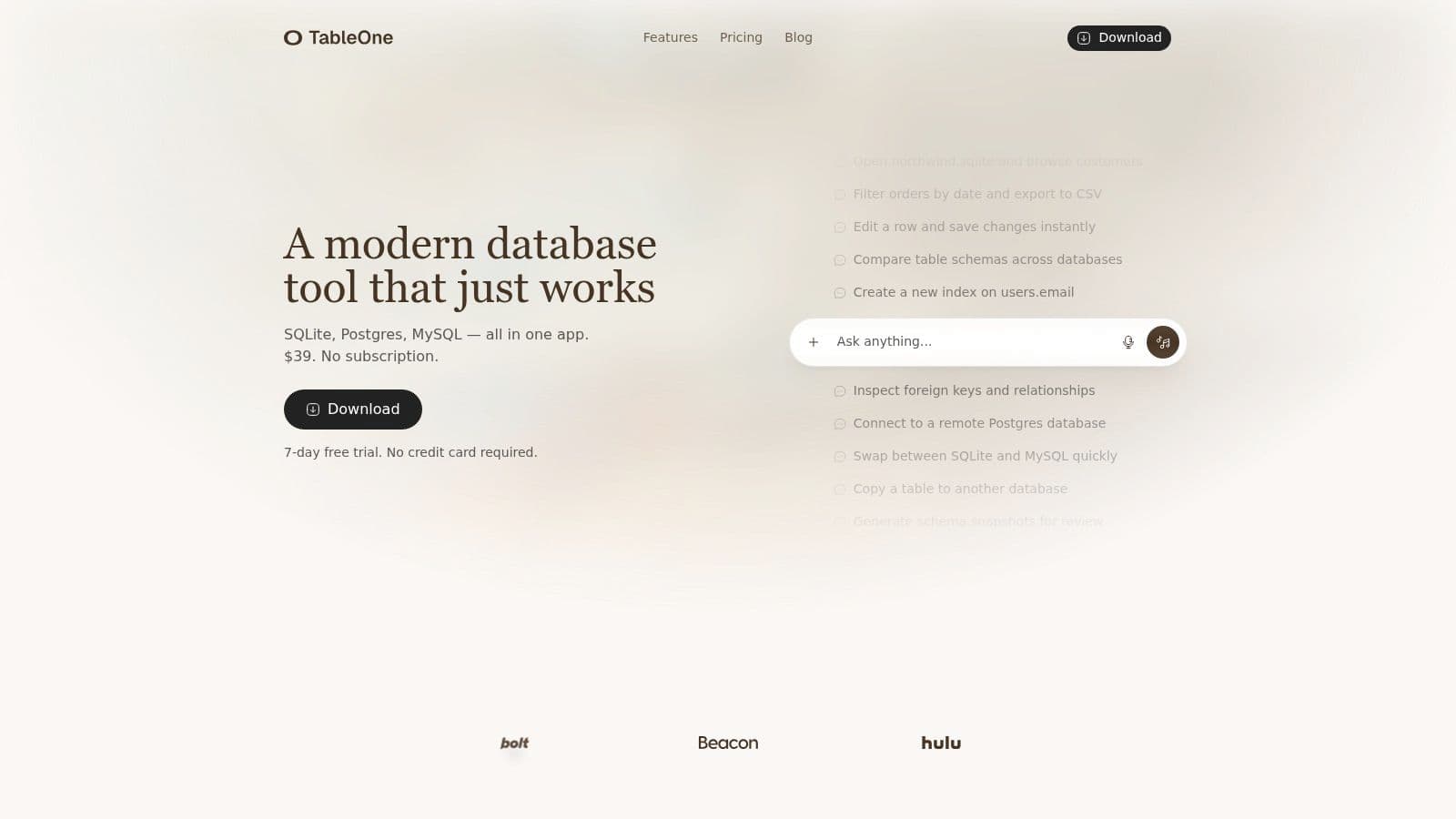
TableOne’s core strength lies in its focused feature set, which prioritizes common, everyday database tasks. Instead of overwhelming users with a cluttered IDE, it provides a clean, fast interface for the actions you perform most often. Its no-nonsense approach avoids vendor lock-in and respects user privacy, operating as a local application that connects securely to your data sources. If you need a better understanding of what separates a dedicated GUI from other tools, their guide on what a database tool is provides useful context.
Key Features and Use Cases
TableOne's design directly addresses the pain points of modern database workflows. The interface is centered around a clean data grid that supports direct browsing, filtering, and inline editing, allowing for quick data manipulation without writing complex queries.
Practical Use Cases:
- Prototyping and Development: A developer can start a project using a local
northwind.sqlitefile, then later connect to a remote PostgreSQL database on Supabase to continue work, all within the same app. This eliminates the need for separate tools for local and remote environments. - Data Analysis: An analyst can quickly import a large CSV file from a marketing campaign, run several ad-hoc queries to segment user data, and pin the most important results to their dashboard for easy reference. For example, finding all users who signed up in the last 30 days and made a purchase.
- Schema Management: Before deploying a new feature, a DevOps engineer can generate a schema snapshot of the production database, compare it against the staging environment, and verify all migrations have run correctly. This provides an actionable checklist to prevent deployment errors.
- Data Migration: Small teams can use the table copy feature to move data directly from a legacy MySQL database into a new PostgreSQL instance, simplifying the migration process. For instance, copying the
usersandorderstables without writing complex ETL scripts.
Pricing and Availability
TableOne’s pricing model is a refreshing departure from the subscription-heavy market. It offers a fully-functional 7-day free trial without requiring a credit card.
- Solo License: A one-time payment of $39 provides a perpetual license for one user. This includes one year of updates and is transferable to a new device.
- Team License: Teams can purchase a 3-seat pack for $117, with additional seats available for $39 each.
The one-time fee and absence of subscriptions make it a predictable and cost-effective choice for individuals and small businesses.
Pros:
- Unified support for SQLite, PostgreSQL, MySQL, and major managed providers.
- Focused, productivity-first features like schema compare, inline editing, and CSV import/export.
- Simple, transparent one-time pricing with no subscriptions.
- Privacy-minded local desktop app available for macOS, Windows, and Linux.
Cons:
- Not a full-featured DBA suite; lacks deep performance tuning and advanced user management tools.
- The license includes only one year of updates; continued updates require a new purchase.
- Lacks prominent customer testimonials or third-party certifications for enterprise validation.
Website: https://tableone.dev
2. Airtable
Airtable is a cloud-based platform that blends the familiarity of a spreadsheet with the power of a relational database. It excels as a collaborative hub where teams can build custom applications without writing code, making it a strong alternative to Microsoft Access for those who prioritize ease of use and rapid prototyping. Business users can quickly assemble project trackers, simple CRMs, or inventory management systems by linking tables, creating forms, and designing user-facing "Interfaces."
Its core strength lies in its approachable, visual-first interface. You define data structures with rich field types like attachments, checkboxes, and relational links (lookup/rollup fields), then instantly visualize that data in multiple views such as Kanban, calendar, or Gantt charts. The "Interfaces" feature allows you to build simple, read/write applications on top of your data, providing a direct replacement for Access Forms.
Practical Implementation and Limitations
Airtable is ideal for operational workflows that require team-wide access and integrations. For example, a marketing team could use it to manage a content calendar, connecting authors to articles and tracking status through a Kanban view, all while automating notifications to a Slack channel when an article moves from "Writing" to "Review."
However, its pricing model can be a significant drawback. Costs are calculated per editor, which can become expensive for large teams or company-wide deployments. Actionable Insight: To control costs, assign "Editor" roles only to users who actively build or modify the base structure. Use "Commenter" or "Read-only" roles for stakeholders who only need to view data or provide feedback, as these are often free or cheaper.
- Best For: Teams needing collaborative, visual database apps without a server.
- Pricing: Starts with a free plan; paid tiers like Team and Business add more features and record limits, billed per user.
- Website: https://airtable.com
3. Claris FileMaker Pro
Claris FileMaker Pro is a long-standing low-code platform that offers one of the most direct parallels to the classic Microsoft Access development experience. It allows creators to build custom, data-driven applications with a drag-and-drop layout designer, powerful scripting, and robust relationship management. This makes it a formidable alternative to Microsoft Access for creating bespoke line-of-business apps that can be deployed on desktops, mobile devices, and the web.
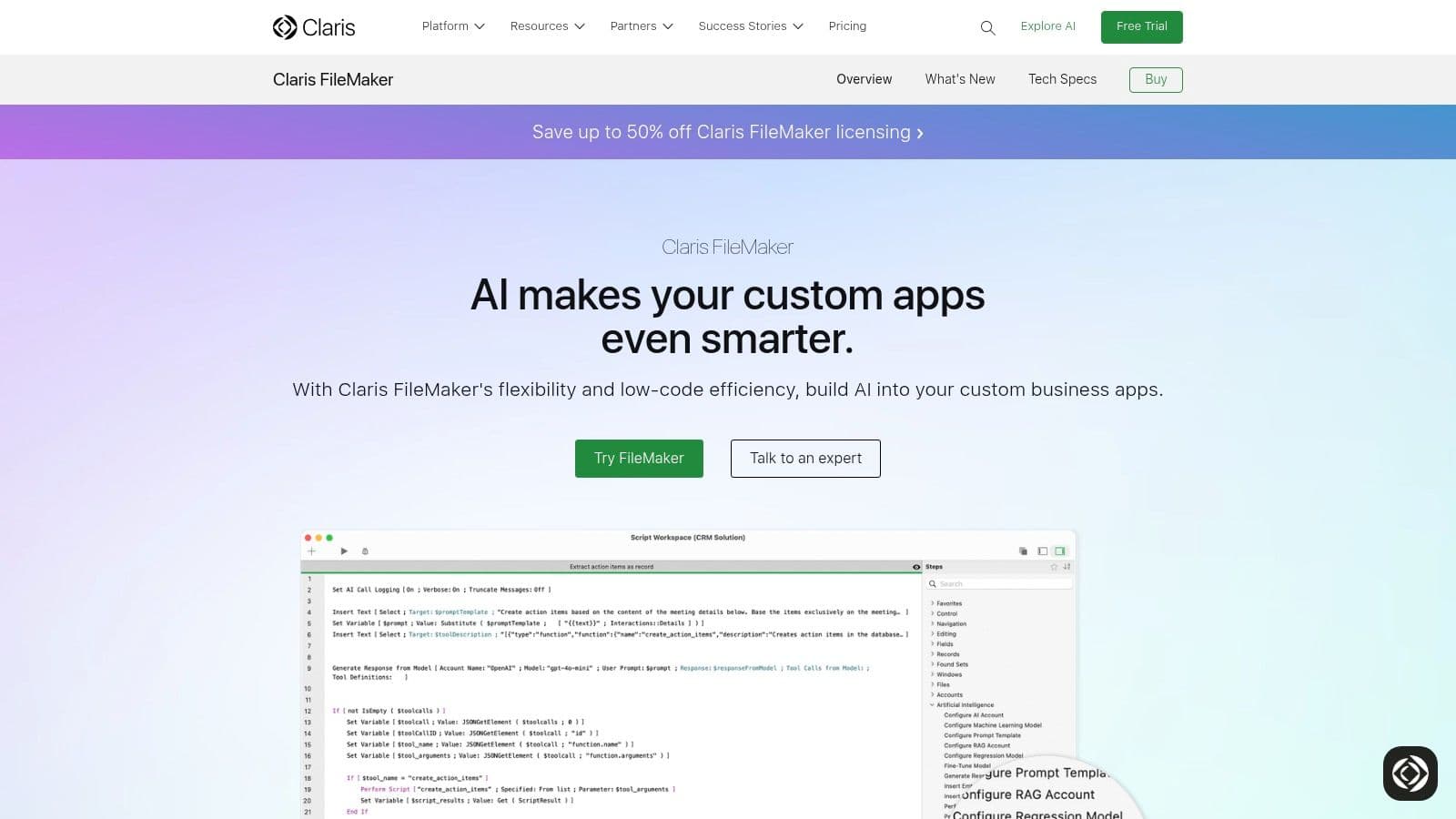
Its primary appeal is the ability to craft sophisticated applications that mirror complex business logic without deep coding knowledge. Users can design intricate layouts for data entry and reporting, automate workflows with scripts, and extend functionality via connectors and APIs. The platform's strong mobile support through FileMaker Go is a key differentiator, enabling offline data access and synchronization for field teams. Proper application architecture is vital, so it's a good idea to learn how to design a database schema before diving in.
Practical Implementation and Limitations
FileMaker is exceptionally suited for creating custom solutions like a specialized inventory management system for a manufacturing plant or a patient intake application for a clinic that needs to work on iPads. The refined reporting and printing capabilities are also a major asset for businesses that generate invoices, labels, or detailed physical reports.
However, the licensing model can be a hurdle. Costs for teams can accumulate, and understanding the different deployment options (local, on-premises FileMaker Server, or FileMaker Cloud) requires careful consideration. Actionable Insight: Before committing, map out your entire workflow. If you have five field agents on iPads, an office manager, and two executives who need read-only access, calculate the total user count and compare the cost of FileMaker Cloud vs. an on-premises server to find the most economical deployment strategy.
- Best For: Bespoke business apps with complex logic and a need for strong offline/mobile capabilities.
- Pricing: A single-user license is available; team plans are billed per user with a minimum user count.
- Website: https://www.claris.com/filemaker/
4. LibreOffice Base
LibreOffice Base is the free, open-source answer to Microsoft Access, bundled within the popular LibreOffice productivity suite. It serves as a classic desktop database management system, allowing individuals and small businesses to create, manage, and interact with databases without any licensing costs. As a direct alternative to Microsoft Access, it offers a familiar environment with wizards for creating tables, queries, forms, and reports, making it a powerful choice when budget is a primary concern.
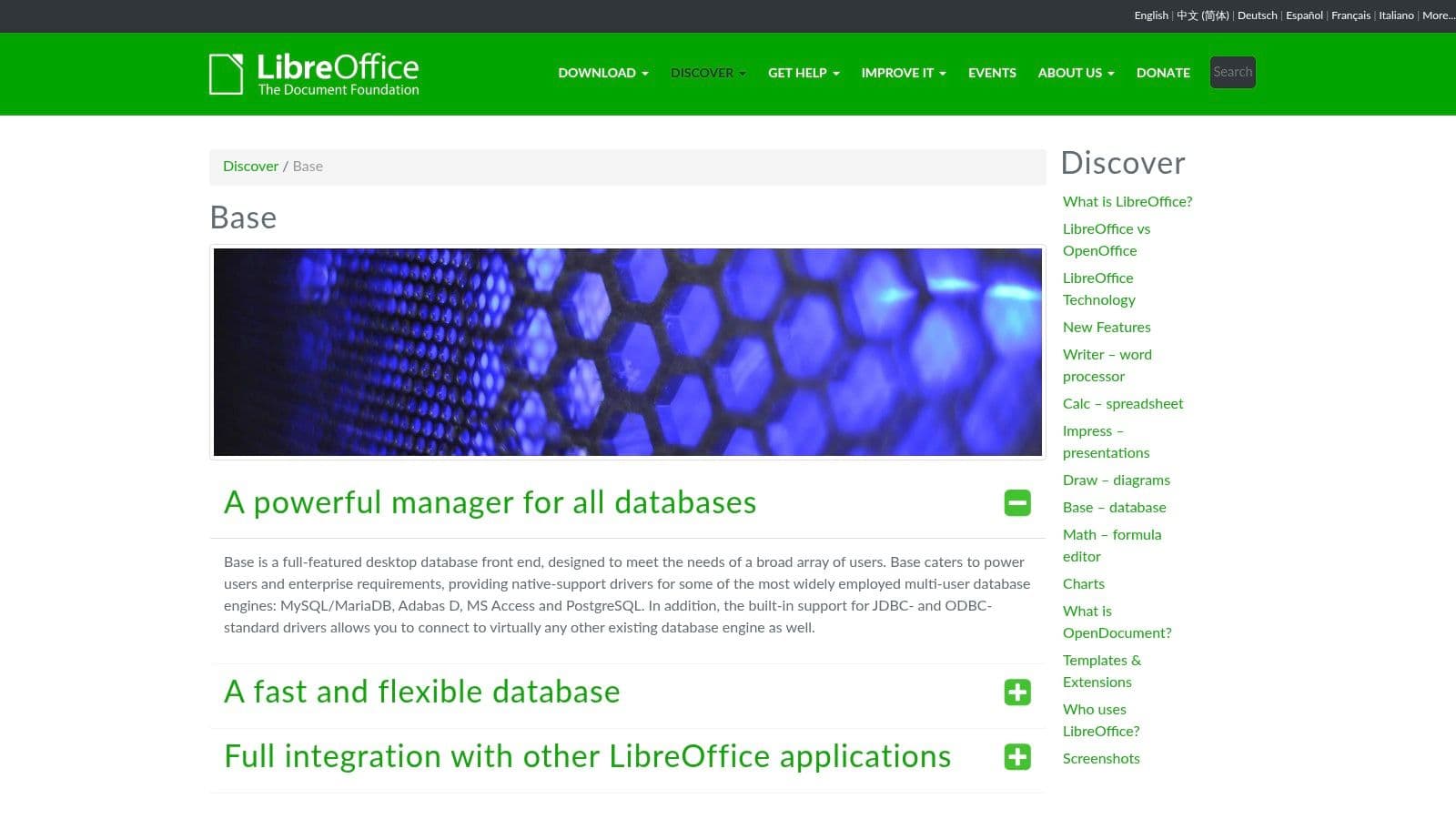
Its key differentiator is its open nature and connectivity. While it can use its own embedded HSQLDB engine for simple, single-file databases, its true strength lies in acting as a universal front-end for various external database engines. You can connect it natively or via JDBC/ODBC drivers to MySQL, MariaDB, or PostgreSQL, giving you full control over your back-end data while using Base for interface design.
Practical Implementation and Limitations
Base is excellent for developers or small organizations needing to build a local application on a tight budget. For instance, a small non-profit could use it to build a donor management system on a local PostgreSQL server. They could design data entry forms for new donations and volunteers, then use the report builder to generate annual contribution statements or integrate with LibreOffice Writer for mail merge campaigns.
However, the user interface and overall experience feel dated compared to modern commercial tools. The learning curve can be steeper, especially when configuring external database connections or designing complex forms. Actionable Insight: For multi-user reliability, avoid the default embedded HSQLDB engine. Instead, install a robust, free database like PostgreSQL or MariaDB on your local network and connect Base to it. This gives you enterprise-grade data integrity while still using Base for free front-end development.
- Best For: Individuals and organizations needing a free, cross-platform desktop database front-end.
- Pricing: Completely free and open-source as part of the LibreOffice suite.
- Website: https://www.libreoffice.org/discover/base/
5. Zoho Creator
Zoho Creator is a cloud-based, low-code platform that empowers businesses to build custom internal applications from the ground up. It occupies a middle ground, offering a visual, drag-and-drop interface for rapid development while also providing a proprietary scripting language, Deluge, for complex logic and workflow automation. This makes it a compelling alternative to Microsoft Access, especially for small and medium-sized businesses already invested in the broader Zoho ecosystem.
Its main advantage is the balance between no-code accessibility and scripted power. Users can design forms, reports, and interactive pages visually. When pre-built functions are not enough, developers can use Deluge scripting to implement custom business rules, integrate with third-party APIs, or create intricate automated workflows. This dual approach provides a smooth transition from simple data management to full-fledged business process automation.
Practical Implementation and Limitations
Zoho Creator is well-suited for building line-of-business applications that need to connect with other Zoho products like CRM, Books, or Desk. For instance, a service company could create a custom job management app where new jobs are created from CRM leads, field technicians update job status via a mobile app, and invoices are automatically generated in Zoho Books upon completion. The platform also supports role-based permissions and customer portals, allowing for secure external access.
However, the platform's pricing and feature distribution can be challenging to navigate. The numerous plans and add-ons mean that advanced capabilities like BI analytics or high-volume integration flows are often locked behind more expensive tiers. Actionable Insight: Leverage the "Zoho One" bundle if you plan to use more than two Zoho apps. It often provides access to Creator and dozens of other applications for a single per-employee price, which can be significantly more cost-effective than licensing each app individually.
- Best For: SMBs seeking a scalable low-code platform with deep integrations into the Zoho software suite.
- Pricing: Offers a free plan for one user; paid tiers are billed per user/month and segmented by feature sets.
- Website: https://www.zoho.com/creator/
6. Google AppSheet
Google AppSheet is a no-code development platform that empowers users to build mobile and web applications directly from their data sources. For teams deeply embedded in the Google Workspace ecosystem, it presents a compelling alternative to Microsoft Access, allowing for the rapid creation of task-oriented apps from Google Sheets, Excel files, or cloud databases. Its primary strength is turning static data into interactive, mobile-first applications for field operations and simple workflows.
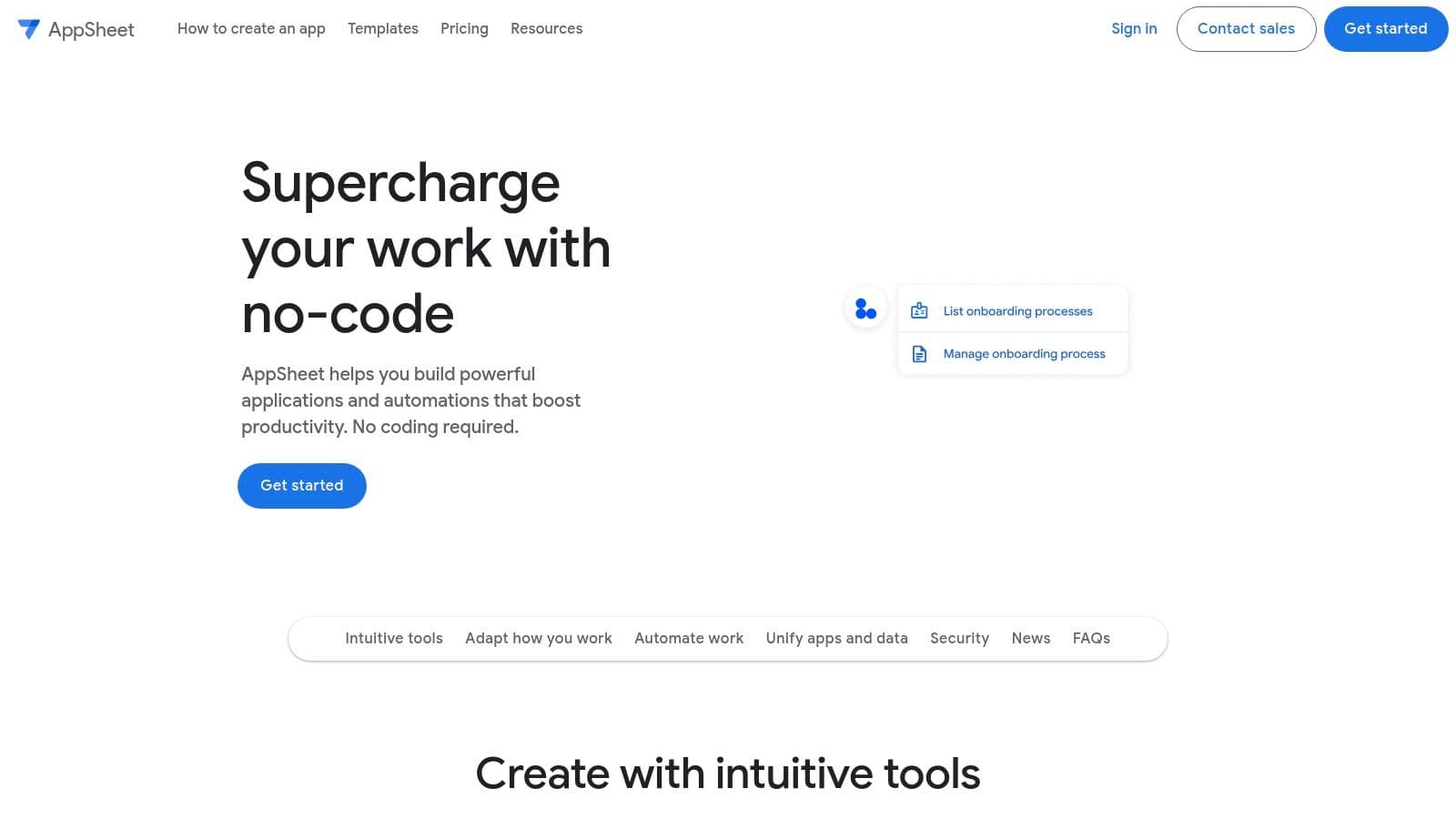
The platform automatically generates a functional app based on your data structure, which you can then customize with different views, forms, and automated actions. A key differentiator is its robust offline capability, which caches data on the device and syncs changes once connectivity is restored. This makes it a perfect replacement for Access applications used by field technicians, sales teams, or event staff who need to capture data on the go.
Practical Implementation and Limitations
AppSheet is extremely effective for building simple, purpose-built tools. For example, a construction company could create an app for site inspections from a Google Sheet, allowing supervisors to upload photos, check off safety items, and capture signatures directly on their phones, with all data syncing back to a central spreadsheet.
The platform's accessibility, however, is tiered. While creating basic apps from spreadsheets is straightforward, connecting to SQL databases or using advanced security controls requires more expensive enterprise plans. Actionable Insight: Start your proof-of-concept using a Google Sheet as the backend. It's free and included in the basic AppSheet plans. Once the app's functionality is validated and you need more power or scalability, you can migrate the data source to a cloud SQL database and upgrade your plan, minimizing initial investment.
- Best For: Teams in the Google ecosystem needing simple, mobile-first apps for field data collection.
- Pricing: Offers a free tier for prototyping with up to 10 users; paid plans start with a Core tier and scale to Enterprise for advanced features.
- Website: https://about.appsheet.com
7. Kintone
Kintone is a no-code development platform centered on creating collaborative business applications and automating workflows. It serves as a powerful alternative to Microsoft Access for teams aiming to replace disjointed processes managed via spreadsheets and email chains. Users can build custom data applications from scratch with a drag-and-drop interface or instantly convert an existing Excel file into a fully functional web app.
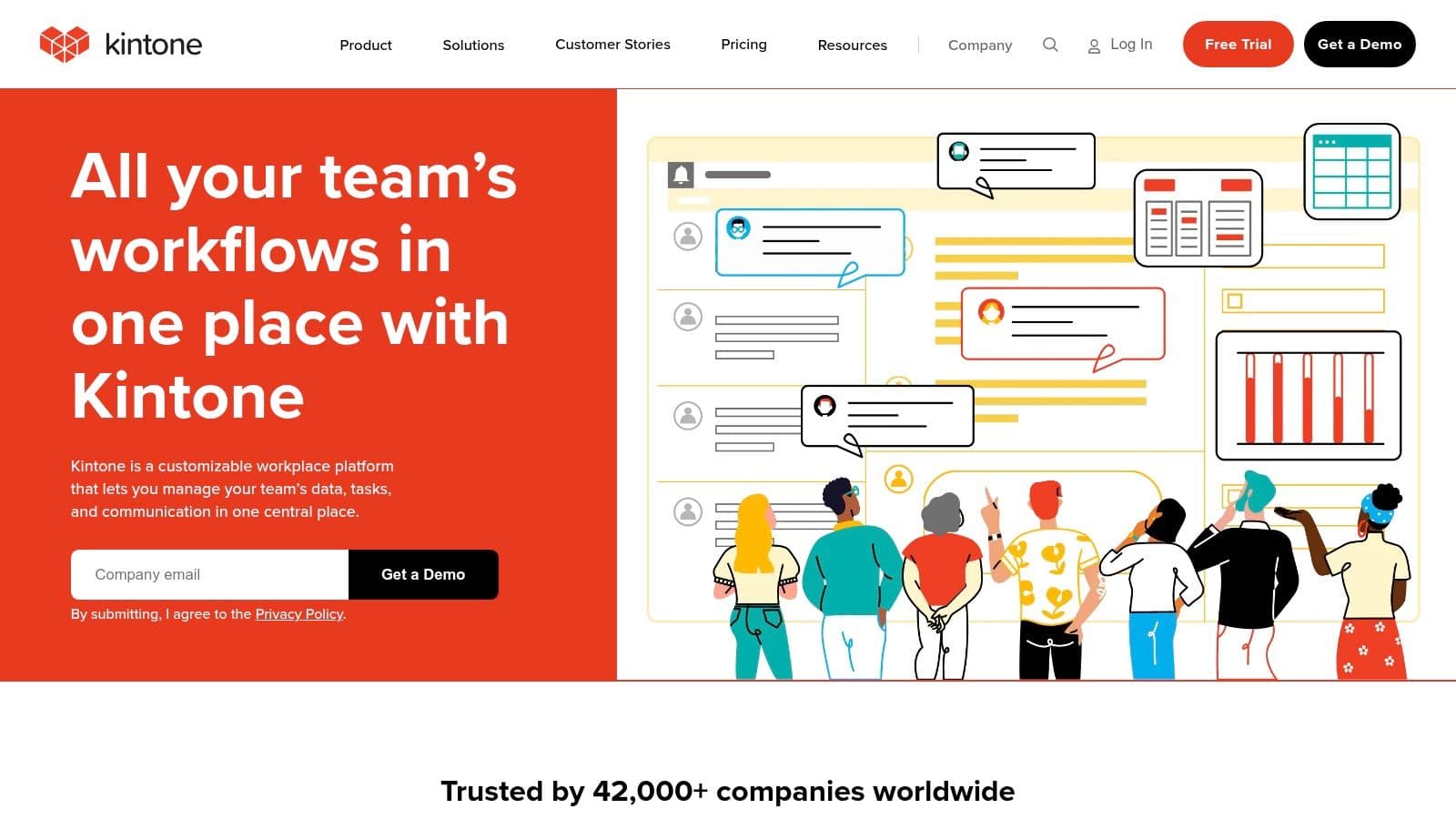
The platform's main distinction is its deep integration of communication tools directly within the data applications. Every record and process includes a built-in comment thread, similar to a social media feed, allowing teams to discuss tasks, ask questions, and resolve issues in context. This fusion of data management and team collaboration eliminates the need to switch between different tools, keeping all project-related communication centralized and transparent.
Practical Implementation and Limitations
Kintone is excellent for process-driven applications requiring approvals and notifications. A practical example would be an IT helpdesk system where an employee submits a ticket through a Kintone form. The platform can then automatically assign it to a technician, notify the department manager for approval on hardware expenses, and keep the employee updated on the status, all with a full audit trail of comments and actions.
While its all-in-one pricing plan simplifies feature access, the five-user minimum can be a hurdle for very small teams or solo entrepreneurs. Actionable Insight: Before purchasing, use their 30-day free trial to build a real-world prototype of your most critical workflow. This hands-on experience will quickly reveal if the platform's collaborative features justify the cost and if your team will actually adopt the "in-context" communication style.
- Best For: Teams needing to build process-centric apps with integrated collaboration.
- Pricing: A single plan is offered at $24 per user/month, with a five-user minimum.
- Website: https://www.kintone.com
8. Ninox
Ninox stands out as a low-code platform that offers a rare balance between visual app building and powerful scripting capabilities. It serves as a compelling alternative to Microsoft Access, particularly for users who want the flexibility of cloud, desktop, and mobile clients with offline functionality. The platform enables you to build custom business applications, from CRMs to project management tools, with a drag-and-drop interface while allowing for complex logic via its built-in scripting language.
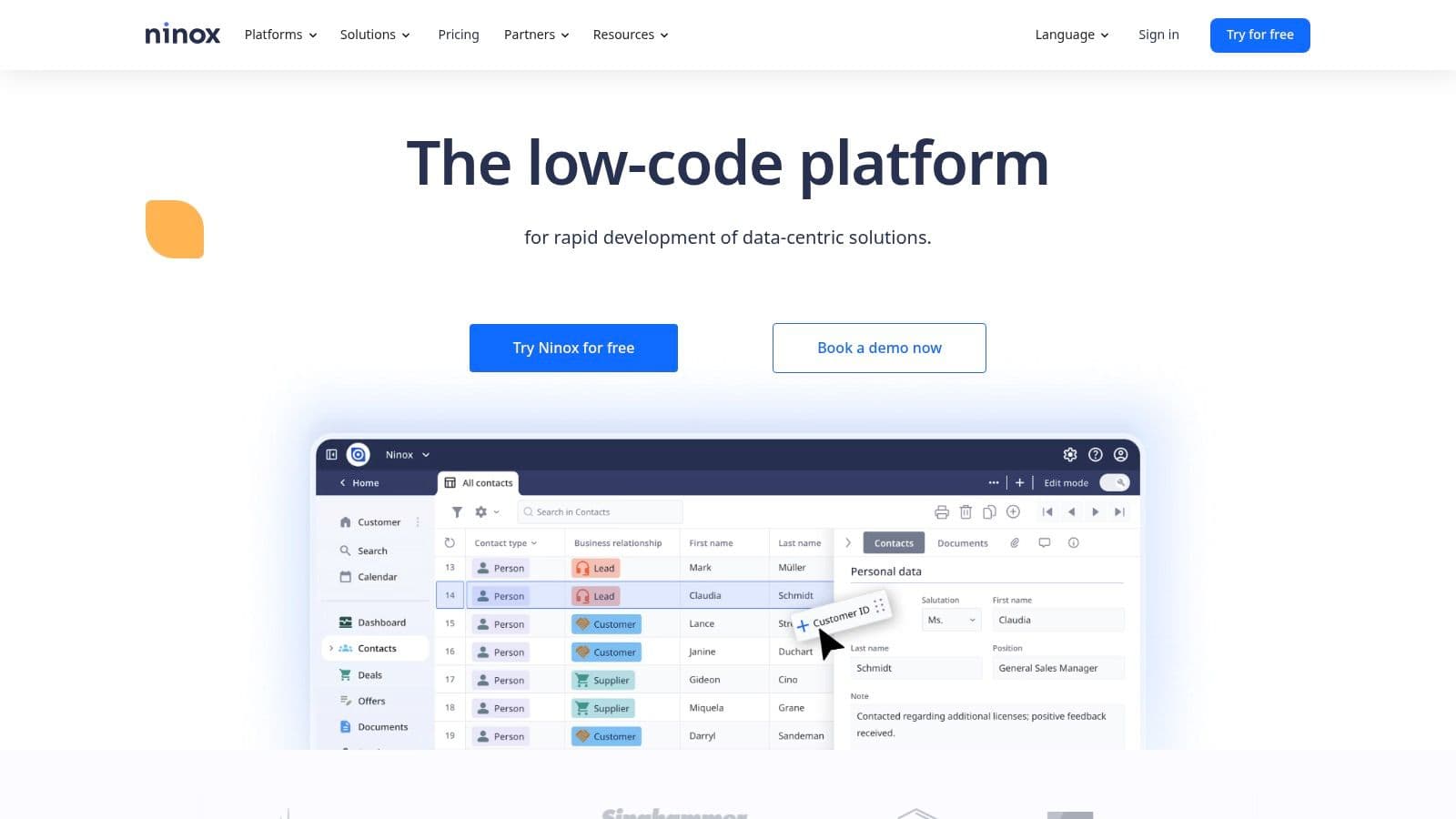
Its strength is its deployment versatility. You can start on the public cloud and later move to a private cloud or on-premises server for greater control over data and security, a feature often required by enterprises. Native apps for macOS, iOS, and Android provide a consistent experience and crucial offline access, allowing data to be synced back to the server once a connection is re-established. This makes it suitable for field teams or distributed workforces.
Practical Implementation and Limitations
Ninox is well-suited for creating bespoke operational apps that go beyond simple data tracking. For example, a service company could build an app for technicians to manage job orders in the field, capture client signatures on an iPad, and automatically generate invoices back at the office. The platform's scripting allows for calculating complex pricing or triggering workflows based on job status.
A potential hurdle is its pricing, which is displayed in Euros on its public site. This can create some initial confusion for U.S.-based customers who may need to contact sales for precise USD billing details. Actionable Insight: For maximum flexibility and to avoid vendor lock-in, consider the Ninox Private Cloud option. It gives you the power of the cloud platform but runs on your own dedicated infrastructure, giving you full control over data location, backups, and security policies—a key requirement for regulated industries.
- Best For: Businesses needing custom apps with offline mobile access and enterprise deployment options.
- Pricing: Offers a free starter plan; paid cloud plans scale by features, user count, and record limits. Private Cloud and Enterprise pricing available on request.
- Website: https://ninox.com
9. Knack
Knack is a no-code online database builder that specializes in creating web applications with front-end user interfaces like portals, directories, and internal tools. It stands out as a powerful alternative to Microsoft Access for organizations that need to provide database access to a large, external user base, such as clients, partners, or the public, without incurring per-user fees. The platform empowers non-technical users to structure data, build forms, and design interactive, branded web apps.
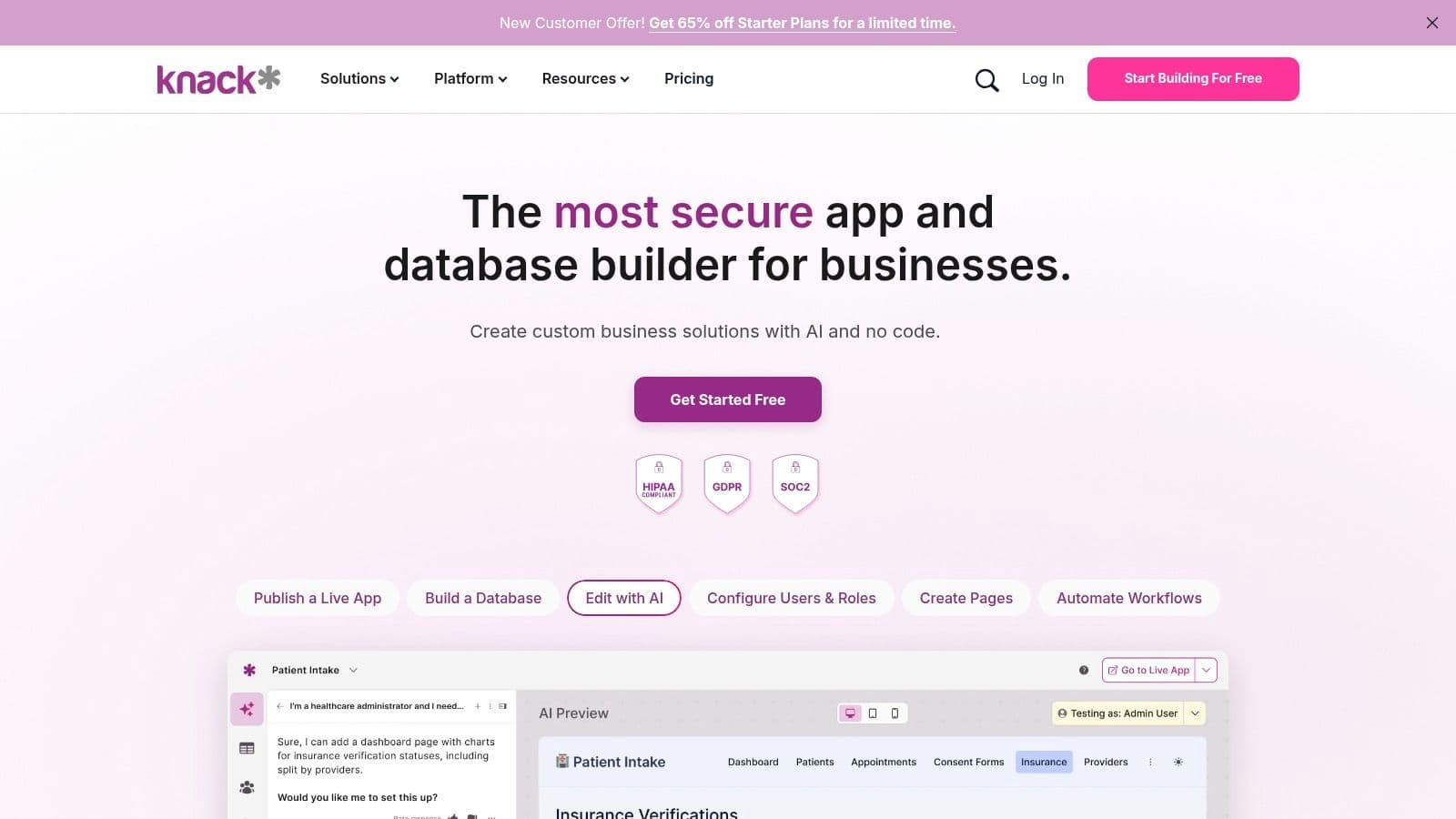
Its primary advantage is the "unlimited users" pricing model on all plans. This makes it economically viable for customer-facing portals or membership directories where user counts are high but individual usage is low. You can construct a relational data model, then build pages with views like tables, search forms, and calendars. Features like workflows, API access, and app embedding allow for a high degree of customization and integration.
Practical Implementation and Limitations
Knack is perfectly suited for building a client portal where customers can log in, view project status, and submit support tickets. The entire application can be embedded into an existing website with a custom domain, providing a seamless user experience. The template marketplace offers a strong starting point, allowing you to deploy a functional MVP quickly and iterate from there.
The main limitation is that pricing is dictated by record and storage limits rather than users. An application with a large dataset or heavy file attachments can quickly force an upgrade to a more expensive tier. Actionable Insight: Before building, estimate your data growth. If you're creating a portal for 1,000 clients who will each upload 5 documents per year, calculate the projected storage and record count after one year to ensure you choose a plan that won't require an immediate, costly upgrade.
- Best For: Creating public-facing or customer portals with many users.
- Pricing: Starts with a Starter plan; tiers increase based on record/storage limits, not user count.
- Website: https://www.knack.com
10. Caspio
Caspio is a mature low-code platform for building and deploying online database applications. It stands out by enabling users to create sophisticated, data-driven web apps that can be embedded directly into any website, portal, or CMS. This makes it a powerful alternative to Microsoft Access for organizations looking to replace legacy Access databases with public-facing or internal web applications accessible from anywhere. Its core value proposition is an "unlimited users" pricing model, which is a major advantage for public-facing portals or large internal systems.
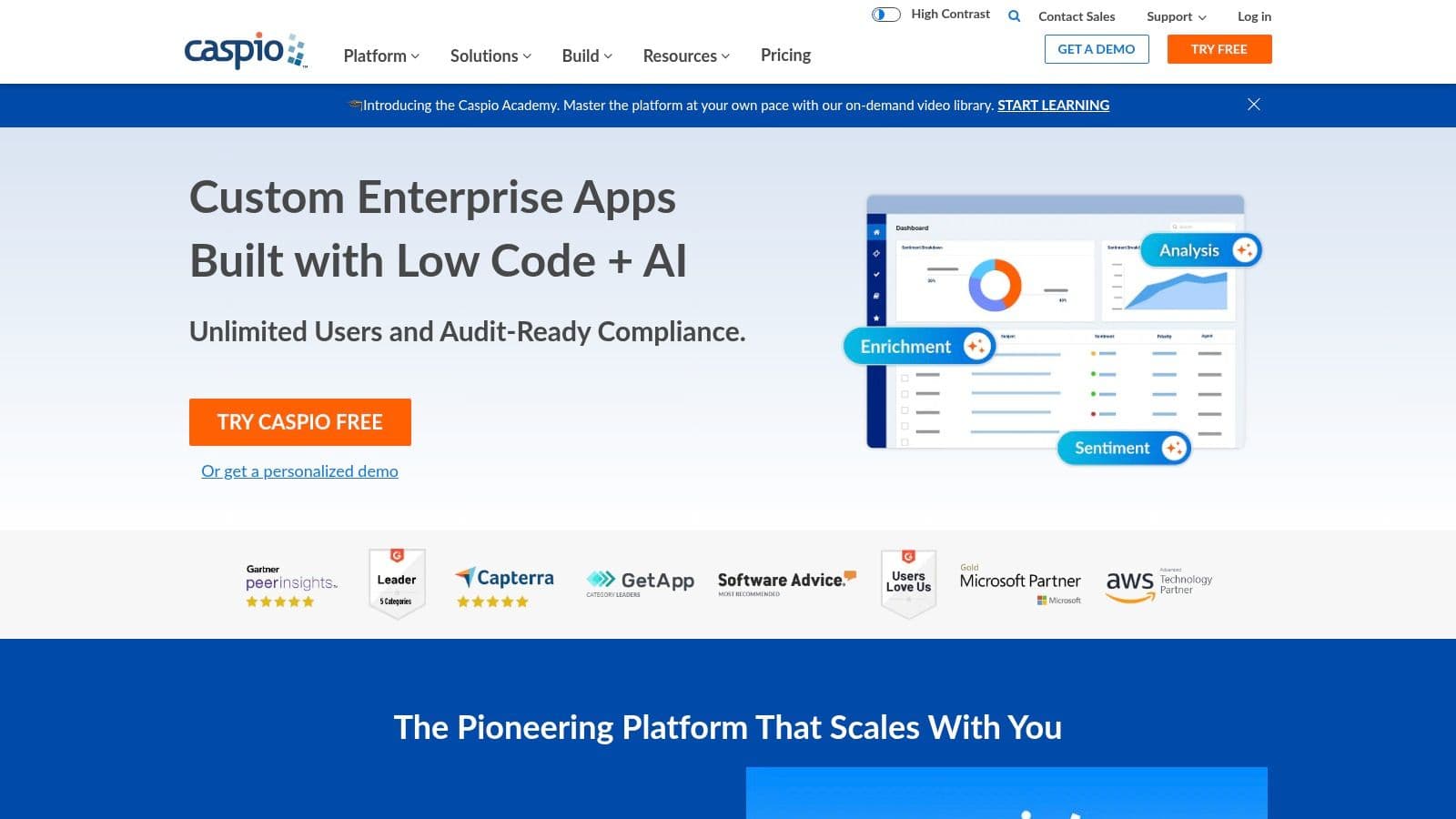
The platform provides a step-by-step visual builder for creating "DataPages," which are the building blocks of an application, including forms, reports, charts, and calendars. You can define tables, build relationships, and create automated workflows without writing any code. For those needing advanced functionality, Caspio supports SQL, JavaScript, and CSS customizations, offering a high ceiling for what can be built.
Practical Implementation and Limitations
Caspio is well-suited for creating public-facing databases like a searchable real estate listing directory or an internal dealer portal. For example, a company could build a partner management system, embed the login and dashboard on their own domain, and give access to hundreds of partners without incurring per-user fees. The platform’s robust compliance options, including HIPAA and GxP add-ons, make it a strong choice for healthcare and other regulated industries.
However, its pricing structure can be complex. While the unlimited user model is a key benefit, the plans are tiered based on "DataPages," data transfer, and feature sets, so larger or more complex applications will require more expensive tiers. Actionable Insight: For compliance-heavy projects (e.g., healthcare), contact Caspio sales directly to discuss their HIPAA-compliant packages. These bundles include necessary security features like encrypted backups and Business Associate Agreements (BAA) that are not part of the standard plans.
- Best For: Businesses needing to deploy public-facing or large-scale internal web apps with an unlimited user base.
- Pricing: Offers a free plan for exploration; paid plans are tiered by features and resource limits, not by user count.
- Website: https://www.caspio.com
11. DBeaver (PRO editions)
DBeaver is a universal SQL client and database administration tool built for developers, analysts, and DBAs who need direct, powerful access to their databases. Unlike low-code platforms, DBeaver acts as a modern GUI for interacting with a wide range of database engines like PostgreSQL, MySQL, and SQLite. It serves as an alternative to Microsoft Access for users who want to separate their database backend from the application front-end, focusing purely on data management and querying.
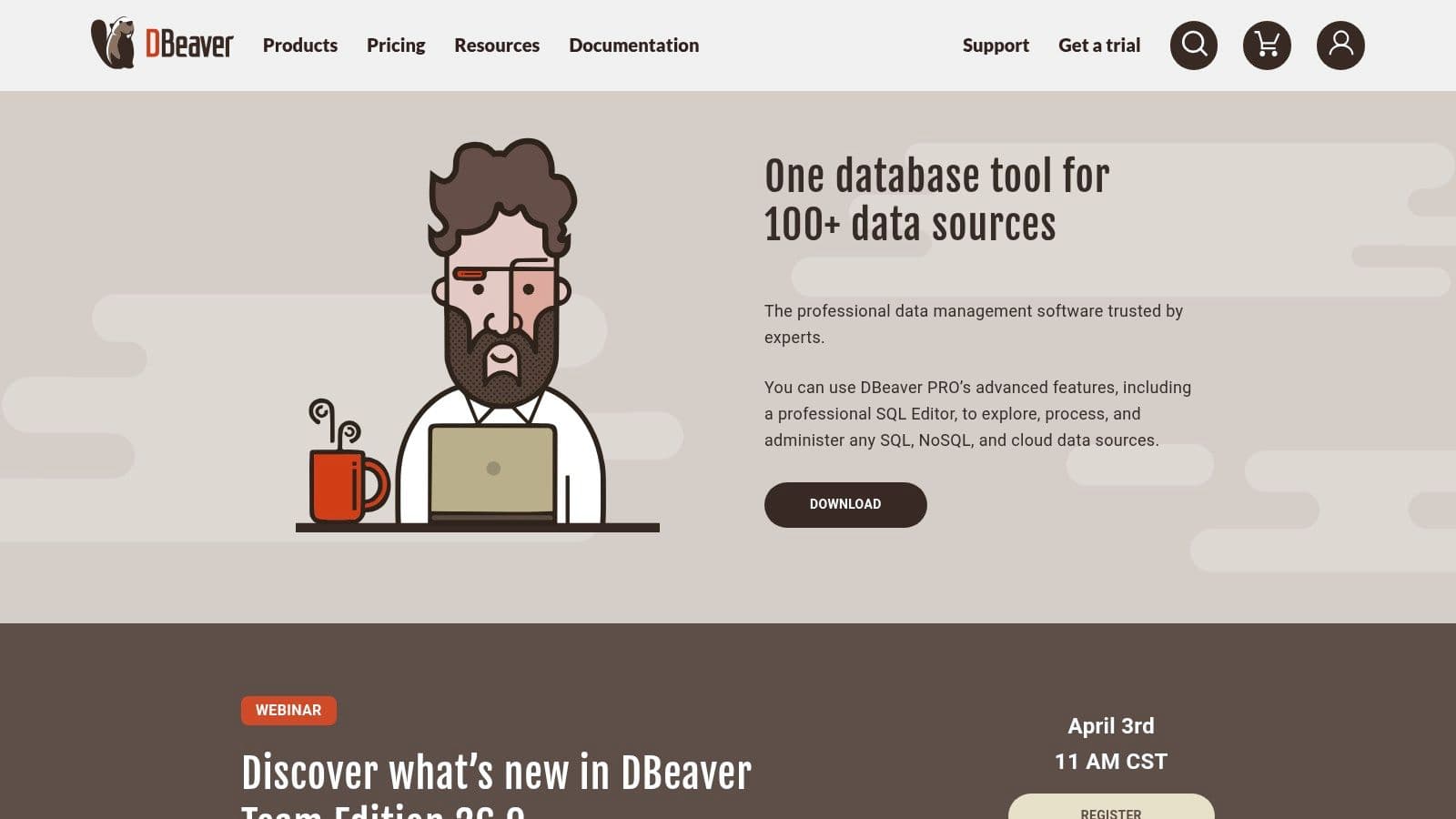
Its strength is its exceptional cross-platform and multi-database support. With a single application, a developer can connect to a local SQLite file for a prototype, a production PostgreSQL instance on AWS, and a NoSQL database like MongoDB. The PRO editions extend this with a visual query builder, schema and data comparison tools, and even Git integration for versioning database scripts. It functions more like a professional-grade tool such as SQL Server Management Studio (SSMS) than an all-in-one app builder.
Practical Implementation and Limitations
DBeaver is ideal when you need to perform complex database operations without building a custom user interface on top. For instance, a data analyst could use it to connect to a company data warehouse, run complex analytical queries with its advanced SQL editor, and then export the results as a CSV for a report. It excels in environments where technical users manage data directly. For more insight into GUIs of this type, you can compare the best database management tools available today.
However, its core limitation is that it is not an application builder. DBeaver does not offer features for creating forms, reports, or shareable user applications like Access does. Actionable Insight: Pair DBeaver Community Edition (free) with a robust back-end like PostgreSQL. This combination gives you a completely free, enterprise-grade data management stack. Use DBeaver for all your data administration and querying, and if you need a front-end, consider building it separately with a web framework.
- Best For: Developers and DBAs needing a single GUI to manage multiple database types.
- Pricing: A free Community edition is available; PRO editions are sold as one-time licenses or subscriptions per user.
- Website: https://dbeaver.com
12. JetBrains DataGrip
For developers and analysts who primarily used Access as a front end for SQL queries, JetBrains DataGrip offers a significant upgrade. It is not a low-code application builder but a professional-grade SQL IDE that connects to a wide array of databases like PostgreSQL, MySQL, and SQL Server. DataGrip serves as a powerful alternative to Microsoft Access for anyone whose workflow is centered on writing, debugging, and managing complex SQL.
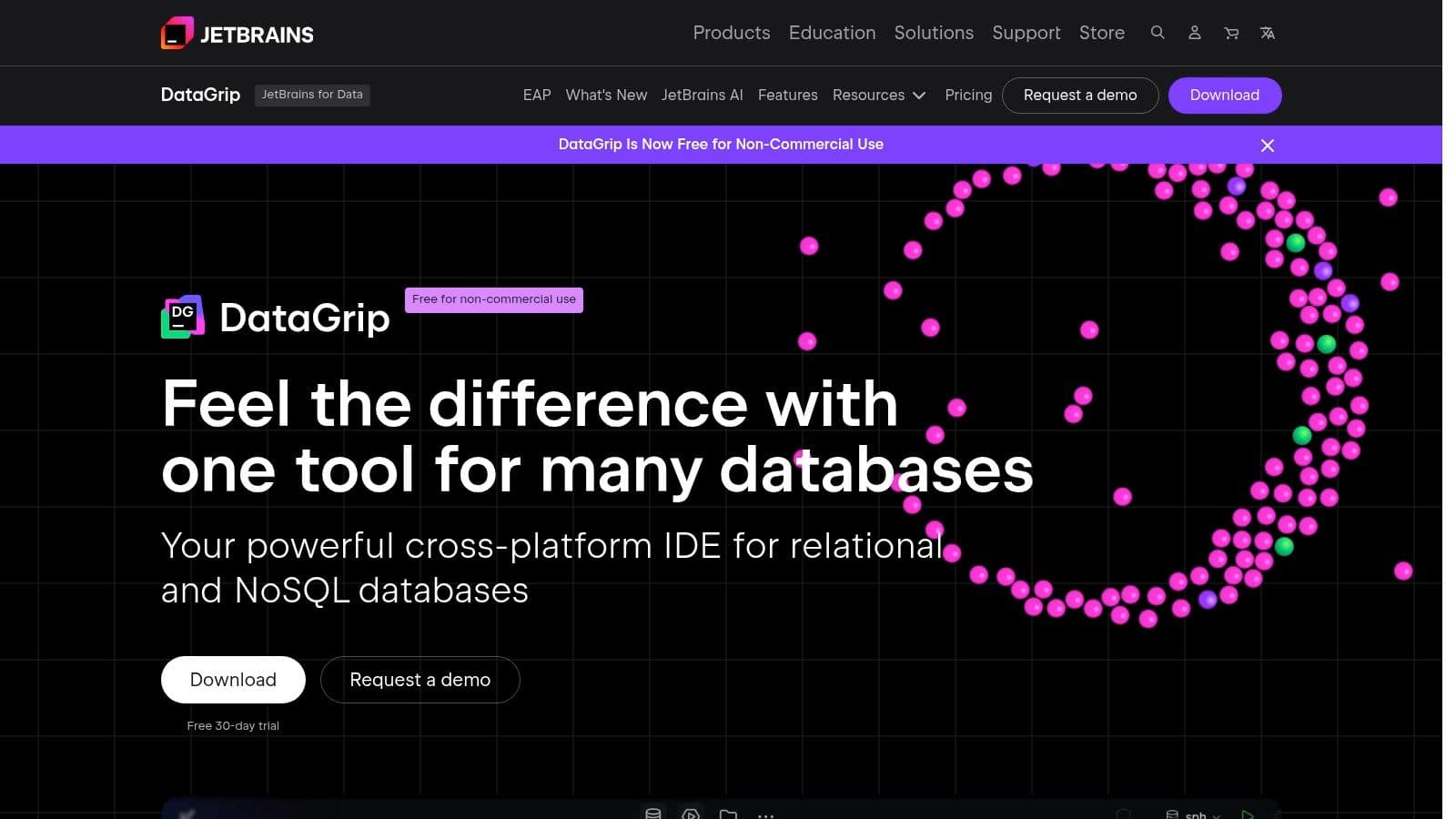
Its core strength is the intelligent SQL editor, which provides code completion, on-the-fly analysis, and refactoring tools that dramatically speed up development. The IDE allows users to visualize schema relationships with diagrams, compare database schemas or query results with a built-in diff tool, and manage multiple query consoles. This developer-centric approach makes it a direct replacement for the query design and SQL view in Access, but on a much more robust scale.
Practical Implementation and Limitations
DataGrip is ideal for technical users who need a dedicated tool for database management. For instance, a data analyst can use it to connect to a production PostgreSQL database, run ad-hoc analytical queries, and easily export the results to CSV. A developer can use its version control integration to manage schema migration scripts and work on database code as part of a larger application project.
The main limitation is that it provides no equivalent to Access Forms or Reports. It is strictly a tool for interacting with the data layer, not for building user-facing applications. Actionable Insight: If you're already using other JetBrains IDEs (like IntelliJ IDEA or PyCharm), you can get DataGrip's full functionality as a plugin or included in the "All Products Pack" subscription. This can be more cost-effective than a separate DataGrip license and integrates database management directly into your coding workflow.
- Best For: Developers, DBAs, and analysts needing an advanced, multi-database SQL client.
- Pricing: Offers a free license for non-commercial use. Paid commercial subscriptions are available for individuals and organizations.
- Website: https://www.jetbrains.com/datagrip/
Top 12 Microsoft Access Alternatives Comparison
| Tool | Core features (✨) | UX & Quality (★) | Target audience (👥) | Value & Price (💰) |
|---|---|---|---|---|
| TableOne 🏆 | ✨ Cross‑platform DB GUI (SQLite/Postgres/MySQL), grid editing, schema compare, CSV import/export | ★★★★★ Fast, focused, privacy‑minded desktop app | 👥 Developers, small eng teams, analysts, founders | 💰 $39 one‑time Solo; Team from $117 (3 seats); 7‑day trial |
| Airtable | ✨ Cloud spreadsheet‑DB, multiple views, automations, API | ★★★★ Highly approachable, polished UI | 👥 Business users, PMs, rapid prototypers | 💰 Free tier; per‑editor pricing can scale up |
| Claris FileMaker Pro | ✨ Low‑code desktop builder, drag‑drop layouts, scripting, mobile/web deploy | ★★★★ Polished for bespoke apps & reporting | 👥 SMBs, line‑of‑business app builders | 💰 Paid licences/cloud; can be costly/complex |
| LibreOffice Base | ✨ Free desktop front‑end, forms/reports, ODBC/JDBC connectivity | ★★★ Functional but dated UI | 👥 Budget‑conscious users, NGOs, local DBs | 💰 Free; no vendor lock‑in |
| Zoho Creator | ✨ Visual builder, Deluge scripting, portals, workflows | ★★★★ Deep feature set within Zoho ecosystem | 👥 SMBs wanting no‑code + extensibility | 💰 Tiered cloud pricing; feature tiers vary |
| Google AppSheet | ✨ No‑code from Sheets/Drive, mobile/offline apps, dashboards | ★★★★ Fast mobile prototyping | 👥 Field teams, Google Workspace users | 💰 Simple tiers; small free prototype option |
| Kintone | ✨ Drag‑drop app builder, processes, activity feeds, APIs | ★★★★ Collaboration‑first UX | 👥 Teams replacing spreadsheets & email | 💰 Single plan style; 5‑user minimum; check limits |
| Ninox | ✨ Visual schema/form designers, scripting, private cloud option | ★★★★ Balanced no‑code + scripting, offline | 👥 SMBs & enterprises needing private cloud | 💰 Clear tiering (EUR); enterprise add‑ons |
| Knack | ✨ No‑code DB + front end, portals, unlimited‑user model | ★★★★ Quick MVPs; strong templates | 👥 Portals, external‑user apps, SMBs | 💰 Tiered by records/storage; not per user |
| Caspio | ✨ Visual app builder, embed deployments, enterprise compliance (HIPAA/GxP) | ★★★★ Mature, enterprise‑oriented | 👥 Regulated industries, large orgs | 💰 Pricing varies; enterprise plans available |
| DBeaver (PRO) | ✨ SQL editor, ERD, schema/data compare, broad DB support | ★★★★★ Powerful for DBAs & multi‑DB workflows | 👥 Developers, DBAs, ops engineers | 💰 One‑seat Pro pricing; trials available |
| JetBrains DataGrip | ✨ Smart SQL IDE, code insight, refactorings, diagrams | ★★★★★ Developer IDE ergonomics | 👥 Developers & analysts doing complex SQL | 💰 Subscription (free for edu/non‑commercial) |
Making Your Choice: A Quick Recommendation Guide
The journey away from Microsoft Access opens up a world of specialized, modern tools. As we've explored, the "best" alternative microsoft access isn't a single product but a specific solution that aligns with your technical needs, team structure, and project goals. The core takeaway is to shift your mindset from finding a one-to-one Access clone to identifying a tool that excels at the specific jobs Access was performing for you, whether that's database management, application building, or data analysis.
Making a confident choice begins with a clear-eyed assessment of your primary use case. Are you a developer who needs a powerful, cross-platform GUI for managing multiple database engines like PostgreSQL, MySQL, and SQLite? Or are you a business analyst who needs to quickly build a data-driven internal application without writing a single line of code? The path you take diverges sharply based on that answer.
Pinpointing Your Path: Quick Recommendations
To help you crystallize your decision, here’s a quick-reference guide based on common user profiles and needs discussed throughout this article.
-
For the Individual Developer or Small Dev Team: If your daily work involves direct database interaction, ad-hoc querying, and schema management across engines like PostgreSQL, SQLite, or MySQL, your focus should be on a modern database GUI. Tools like TableOne and JetBrains DataGrip are built for this workflow. They prioritize a fast, native experience and direct database connections, skipping the application-building layer you may not need. This is the most direct upgrade from using the Access interface purely as a database client.
-
For the Data Analyst or Product Manager: Your primary need is often data exploration, visualization, and reporting. You might be importing CSVs, running queries to answer business questions, and sharing insights. While a low-code platform can work, a dedicated database GUI like DBeaver or TableOne gives you more raw power for complex queries. The ability to quickly connect to a production or replica database, run analyses, and export results is often more efficient than wrestling with a low-code platform's abstractions.
-
For Building Internal Tools Without Code: If your main goal is to replicate the form-and-report functionality of Access to build internal apps (like inventory trackers, project managers, or simple CRMs), the low-code and no-code category is your best fit. Airtable, Ninox, and Zoho Creator shine here. They combine the database, user interface, and business logic into a single, cohesive platform, allowing non-programmers to build and deploy functional applications quickly.
-
For Open Source Advocates and Frugal Teams: When budget is the primary constraint or you have a strong preference for open-source software, LibreOffice Base is the most direct, albeit dated, alternative microsoft access. It provides a similar all-in-one, desktop-based experience. However, for a more modern, developer-centric open-source option, consider DBeaver Community Edition for database management.
Final Implementation Considerations
Once you've selected a tool, remember that migration is a project in itself. Start small. Don't try to move your most complex, mission-critical Access database first. Instead, pick a smaller, self-contained project to pilot the new tool. This allows you to understand its unique workflow, identify potential pain points, and build confidence before tackling a larger migration.
Finally, consider your data's future. Are you moving to a robust, scalable database like PostgreSQL? If so, choosing a client that can grow with you is a smart move. A flexible GUI that supports multiple database engines ensures that you won't be searching for yet another tool a year from now. The right choice isn't just about replacing Access; it's about setting your team up for a more efficient, scalable, and enjoyable data management future.
Ready to replace the clunky Access UI with a modern, fast, and native SQL client designed for developers and analysts? TableOne offers a clean, keyboard-driven interface for managing SQLite, PostgreSQL, and MySQL databases, making it the perfect developer-focused alternative microsoft access for direct data work. Try it for free and see how much faster your database tasks can be. Download TableOne.